Use Coax for Fast Internet
Your walls already have coax cables from the old cable-TV days, sitting unused while Wi-Fi struggles to reach the far rooms. MoCA adapters turn those coax cables into a fast wired network — often faster and more stable than powerline. This guide explains the setup and when MoCA is the right call.
TL;DR / Quick Fix
Quick fix: buy a pair of MoCA adapters — connect one to a coax outlet near your router, and the second to a coax outlet in the far room. Add the included PoE filter where coax enters the house. You get near-ethernet speeds over wires you already own.
Follow these steps
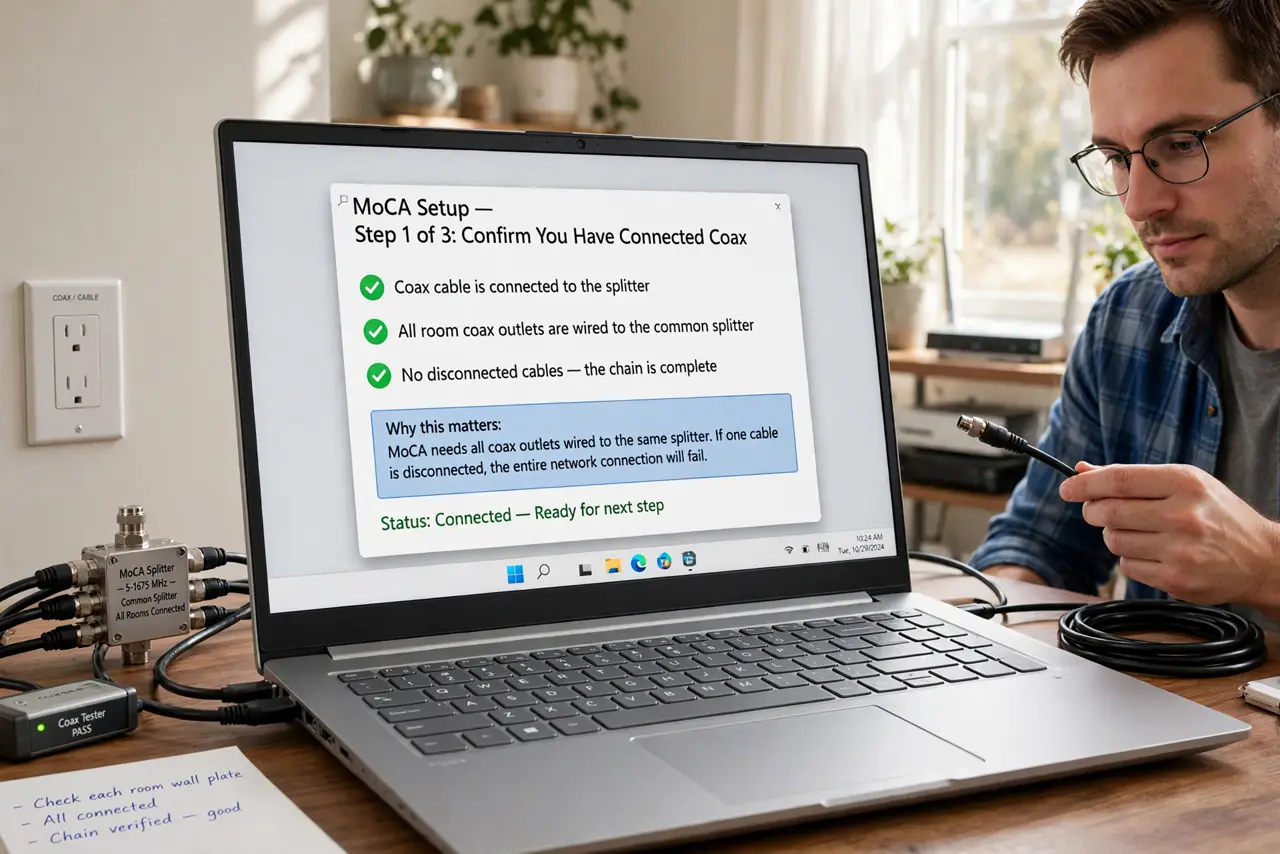
- Confirm you have connected coax. MoCA needs coax outlets wired to a common splitter. If every room has a coax wall plate from the cable-TV era, you are likely good — one disconnected cable can break the chain.
- Buy a matched MoCA pair. Adapters are sold in pairs and rated by MoCA version — newer versions are faster. One kit covers the router room plus one far room; add adapters for more rooms.
- Install the PoE filter. Screw the included point-of-entry filter onto the coax line where it enters your home. It keeps your network signal from leaking out to neighbors — a small part that matters.
- Connect the router-side adapter. Attach the first adapter to the coax outlet near your router, then run an ethernet cable from the adapter to the router. The adapter's lights confirm the coax link.
- Connect the far-room adapter. Attach the second adapter to the far room's coax outlet and run ethernet to your computer, TV, or a Wi-Fi access point. The connection behaves like a wired cable.
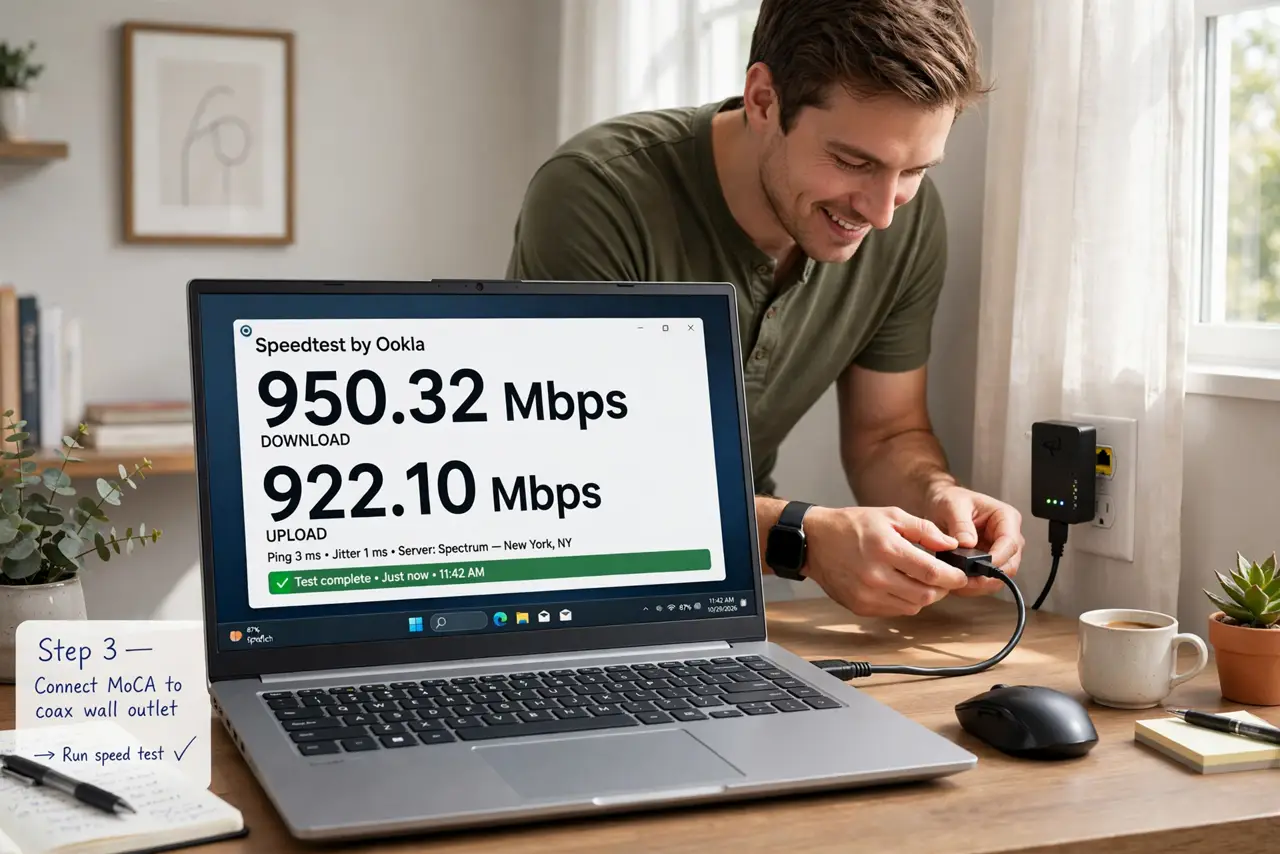
- Test the speed. Run a speed test at the far device. MoCA typically delivers far more than powerline — it is the closest thing to running new ethernet without opening walls.
What NOT to do
- Do not skip the PoE filter. Without it your network signal can leak onto shared coax outside your home.
- Do not use MoCA on satellite-TV coax without checking. Some satellite setups use frequencies that conflict — verify compatibility first.
- Do not expect it to work through a cut cable. One severed or disconnected coax run breaks the path — check the outlets are actually linked.
- Do not confuse MoCA with a cable modem. MoCA carries your home network over coax; it does not replace the modem bringing internet in.
Frequently asked questions
Is MoCA faster than powerline?
Usually yes, by a wide margin — coax is better shielded than power lines, so speeds are higher and more consistent. See how they compare for dead zones.
Can MoCA and cable internet share the coax?
Yes — MoCA is designed to coexist with cable internet on the same wiring, using different frequencies.
How many adapters can I add?
Most setups support several adapters on the same coax network — one per room that needs a wired connection.