What Are Powerline Adapters?
Wi-Fi cannot reach the far bedroom, and you cannot run an ethernet cable through the walls. Powerline adapters solve it with a clever trick: they send network data through your home's electrical wiring, turning any power outlet into a network port. This guide explains how they work and when they beat Wi-Fi extenders.
TL;DR / Quick Fix
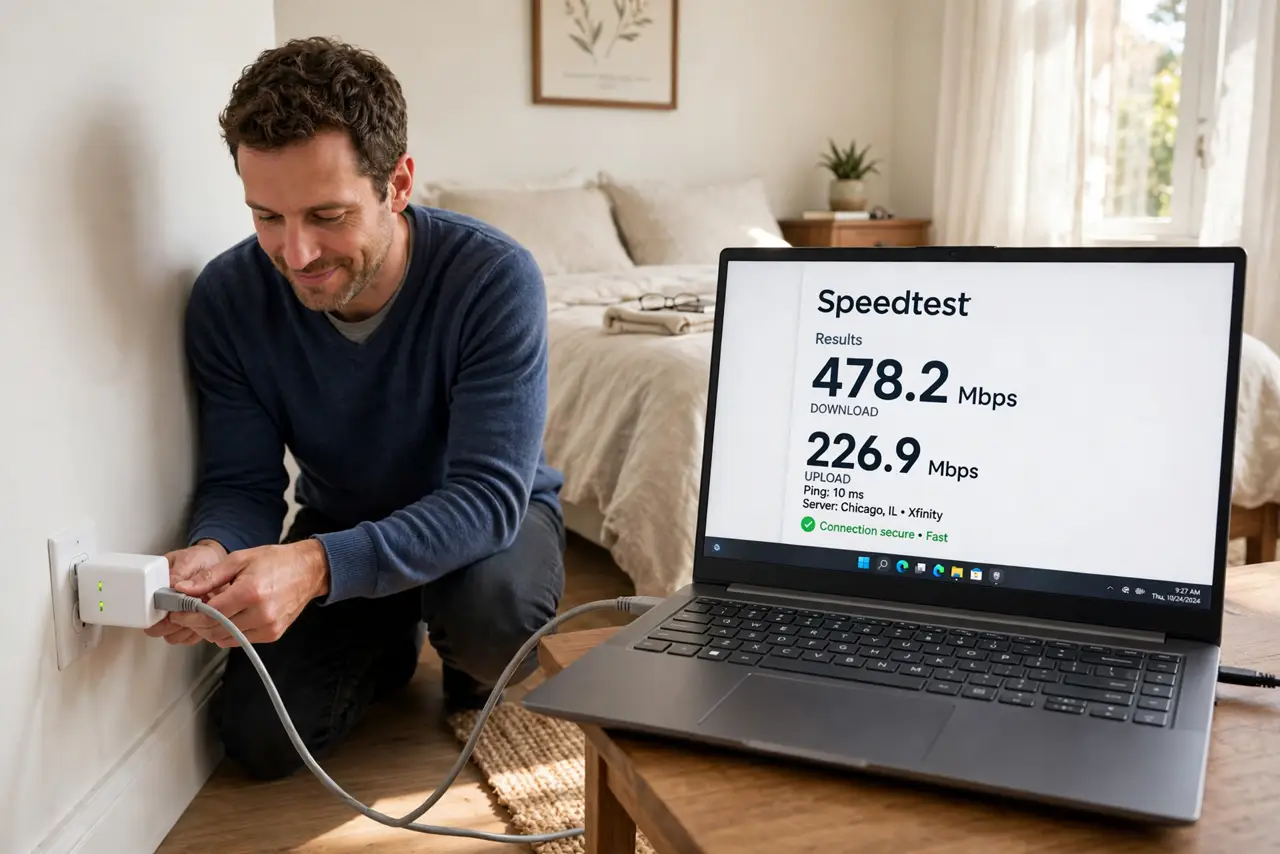
Quick fix: plug one adapter near your router with an ethernet cable, then plug the second adapter in the far room's wall outlet. Press the pair buttons, wait for the lights, and plug your device into the second adapter. You get a stable wired-like connection with no cables through walls.
Follow these steps
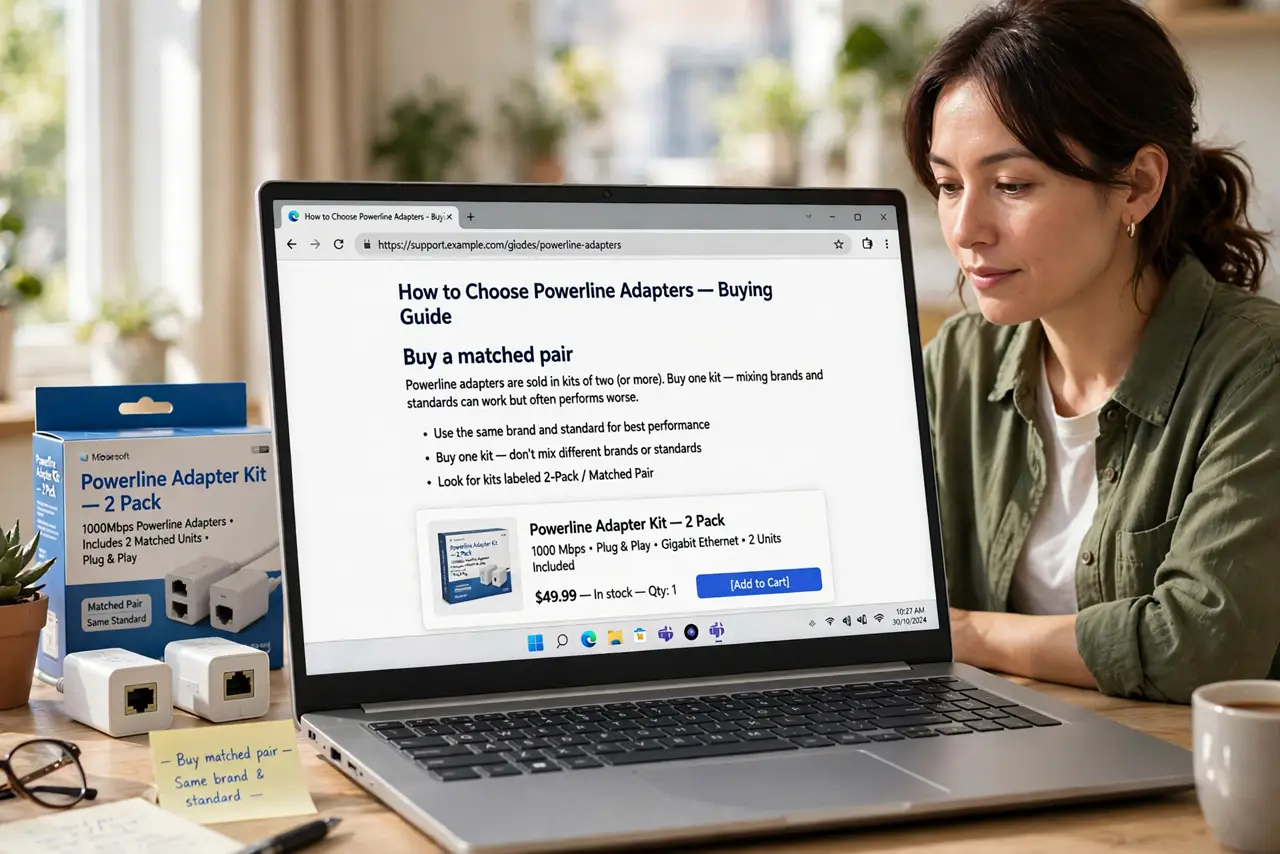
- Buy a matched pair. Powerline adapters are sold in kits of two (or more). Buy one kit — mixing brands and standards can work but often performs worse.
- Plug the first adapter near the router. Connect it to a wall outlet (not a power strip) near your router, then run a short ethernet cable from the router to the adapter.
- Plug the second adapter in the far room. Put it directly in a wall outlet in the room with bad Wi-Fi — not in a power strip or extension cord, which degrades the signal badly.
- Pair them. Press the pair or security button on each adapter as the instructions describe. The connection lights confirm they found each other through the wiring.
- Connect your device. Plug your laptop, TV, or game console into the second adapter with an ethernet cable. Many kits also broadcast a small Wi-Fi signal from the far adapter.
- Test the speed. Run a speed test at the far device. Powerline is usually slower than a direct cable but far more stable than weak Wi-Fi — stability is the win here.
What NOT to do
- Do not plug adapters into power strips. Surge protectors and strips filter the signal — wall outlets only, on both ends.
- Do not expect full gigabit speeds. Real-world powerline speeds are modest; buy it for stability in dead zones, not for speed records.
- Do not use them across very old or split wiring. Adapters on different electrical circuits or ancient wiring perform poorly — test during the return window.
- Do not confuse them with Wi-Fi extenders. Powerline uses your wiring as the backbone, which is why it beats extenders for stability. See how they compare directly.
Frequently asked questions
Are powerline adapters secure?
Modern kits encrypt the connection between adapters — pair them with the security button so neighbors on shared wiring cannot snoop.
Can I add a third adapter?
Yes — most kits let you add more adapters to the same network, one per room that needs it.
Do they increase my electricity bill?
Negligibly — they draw only a few watts, similar to a phone charger.