Mesh Wi-Fi vs Extender: Which Should You Buy First
Your Wi-Fi dies in the back rooms and you are choosing between a mesh system and a cheap extender. They solve different problems — picking the wrong one wastes money and leaves the dead zones exactly where they were.
TL;DR / Quick Fix
Quick fix: buy a mesh system first if your home is large or has thick walls — its nodes cooperate as one network. Choose a simple extender only for one small dead spot near the router. Place any fix halfway between the router and the dead zone, not inside it.
Follow these steps
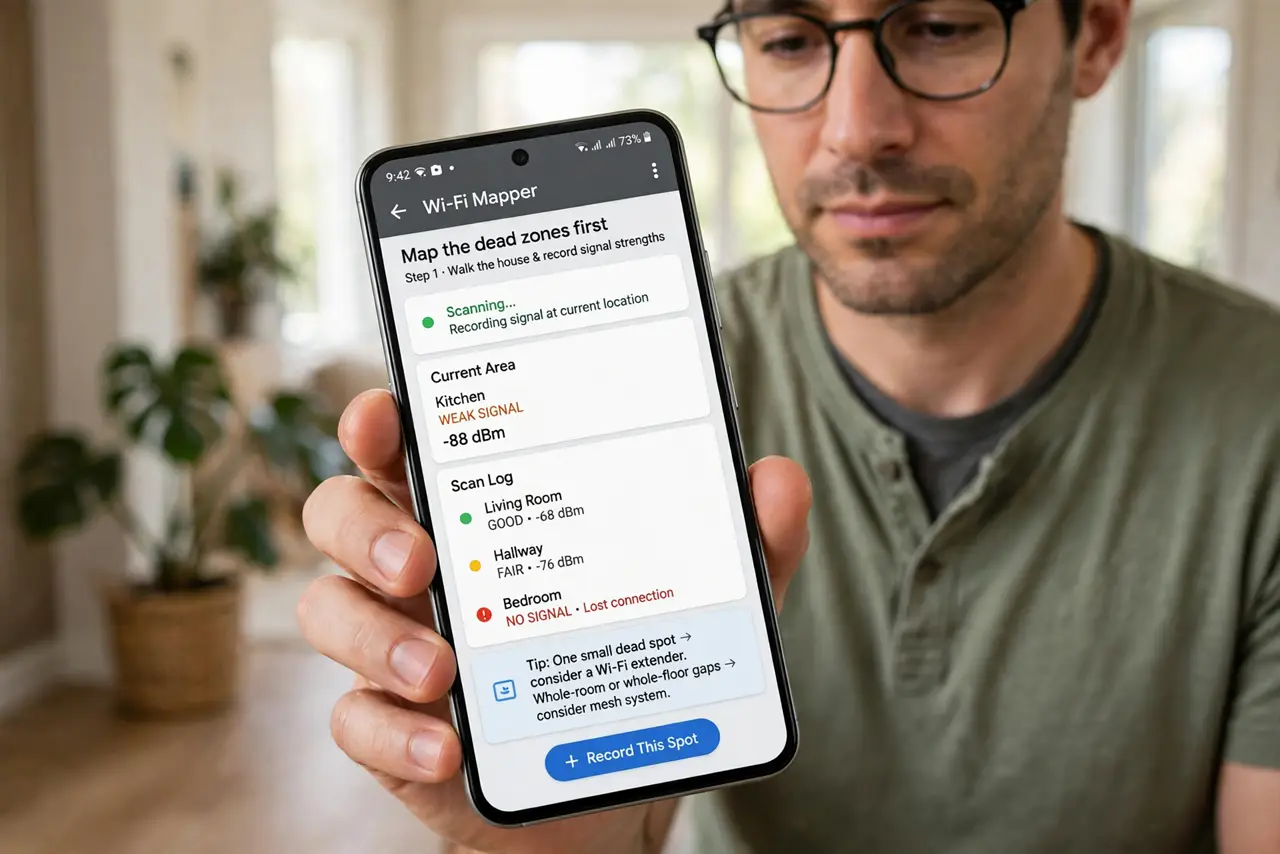
- Map the dead zones first. Walk the house with your phone and note where the signal drops. One small dead spot suggests an extender; whole-room or whole-floor gaps suggest mesh.
- Choose mesh for big or tricky homes. Mesh nodes talk to each other and hand your phone between them smoothly. For large homes or thick walls, mesh is the first — and usually only — purchase you need.
- Choose an extender for a single nearby gap. If only the garage or one bedroom suffers and it sits close to the router, a simple extender is cheaper and perfectly adequate.
- Place the unit halfway, not in the dead zone. An extender or mesh node needs a decent signal to repeat. Put it midway between the router and the weak area, where the signal is still fair.
- Wire the node if you can. A mesh node or extender with an Ethernet backhaul to the router performs far better than one repeating wirelessly. One cable can transform the result.
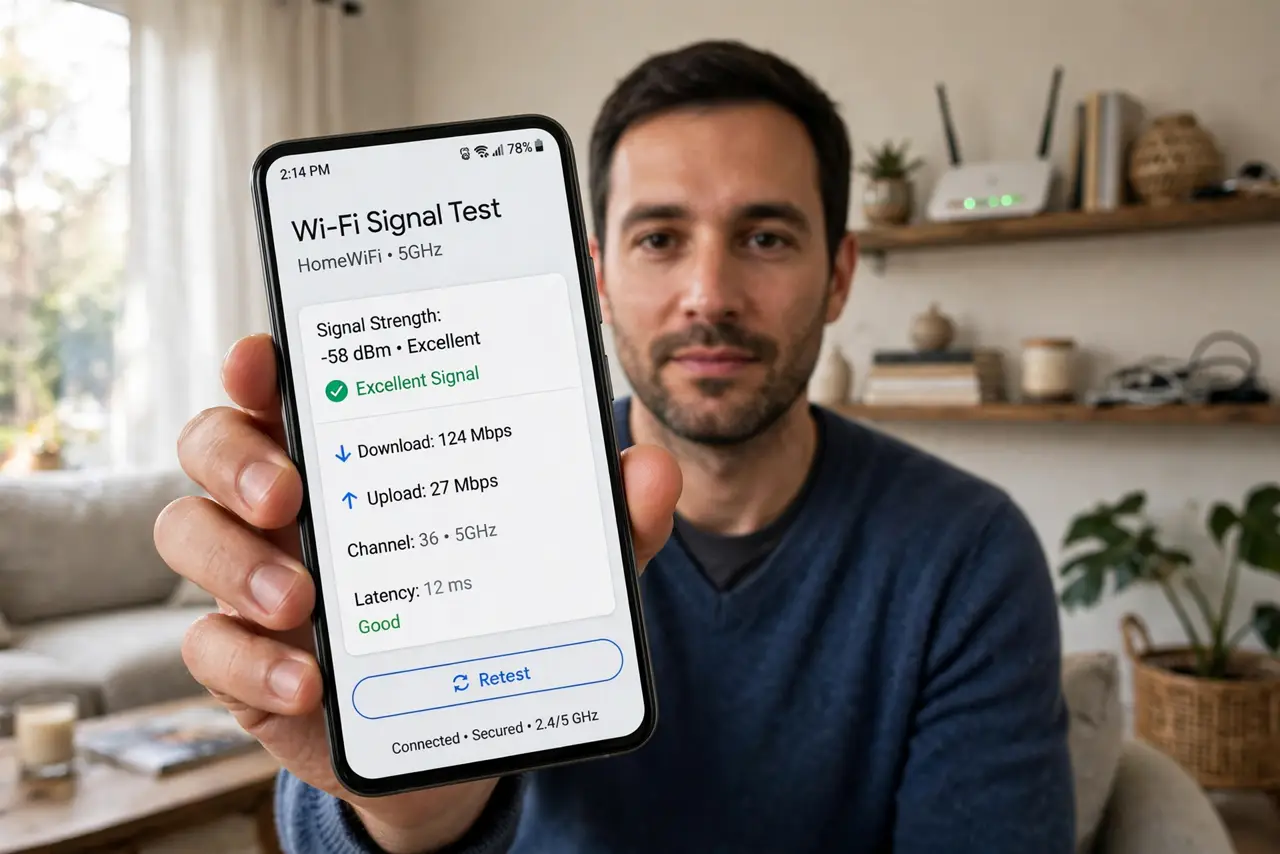
- Test with a speed check after setup. Run a speed test in the former dead zone. If speeds are still poor, move the unit closer to the router — placement matters more than brand.
What NOT to do
- Do not put the extender inside the dead zone. It cannot repeat a signal it cannot hear — halfway placement is the whole trick.
- Do not daisy-chain three extenders. Each hop halves the speed, and a chain of extenders creates a slow, fragile network.
- Do not buy mesh for a studio apartment. One good router covers a small flat; mesh there is money spent on a problem you do not have.
- Do not mix old and new gear blindly. An ancient extender can drag a modern network down — check compatibility before plugging in legacy hardware.
Frequently asked questions
What is the real difference?
Extenders repeat one router's signal with a separate network name; mesh nodes form one coordinated network your phone roams across seamlessly.
Can I use both together?
You can, but it is rarely ideal. A unified mesh system alone usually beats a patchwork of extenders.
How many mesh nodes do I need?
Start with two for a typical house. Add a third only if a real dead zone remains after testing placement. If a node keeps dropping, see mesh node goes offline.