Audit Mic Access
Apps listening always — the fear is part myth, part real. No, your phone is not transcribing everything for ads; yes, far too many apps hold microphone permission they never use. This guide audits who can listen and revokes the freeloaders, the same hygiene as covering your webcam.
TL;DR / Quick Fix
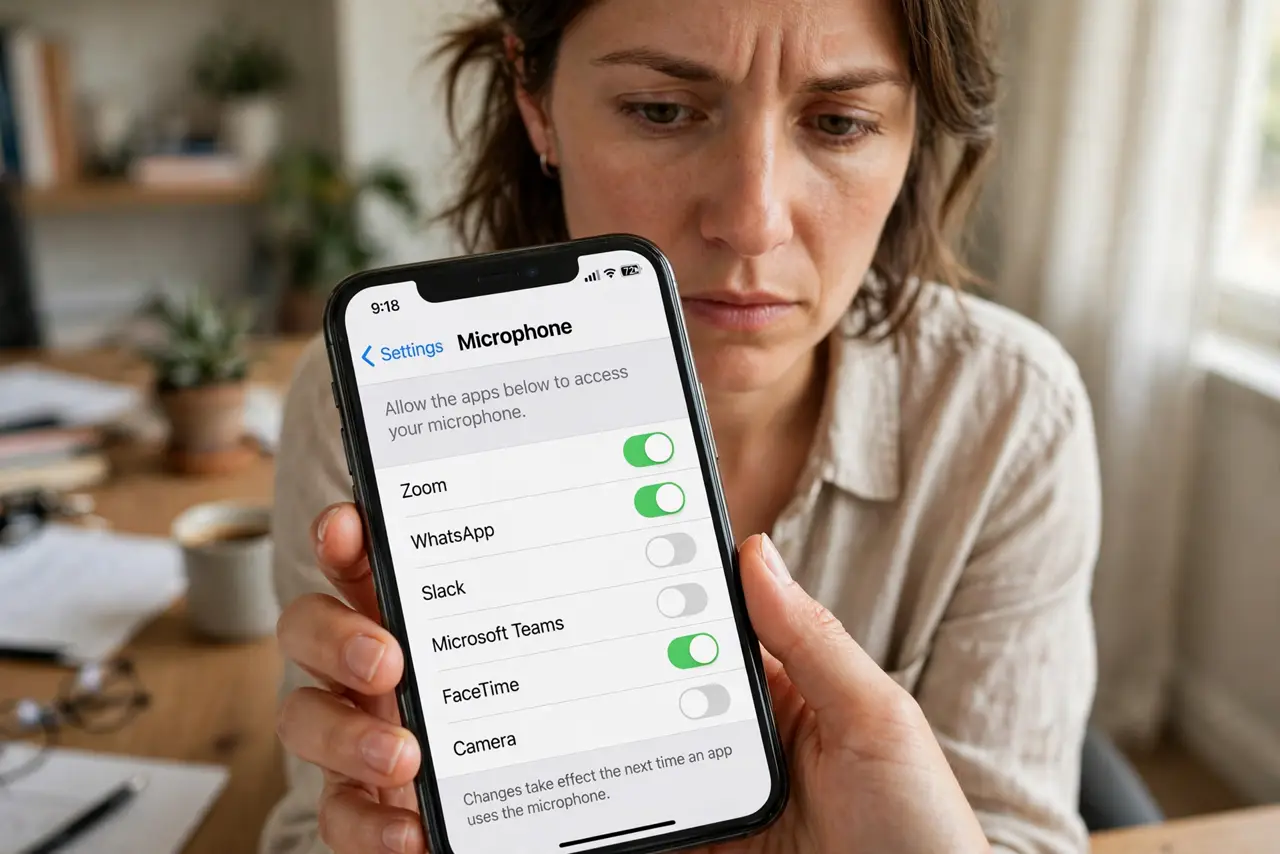
Quick fix: audit mic access in system settings — review which apps can use the microphone and revoke what does not need it. On phones, an indicator dot shows when the mic is live; on desktop, check per-app permissions. If the dot appears with no obvious cause, investigate first.
Follow these steps
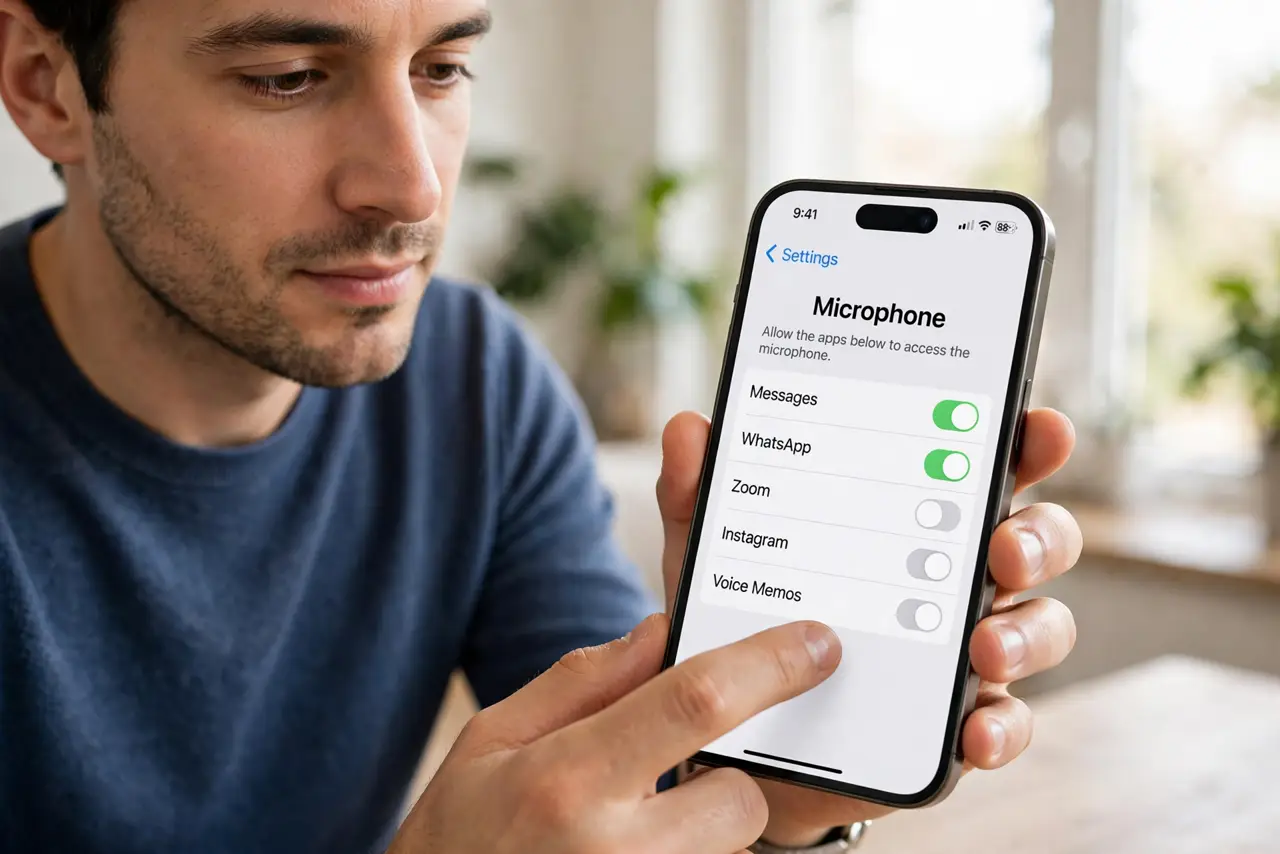
- Open microphone permissions. On iPhone: Settings, Privacy and Security, Microphone. On Android: Settings, Privacy, Permission Manager, Microphone. One list, every app.
- Revoke the obvious freeloaders. Games, shopping apps, flashlights with mic access — revoke first, ask questions later. If an app truly needs the mic, it will ask again when you use the feature.
- Learn the indicator. iPhone and recent Android show an orange/green dot when the mic is active. Glance at it the way you glance at the rearview mirror — casually, often.
- Investigate mystery activations. Dot on with no call, no recording, no voice assistant? Check battery usage and running apps — then revoke and observe.
- Handle smart speakers separately. Always-listening speakers are by design — review their mute buttons and voice-history settings instead. The phone audit and the speaker audit are different jobs.
- Repeat the audit for the camera. Microphone done? The camera audit is the same ten minutes with a different sensor — do both while you are in the privacy mood.
What NOT to do
- Do not assume the mic is always recording. Modern phones gate the mic behind permissions and indicators — the risk is over-permissioned apps, not constant surveillance.
- Do not revoke the phone app's mic access. Calls need it — revoking system essentials breaks basics.
- Do not ignore the indicator dot. It exists precisely to catch silent activation — treat unexpected dots as investigations.
- Do not forget desktop apps. Zoom, Teams, browsers — desktop permission lists deserve the same audit.
Frequently asked questions
Is my phone listening for ad targeting?
There is no credible evidence of mass audio surveillance for ads. The real issue is over-broad permissions, which this audit fixes.
Why does a game need my microphone?
It almost certainly does not — voice chat is the only legit reason. Revoke and see if anything breaks.
Can apps record in the background?
On modern phones, background mic use shows the indicator and needs background permission — which you can deny.