Cover Your Webcam
The camera light flickers, an app you barely remember installed asks for camera access, and suddenly you are wondering who might be watching. A physical cover ends the question permanently — two dollars, zero software, total certainty. This guide covers the lens and audits who gets access.
TL;DR / Quick Fix
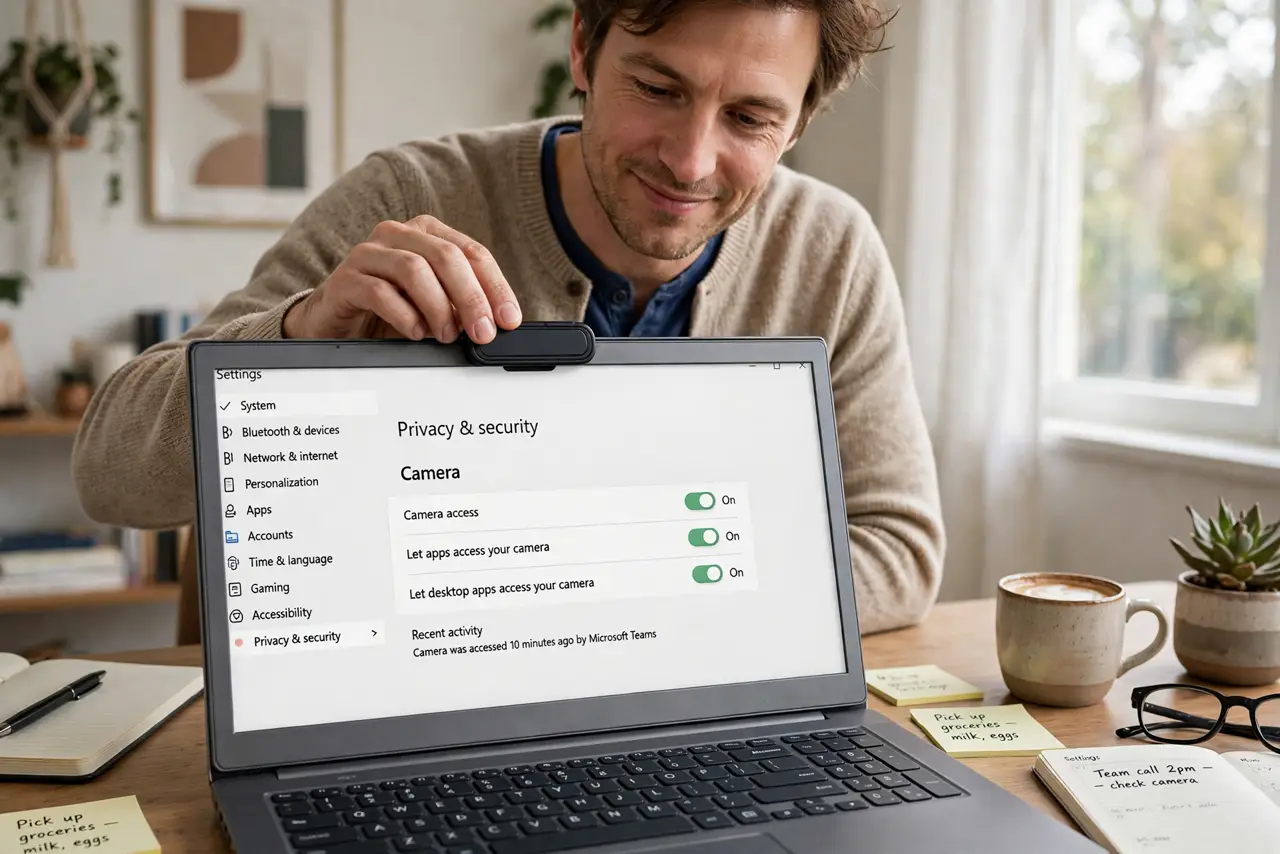
Quick fix: cover your webcam with a sliding cover or a piece of opaque tape — two dollars ends camera-on surprises forever. Check which apps have camera permission in system settings and revoke the ones that do not need it. A cover is the only guarantee software cannot override.
Follow these steps
- Get a sliding cover. Thin sliding covers stick over the lens and slide open only when you choose. They cost little, fit most laptops, and beat tape for daily video calls.
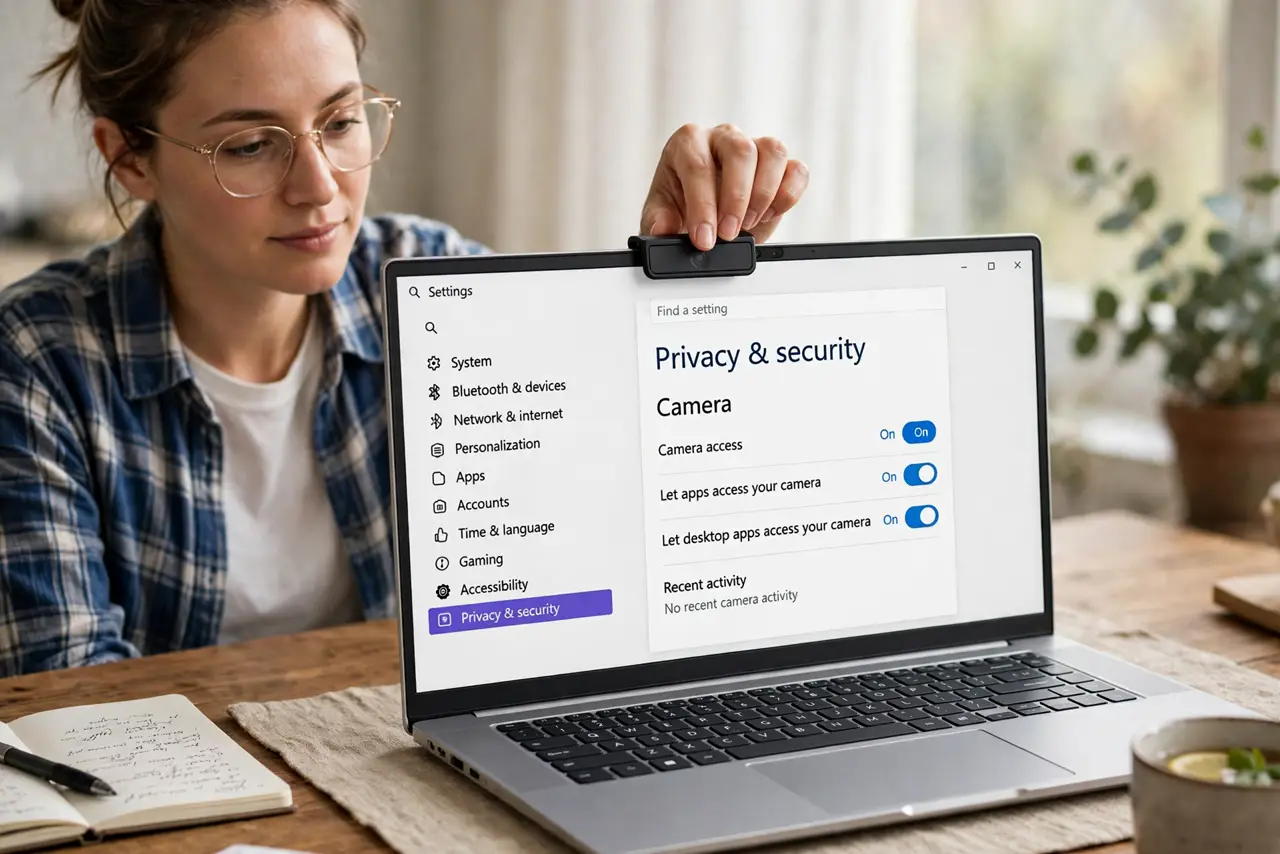
- Audit camera permissions. In system settings, review which apps can access the camera. Revoke everything that does not need it — most apps never should have had it.
- Check the indicator light habit. Learn your camera's active light. An on-camera light with no video call running deserves investigation, not shrugging.
- Cover external webcams too. Desktop webcams often lack shutters — point them at the wall or unplug when idle. A cover on the laptop means nothing if the desktop cam stares all day.
- Review before video calls. Slide open, call, slide closed — make it ritual. The cover's value is the habit, not the plastic.
- Extend the audit to the microphone. Cameras get the attention, but mics listen further. Run a mic access audit next — same paranoia, different sensor.
What NOT to do
- Do not use thick tape that leaves residue. Slider covers exist precisely because tape gunks up lenses over time.
- Do not assume the light cannot be bypassed. Sophisticated malware has disabled indicator lights — the physical cover is the real guarantee.
- Do not grant camera access casually. Every permission is a future surprise; default to deny and grant per need.
- Do not forget phone cameras. Front and back lenses deserve the same thinking — permissions first, covers where practical.
Frequently asked questions
Will a cover damage the screen?
Ultra-thin sliders are designed for closing lids. Thick stick-ons can damage screens on some laptops — buy the thin kind.
Does the cover affect video quality?
Only if you forget to open it — the classic 'I can hear you but...' moment. Check before joining.
Are built-in shutters enough?
Yes — laptops with physical shutters give the same guarantee. Use them; that is what they are for.