Boom Arm or Stand?
Your desk mic picks up every keyboard clack and sits a foot too far away. The mount matters as much as the mic: boom arms float the mic at your mouth and swallow vibrations, while desk stands are simple but transmit every thump. Here is how to choose.
TL;DR / Quick Fix
Quick fix: choose a boom arm if you type, game, or move while talking — it positions the mic at your mouth and isolates desk vibrations. Choose a desk stand for simple static setups like occasional calls. Either way, get the mic close: six inches beats any mount upgrade.
Follow these steps
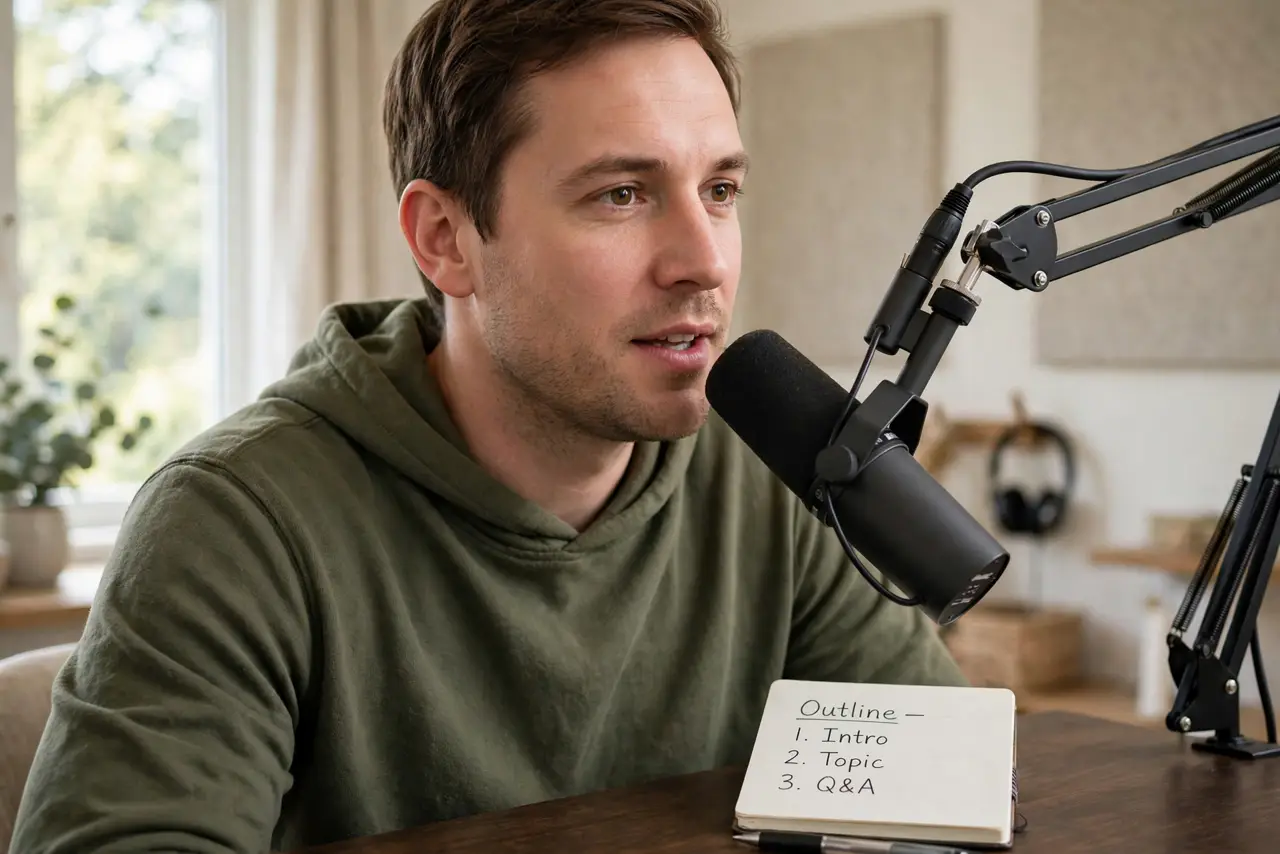
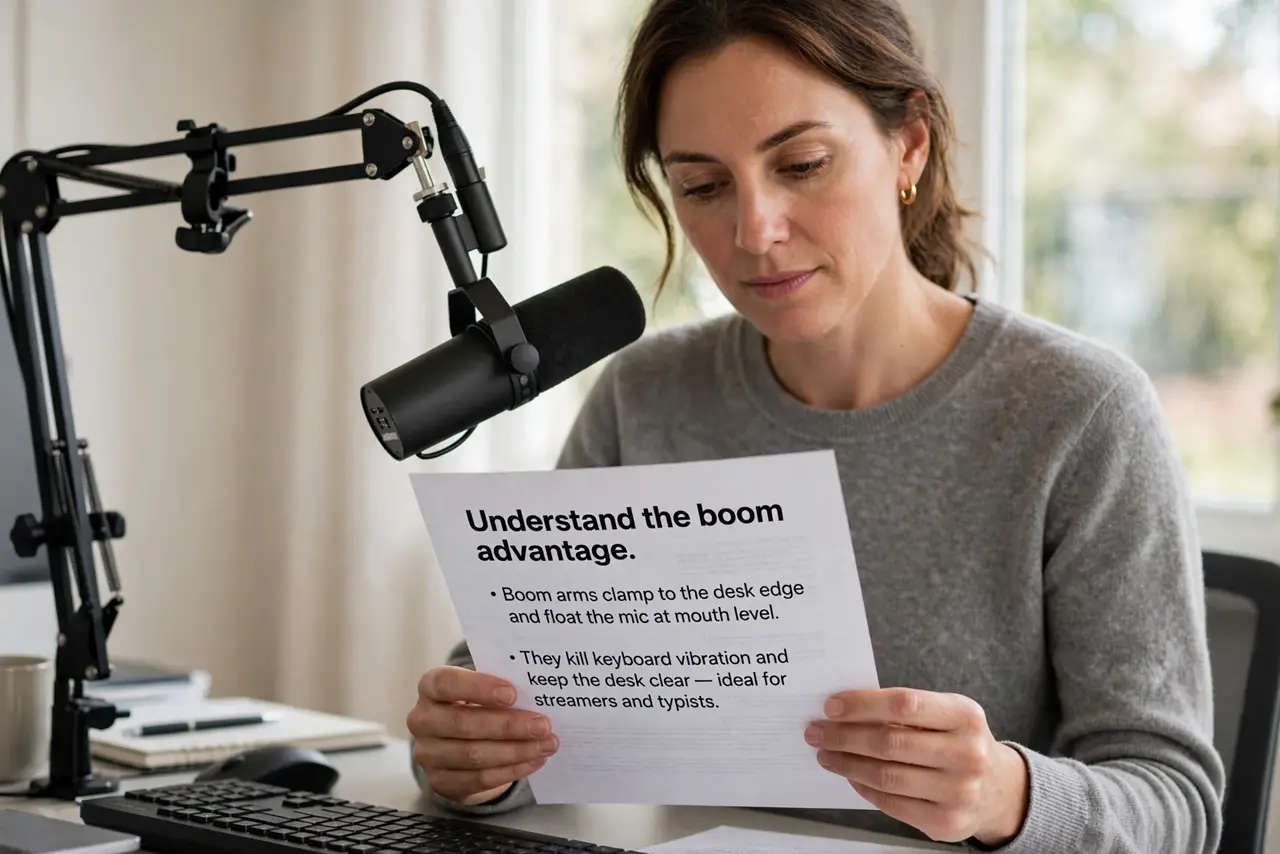
- Understand the boom advantage. Boom arms clamp to the desk edge and float the mic at mouth level. They kill keyboard vibration and keep the desk clear — ideal for streamers and typists.
- Understand the stand advantage. Desk stands just sit there: no clamp, no assembly, portable. For occasional calls at a clean desk, simplicity wins.
- Get the mic close. Six to eight inches from your mouth beats any mount choice. Distance is the top audio quality lever — see mic technique for positioning.
- Isolate vibrations. Boom arms need a shock mount; stands need distance from the keyboard. The keyboard clack guide covers the noise fight.
- Add a pop filter. Plosives — p and b pops — ruin recordings regardless of mount. The pop filter positioning guide places it right.
- Treat the room too. Mounts fix mechanical noise; soft furnishings fix echo — see room treatment. Both matter for recordings people enjoy.
What NOT to do
- Do not buy the mic before the mount. A great mic on a bad mount still sounds bad — budget for both.
- Do not clamp a boom to a flimsy desk. Thin desktops flex and transmit wobble — check thickness first.
- Do not position the mic across the desk. Every extra inch adds room noise — close and slightly off-axis.
- Do not forget cable slack. A taut mic cable transmits every tug as a thump — leave a loose loop.
Frequently asked questions
Boom arm or stand for streaming?
Boom arm — it keeps the mic at your mouth while you type and game, and stays out of the camera frame.
Can I use a boom arm with any mic?
Most — check the mount thread and weight rating. Heavy broadcast mics need sturdier arms.
Why does my stand pick up typing?
Vibration travels through the desk into the stand. A shock mount or moving the mic off the desk fixes it.