Sound Better on Calls
Before buying a better microphone, fix how you use the one you have — distance, angle, and room choice matter more than price. Most 'bad audio' on calls is technique, not hardware: too far away, breathing straight into the mic, or sitting in an echo chamber. Small adjustments, zero dollars.
TL;DR / Quick Fix
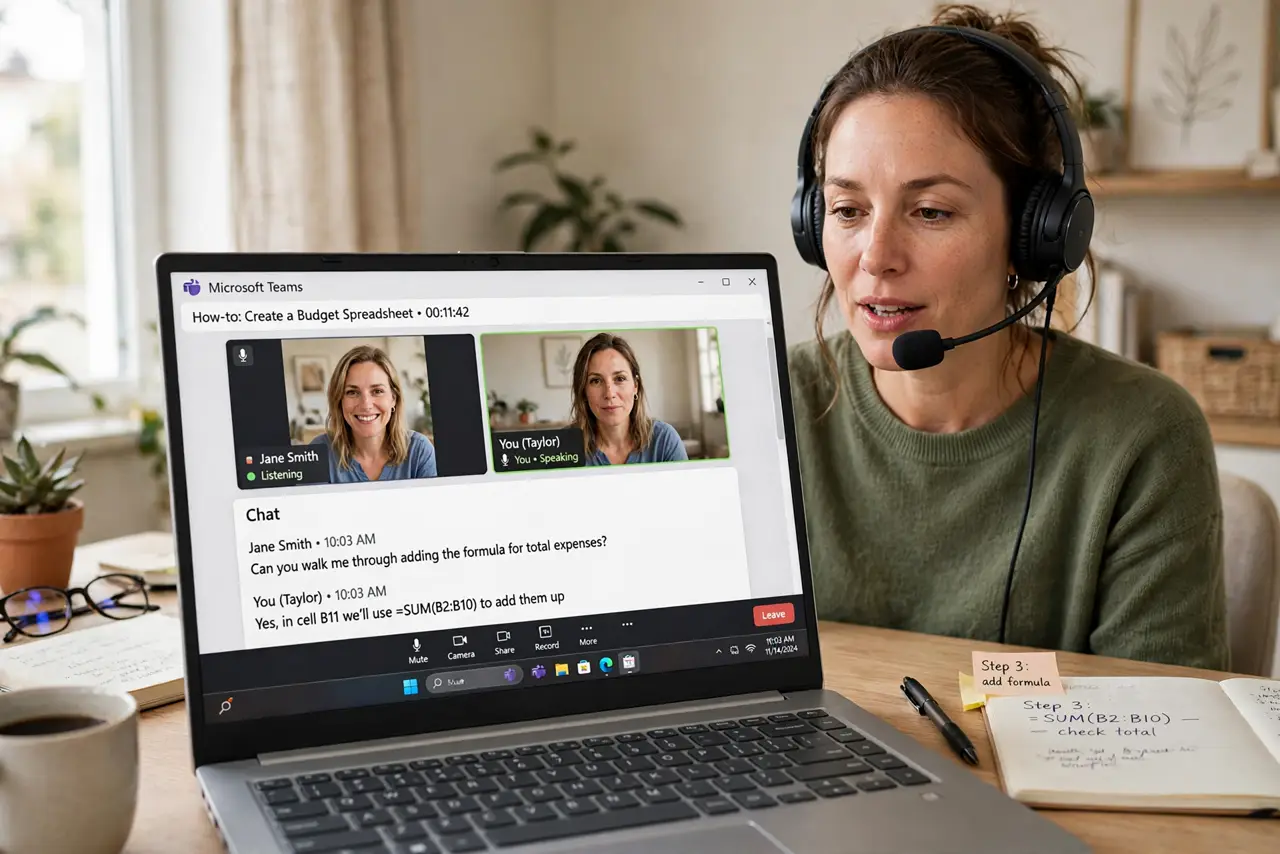
Quick fix: keep the mic 6-12 inches from your mouth, slightly off to the side to avoid breath pops, and speak at a steady volume. Use headphones so your speakers don't echo back. Find a quiet room — no mic technique fixes a noisy background.
Follow these steps
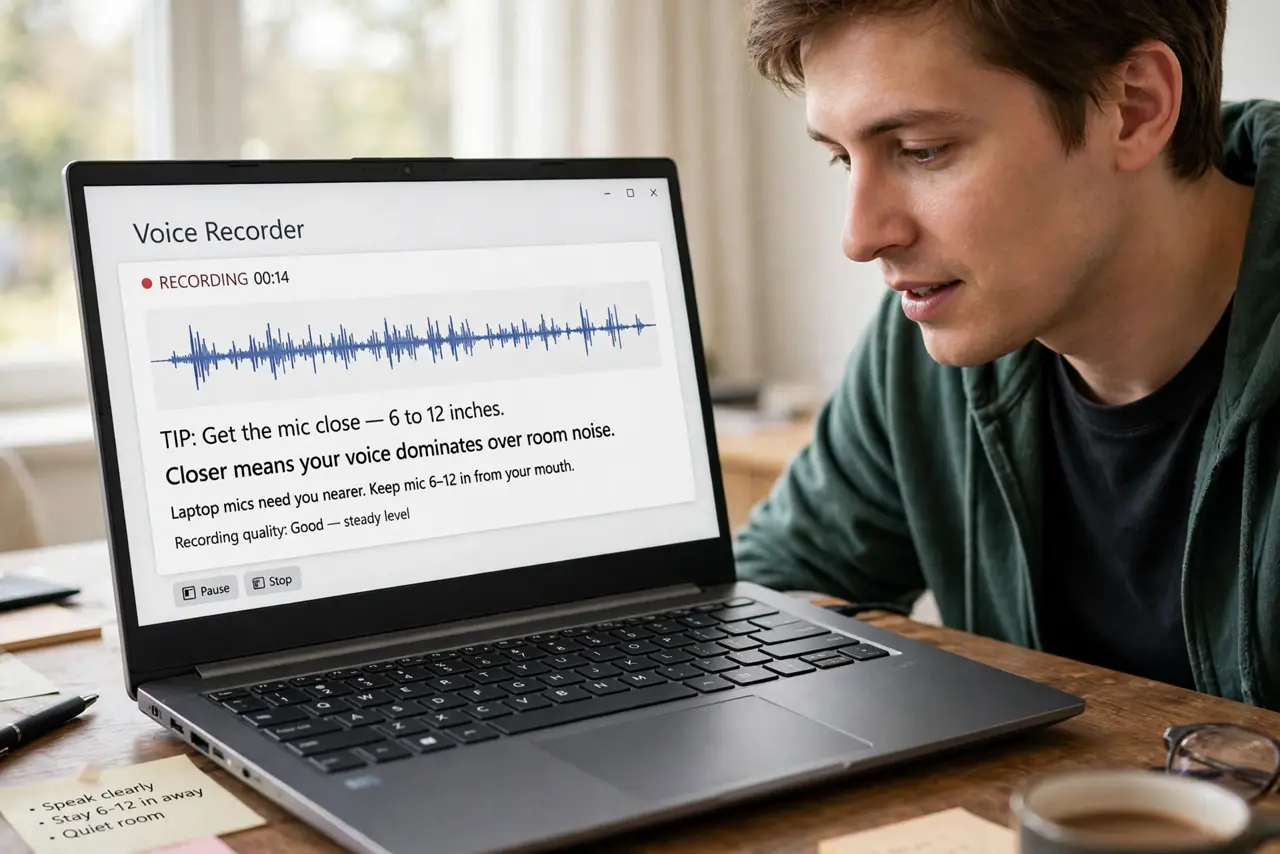
- Get the mic close — 6 to 12 inches. Closer means your voice dominates over room noise. Laptop mics need you nearer; headset mics sit at the corner of your mouth by design.
- Angle it off-axis from your breath. Position the mic slightly to the side of your mouth, not dead ahead. This kills the harsh 'p' pops without any filter.
- Speak steadily, not loudly. Consistent moderate volume beats shouting-then-whispering. Automatic gain in call apps handles the rest — wild swings confuse it.
- Wear headphones, always. Speakers feeding back into the mic cause the echo everyone hates. Even cheap earbuds break the loop completely.
- Choose the quietest room available. Close the door, move away from the kitchen fan and the street window. No technique erases a noisy room — distance from noise sources is the fix.
- Do a 10-second test recording. Record yourself, play it back, adjust. Your ears on playback catch problems — plosives, echo, hum — that you never notice live. Then set proper mic levels in your OS.
What NOT to do
- Do not eat or type loudly next to the mic. Keyboards and chip bags are shockingly loud to everyone else — mute while doing either.
- Do not breathe directly into the microphone. Off-axis positioning from step 2 exists precisely for this — it is the most common fix.
- Do not sit in a bare echoey room. Hard walls reflect your voice back; a rug, curtains, or a closet full of clothes tames it fast.
- Do not max out software gain to compensate for distance. Moving the mic closer always beats cranking gain — gain amplifies noise equally.
Frequently asked questions
Do I need an expensive microphone?
No — a $30 headset with good technique beats a $300 mic used badly. Upgrade only after your technique is solid and the room is quiet.
Why do I sound like I'm in a tunnel?
Room echo: hard surfaces reflecting your voice. Soft furnishings, a closer mic, and headphones fix most of it.
Should I use push-to-talk?
In noisy environments, yes — it mutes you except when speaking. In quiet rooms, voice activation is fine and more natural.