Mic Picks Up Every Keystroke? Fix It
On calls, every keystroke you type clatters through to everyone else — distracting for them, embarrassing for you. Laptop mics sit inches from the keyboard, so they hear everything. This guide quiets the clatter with positioning, settings, and noise suppression, tackling the same mic-noise family as fan hum.

TL;DR / Quick Fix
Quick fix: turn on your calling app's noise suppression and set it to high. Type more gently, switch to a headset so the mic sits near your mouth instead of the keyboard, and mute when you are not speaking. A headset mic hears you, not your keys.
Follow these steps
- Enable noise suppression. In your calling app's audio settings, turn noise suppression to its highest level. Modern suppression specifically targets repetitive sounds like typing.
- Mute when not speaking. The simplest fix is also the most reliable: stay muted while others talk and unmute only to speak. No mic signal, no keystroke noise.
- Switch to a headset. A headset mic sits by your mouth, far from the keyboard. This single change eliminates keystroke pickup more effectively than any setting.
- Type more gently. Heavy bottoming-out on each key is what the mic hears. A lighter touch, or a quieter keyboard, directly reduces the noise at the source.
- Move the laptop back. Push the laptop a few inches farther away and use an external keyboard. Distance weakens keystroke sound faster than it weakens your voice.
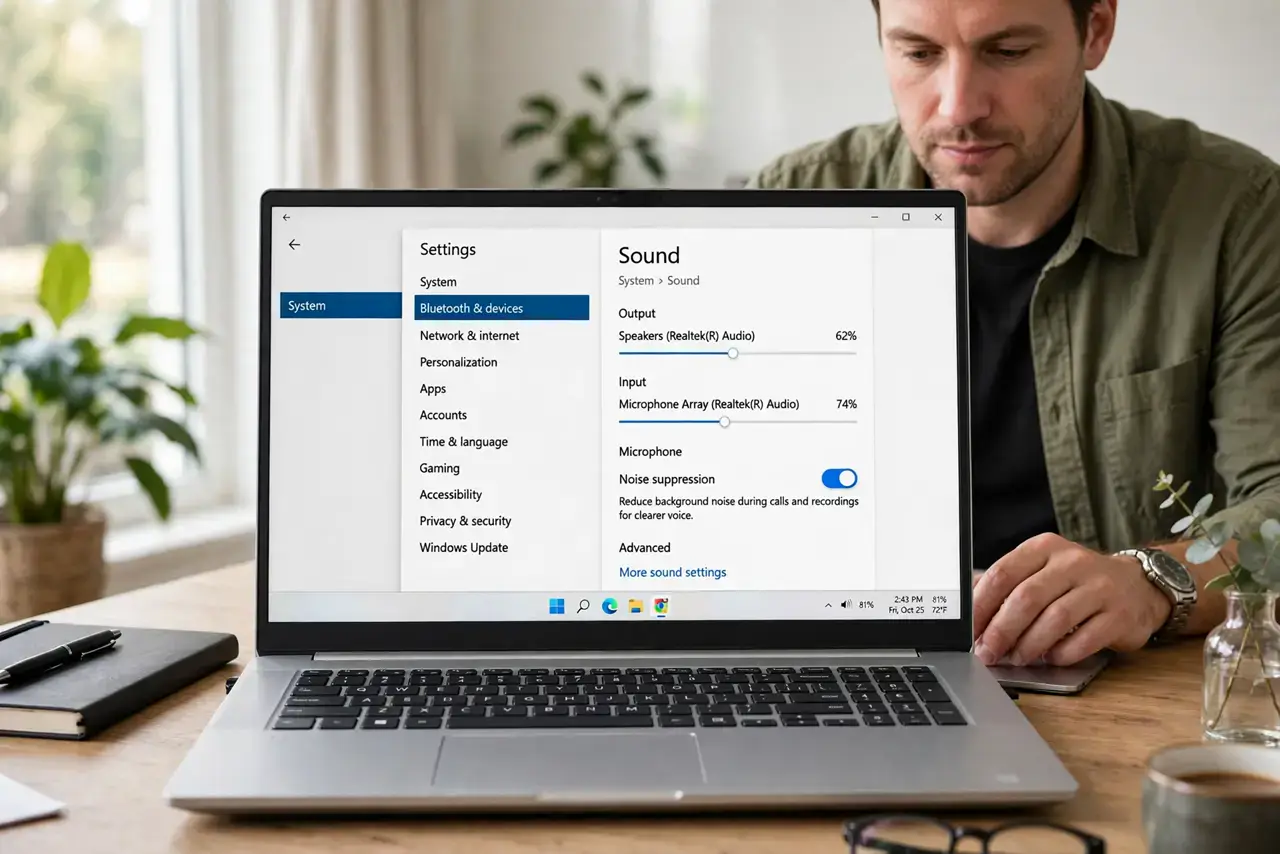
- Check the mic input level. In system sound settings, lower the mic gain so it picks up your voice but not the quieter keyboard clatter. Test with a recording.
What NOT to do
- Do not crank mic gain to 'sound clearer.' High gain amplifies everything equally — your voice and every keystroke get louder together.
- Do not use speakers and an open mic while typing. The mic hears both your typing and the speakers' echo; a headset solves both at once.
- Do not assume a new laptop mic fixes it. Any mic near a keyboard hears typing — the fix is distance, suppression, or a headset, not a better built-in mic.
- Do not type aggressively during others' presentations. Even with suppression, muting yourself is basic call courtesy.
Frequently asked questions
Why does my mic hear typing so loudly?
Laptop microphones sit right beside the keyboard and are tuned for sensitivity. Keystrokes are sharp, close, and loud to them.
Does noise suppression really remove typing?
Modern AI suppression is remarkably good at it — it recognizes the repetitive click pattern and filters it while keeping your voice.
Will a mechanical keyboard make it worse?
Yes, usually — clicky switches are the loudest. Quieter switches or a membrane keyboard help noticeably.