Bluetooth Audio Lags in Videos? Fix It
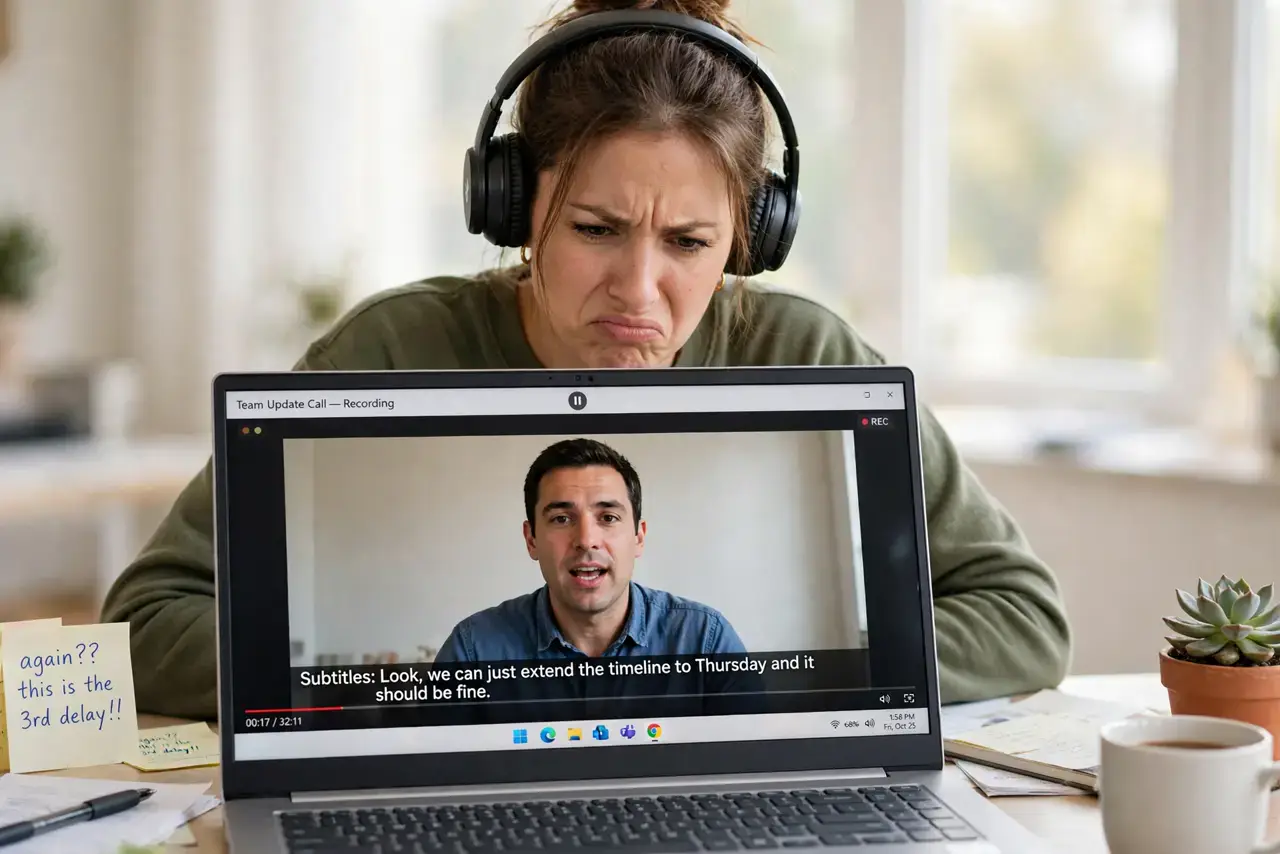
Actors' lips move, and the words arrive a fraction of a second later — classic Bluetooth audio delay. The lag comes from the time Bluetooth needs to encode, transmit, and decode sound, and some codecs are far slower than others. This guide minimizes the delay, tackling the same wireless audio gremlins as stuttering.
TL;DR / Quick Fix
Quick fix: check whether your headphones and device share a low-latency codec like aptX Low Latency — if both support it, enable it. Otherwise, reduce the delay by keeping the headphones close, closing bandwidth-heavy apps, and using your video player's audio-delay adjustment to re-sync lips and sound manually.
Follow these steps
- Understand the cause. Bluetooth must compress, send, and decompress audio, which takes 100-300ms depending on the codec. Video does not wait — hence the lip-sync gap.
- Check your codec. In your device's Bluetooth settings, see which codec is active. aptX Low Latency and LC3 are fast; SBC is the slowest common one.
- Enable the fastest shared codec. If both your headphones and device support a low-latency codec, select it in settings. Both sides must support it — one weak link sets the speed.
- Keep the headphones close. Distance and obstacles force retransmissions that add delay. Stay within a few meters with a clear path to the device.
- Use the player's sync adjustment. VLC and many players let you shift audio timing by milliseconds. Dial in a delay that matches your specific headphones once, and save it.
- For critical watching, go wired. Movies and video editing demand perfect sync. A cable has zero delay — keep wired earbuds handy for when sync truly matters.
What NOT to do
- Do not buy new headphones without checking codecs. The delay lives in the codec both devices negotiate, not in the headphone brand alone.
- Do not expect zero delay from standard Bluetooth. Some lag is inherent to the technology — the goal is minimizing it, not eliminating it.
- Do not ignore multipoint connections. Headphones connected to two devices at once often fall back to slower codecs — disconnect the idle device.
- Do not confuse delay with stuttering. Stuttering is interrupted audio from interference; delay is smooth audio arriving late. They have different fixes.
Frequently asked questions
How much delay is normal for Bluetooth?
Around 100-200ms with good codecs, up to 300ms with basic SBC. Most people stop noticing below about 100ms.
Why is gaming worse than video?
Games need real-time audio for reactions, where even 100ms matters. Video players can compensate with sync adjustment; games cannot.
Do true wireless earbuds lag more?
Often slightly, since the signal hops from phone to one bud to the other. Low-latency modes help when both sides support them.