microSD for a Camera vs for a Phone
A microSD card for a camera and one for a phone may look identical, but they face very different jobs. Cameras demand sustained write speed; phones demand fast random access — and buying for the wrong job wastes money or loses footage.
TL;DR / Quick Fix
Quick fix: buy a V30 or better card for cameras and drones, and an A1 or A2 rated card for phones running apps from storage. Never swap a phone-used card into a camera without a full format, and test before anything important.
Follow these steps
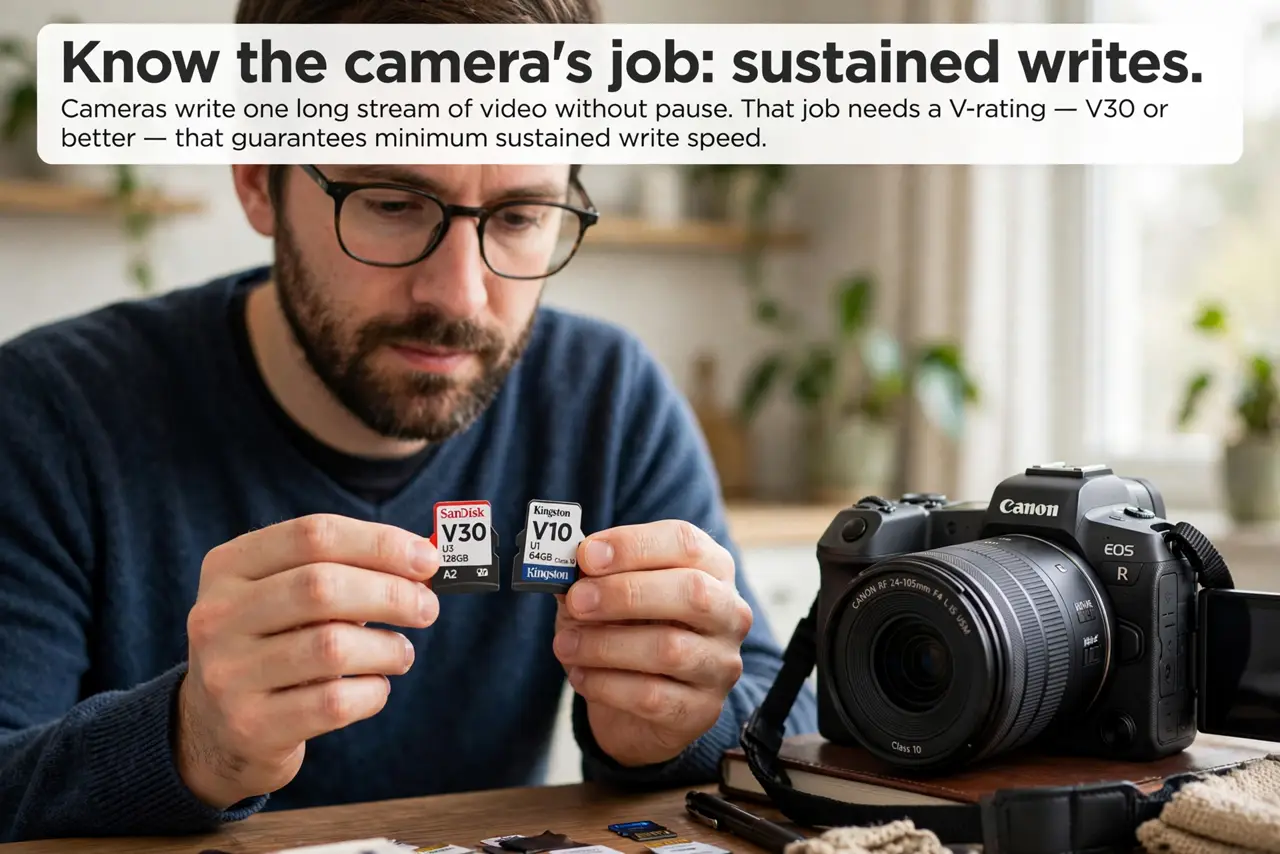
- Know the camera's job: sustained writes. Cameras write one long stream of video without pause. That job needs a V-rating — V30 or better — that guarantees minimum sustained write speed.
- Know the phone's job: random access. Phones read and write thousands of tiny app files. That job needs an A-rating — A1 or A2 — which measures random read/write speed, not video streaming.
- Buy the rating that matches the device. For a camera or drone, prioritize the V-rating; for a phone running apps from the card, prioritize the A-rating. A card can carry both ratings, and that is the versatile choice.
- Format in the device that will use it. Format the card in the camera or phone itself, not on a computer. Device formatting sets the right file system and allocation size for that device's workload.
- Never swap casually between devices. A card full of phone app data can confuse a camera, and camera formatting wipes phone apps. Dedicate one card per device and label them.
- Test before anything important. Record a long test clip in the camera, or move an app to the card on the phone. One real-world test beats trusting the printed ratings alone.
What NOT to do
- Do not buy a phone-optimized card for 4K video. A strong A-rating with a weak V-rating will drop frames or stop recording.
- Do not quick-format a camera card on a computer. Use the camera's own format, which prepares the card exactly how that camera writes.
- Do not use the same card in a drone and a phone alternately. Reformatting each swap wastes time and risks using the wrong file system once.
- Do not trust a card's largest printed number. The headline read speed is not the sustained write speed that video depends on.
Frequently asked questions
Can I use a phone microSD in a camera?
Only if its V-rating meets the camera's needs and you fully format it in the camera first.
What does the A-rating mean?
It rates random read/write performance for running apps, which matters for phones but little for cameras.
Why did my drone reject my fast card?
Probably the sustained write rating was too low, or the card was formatted with the wrong file system.