SD Card Speed Class for Video Recording
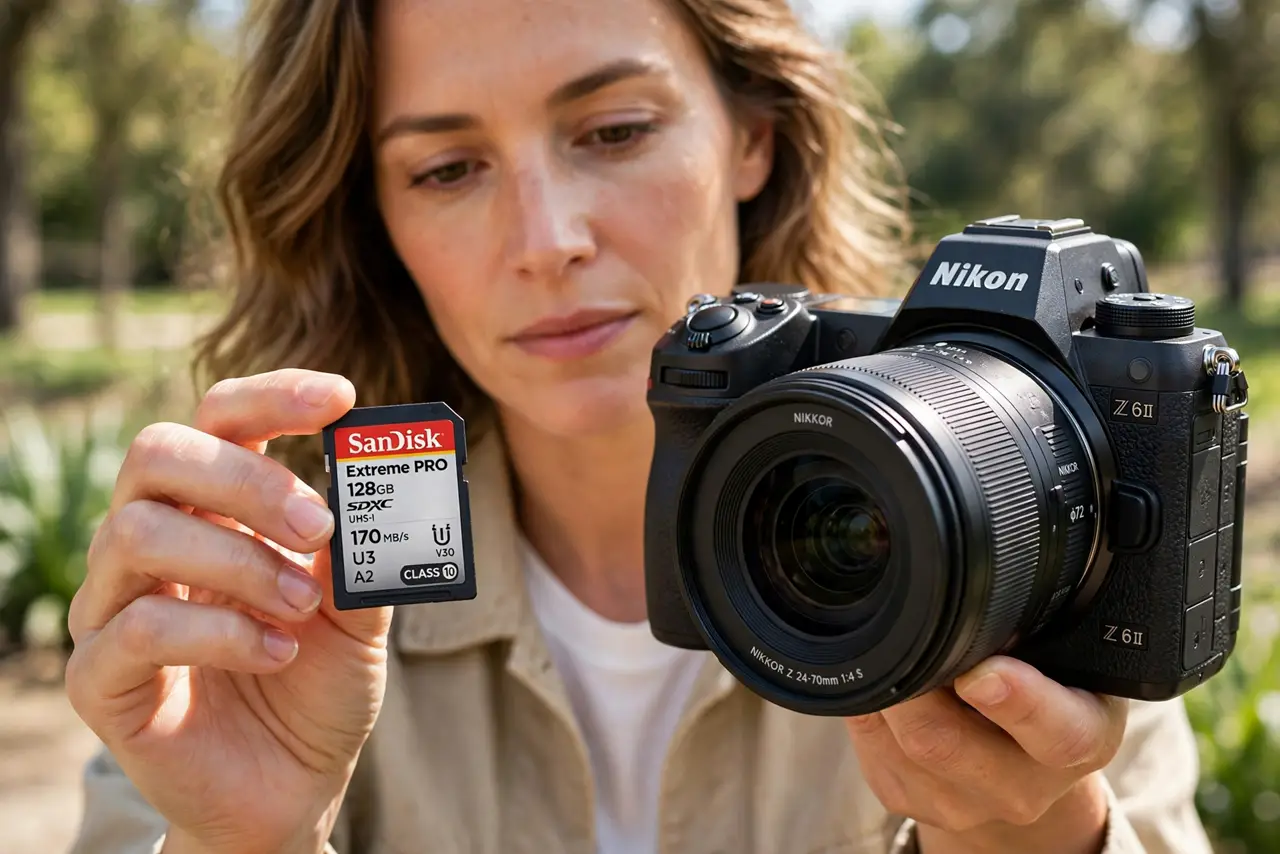
SD cards wear speed ratings that look like alphabet soup — Class 10, U3, V30, A2 — but video recording cares about only one thing: sustained write speed. Pick the wrong class and your camera will stop recording mid-clip.
TL;DR / Quick Fix
Quick fix: match the card's video speed class to your camera's manual — V30 for 4K, V60 or V90 for high-bitrate video. Buy from a reputable seller, test with a long recording before anything important, and never use a no-name card for paid work.
Follow these steps
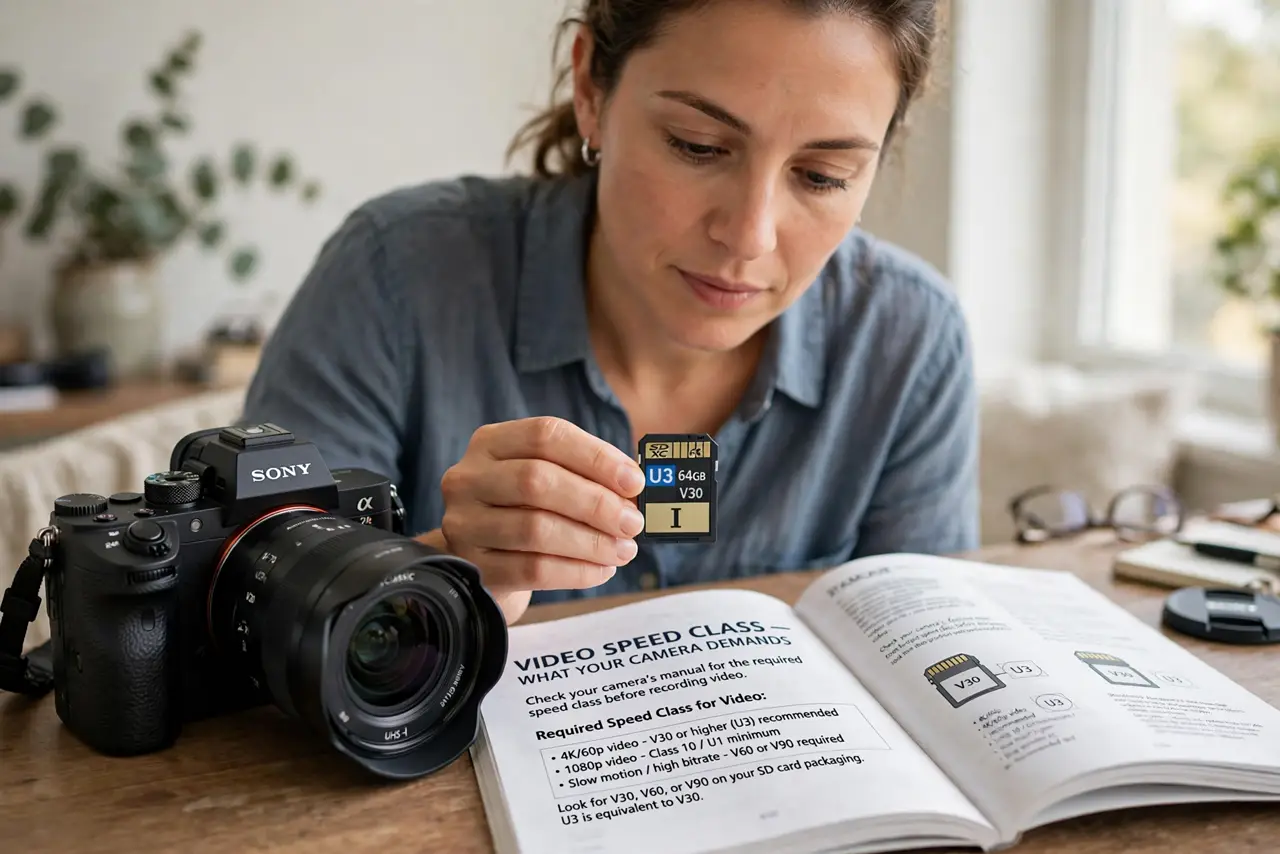
- Check what your camera demands. Open your camera's manual and find the required video speed class. The camera maker tested specific classes, and that requirement is the minimum that records reliably.
- Learn the V-ratings. V30 guarantees 30 MB/s sustained writes, V60 guarantees 60, and V90 guarantees 90. For video, the V-number is the rating that matters, not the older Class number.
- Match the class to your resolution. V30 covers most 4K recording, while high-bitrate 4K and 6K/8K want V60 or V90. An underrated card does not record slower — it stops and errors mid-clip.
- Buy from a reputable seller. Counterfeit cards lie about their ratings and fail under sustained writes. Buy from known retailers, and be suspicious of famous-brand cards at impossible prices.
- Test with a long recording. Before anything important, record one continuous clip as long as your typical shoot. A card that survives ten minutes will survive the event; a weak one fails early.
- Keep a microSD adapter handy. Many cameras take full-size SD while drones and action cams take microSD. A quality adapter lets one good card serve both, though native-size cards are always preferable.
What NOT to do
- Do not buy on the Class number alone. Class 10 is ancient and says nothing about the sustained writes that video needs.
- Do not use a no-name card for irreplaceable footage. A failed card during a wedding or event cannot be fixed with apologies.
- Do not fill the card to the last megabyte. Cards slow down when nearly full, so leave at least ten percent free during recording.
- Do not pull the card mid-recording to check footage. Wait for the camera to finish writing, since an interrupted write corrupts the clip.
Frequently asked questions
What SD card speed do I need for 4K?
Usually V30, but check your camera's manual — high-bitrate 4K modes may require V60.
Why did my camera stop recording?
Most likely the card's sustained write speed fell short, so the camera's buffer filled and it gave up.
Are expensive cards worth it?
For video, yes within reason. You pay for guaranteed sustained writes and reliability, not for the logo.