What Is a Mini PC?
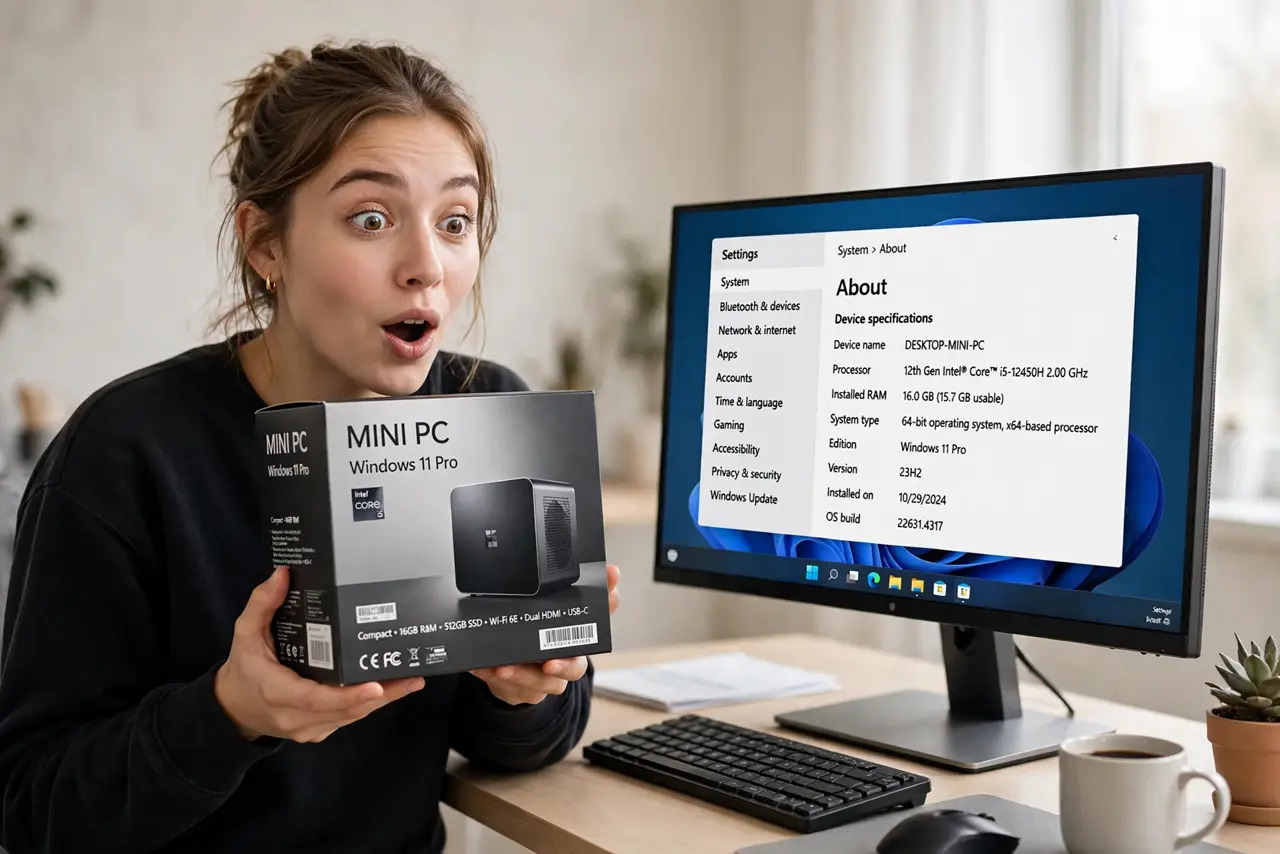
Your desktop tower is a dusty monument under the desk — huge, loud, and mostly empty inside. A mini PC packs the same everyday computing into a box the size of a paperback: plenty for browsing, office work, and media, sipping power and vanishing behind a monitor. It is not for everyone, but for many people it is the desktop they actually needed all along.
TL;DR / Quick Fix
Quick fix: a mini PC suits browsing, office work, streaming, and light creative tasks while using a fraction of the space and power of a tower. Skip it for heavy gaming or demanding video editing — those still want a full desktop. Check ports and upgrade options before buying.
Follow these steps
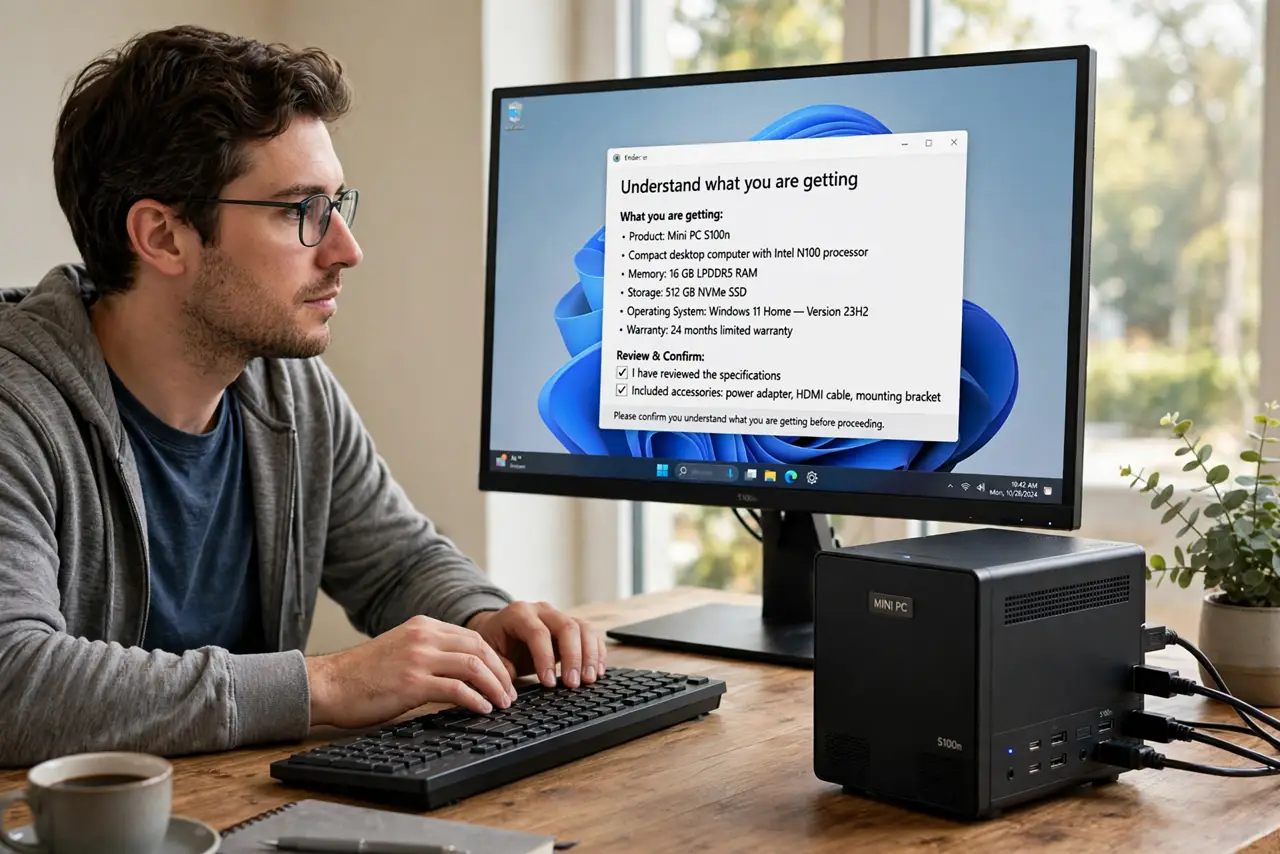
- Understand what you are getting. A mini PC is a complete computer — processor, memory, storage, Wi-Fi — in a tiny chassis. It runs full Windows or Linux and drives monitors exactly like a tower does.
- Match it to your workload. Web, documents, video calls, streaming, light photo editing: perfect. AAA gaming, 3D rendering, heavy video editing: look elsewhere — tiny boxes cannot cool big chips.
- Check the ports before buying. Small chassis means fewer ports. Count what you need — monitors, USB devices, ethernet — and confirm the model has them, since adding ports later means dongles.
- Look at upgrade options. Many mini PCs allow RAM and storage upgrades; almost none allow processor or graphics upgrades. Buy the CPU performance you will need in three years, not just today.
- Consider the mount. Most include a VESA mount to hide behind a monitor — the dream clean-desk setup. Confirm your monitor supports VESA mounting first.
- Compare against the alternatives. Versus a laptop: cheaper for the same power, but not portable. Versus an all-in-one: more flexible and repairable. Versus a tower: far smaller, far less expandable.
What NOT to do
- Do not buy a mini PC for heavy gaming. Integrated graphics in a tiny thermal envelope will disappoint — that is physics, not a bad model.
- Do not ignore the power brick. Some minis need a chunky external adapter — factor its bulk into the clean-desk dream.
- Do not assume silent. Small fans can whine under load — check noise reviews if the PC will sit on your desk.
- Do not skip the RAM check. Many ship with just enough memory — 16GB is the comfortable minimum for smooth multitasking.
Frequently asked questions
Can a mini PC replace my laptop?
As a desk machine, yes — pair it with your monitor and peripherals. It cannot travel with you, so keep the laptop if you work in multiple places.
Are mini PCs reliable?
Generally yes — fewer moving parts and quality components last well. Stick to established makers with real warranties.
Can I upgrade a mini PC later?
RAM and storage, usually yes. CPU and graphics, essentially never — choose those wisely at purchase.