All-in-One PCs? Basics
An all-in-one PC packs the entire computer into the back of the monitor — one sleek unit, one power cable, no tower under the desk. It looks fantastic in a living room or reception desk, but the tidy design trades away upgradability and repair options. Here is who they suit and what to check before buying one.
TL;DR / Quick Fix
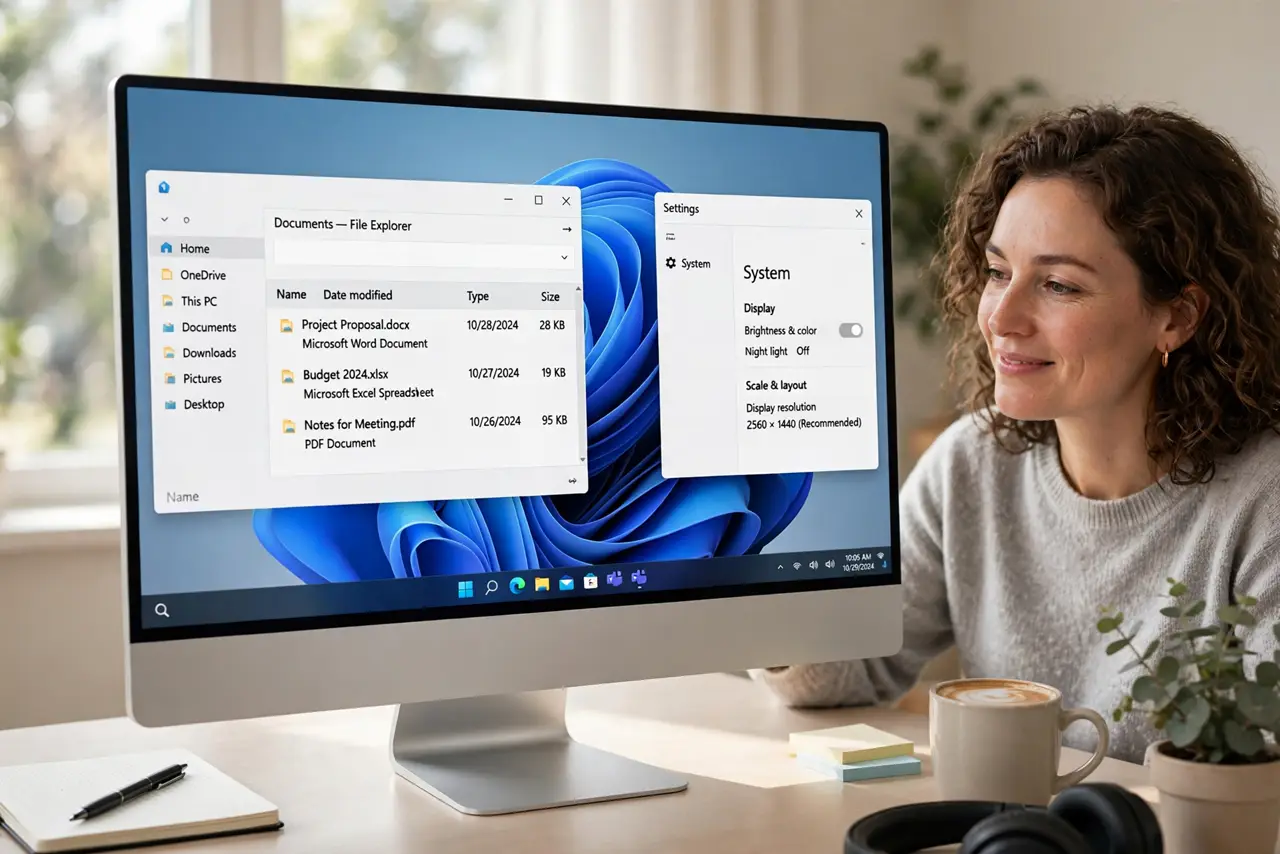
Quick fix: an all-in-one PC hides the whole computer inside the monitor — beautifully tidy, with one cable and no tower. The tradeoff is limited upgrades and pricier repairs. They suit everyday home and office use; gamers and upgraders should buy a desktop tower or mini PC instead.
Follow these steps
- Understand what you are buying. The CPU, RAM, storage, and screen live in one sealed-ish unit. You get elegance and simplicity; the maker decides what can ever be upgraded, which is usually very little.
- Match it to light-to-medium use. Web, office apps, video calls, and streaming are the sweet spot. The slim chassis limits cooling, so sustained heavy workloads and gaming are not its game — compare with a laptop vs desktop if you are torn.
- Check the screen quality closely. The display is half the purchase and cannot be swapped later. Prioritize a good IPS panel, decent brightness, and the size you will stare at for years.
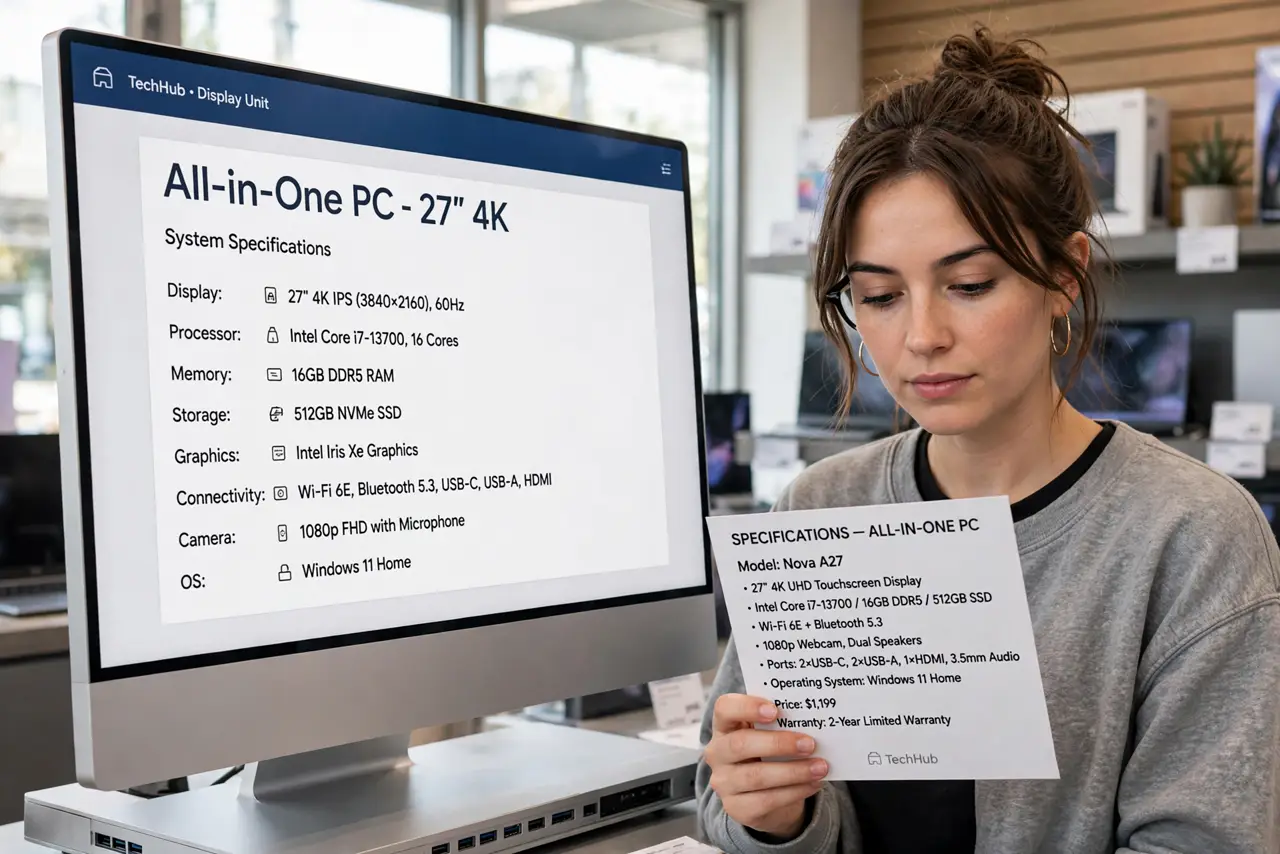
- Ask about RAM and storage upgrades. Some models allow adding RAM or swapping the SSD through a service hatch; many are fully sealed. Sealed means what you buy is what you keep — buy enough from day one.
- Weigh repair realities. One failed component can mean servicing the whole unit, often by the maker only. Check the warranty length and local service options before committing.
- Compare the total price honestly. Add up a similar monitor plus a mini PC — sometimes the tidy all-in-one costs more for less power. Pay the premium knowingly, for the design.
What NOT to do
- Do not buy an all-in-one for gaming. The thermals and graphics cannot be upgraded, and gaming needs both.
- Do not buy the base RAM on a sealed model. You cannot add more later — 16GB is the sensible minimum today.
- Do not assume the webcam and speakers are good. All-in-ones vary wildly; check reviews for the parts you will use daily.
- Do not skip the warranty check. Integrated repairs cost more — a longer warranty is worth more here than on a tower.
Frequently asked questions
Are all-in-ones slower than desktops?
At the same price, usually yes — they use laptop-style parts for slimness and cooling. You pay for the design, not raw speed.
Can I use an all-in-one as just a monitor?
Rarely — most lack a video input. If you want that flexibility, a separate monitor plus mini PC is the better buy.
Do all-in-ones work for a home office?
Beautifully, for typical office work. One cable, no tower, quiet operation — exactly what most home offices need.