Hotspot Ate Your Data Plan? Avoid Surprises
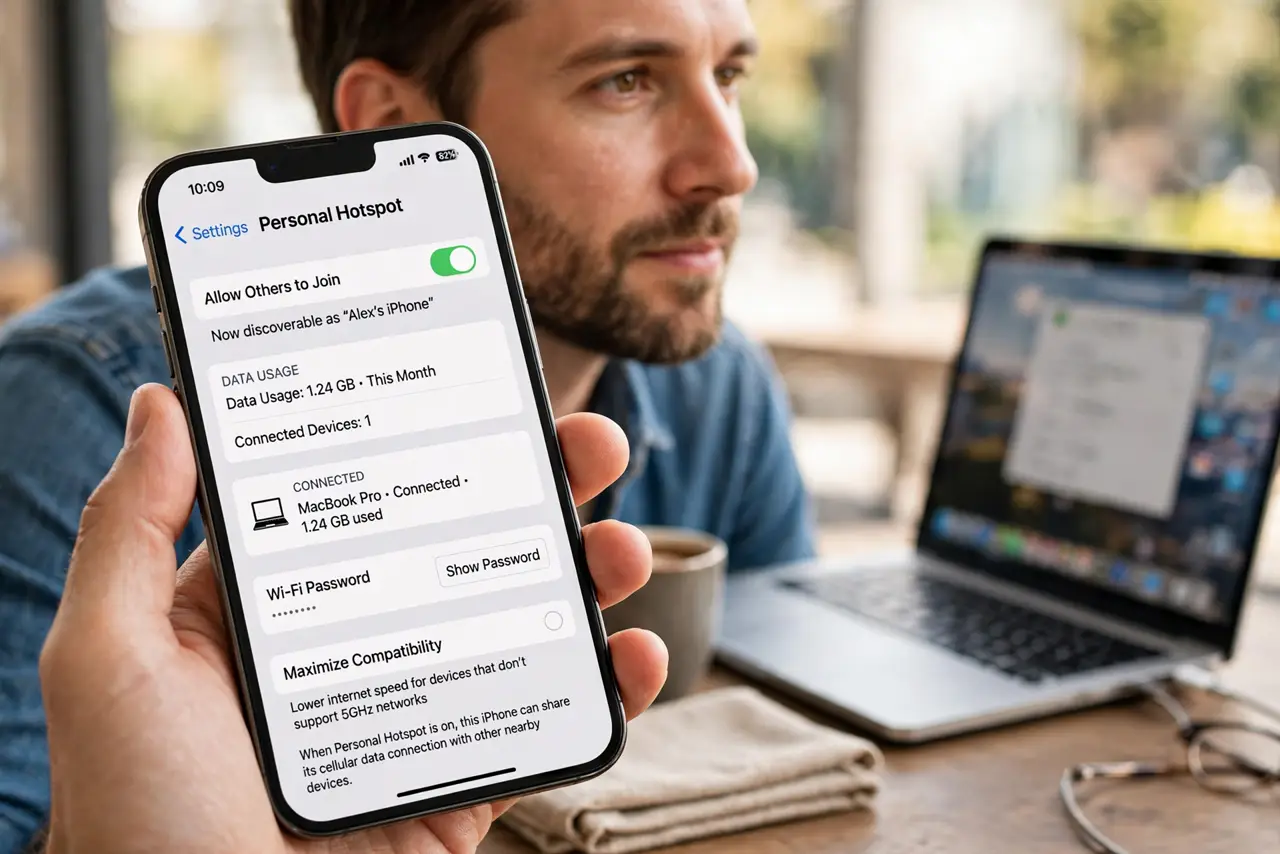
Your phone's hotspot can burn through a data plan shockingly fast because laptops treat the connection like home Wi-Fi and download everything. Carriers also cap hotspot data separately from phone data. A few settings keep the surprise off your bill.
TL;DR / Quick Fix
Quick fix: check your carrier's separate hotspot cap before you connect, then on the laptop pause cloud backups, OS updates, and video auto-play while tethering. Set the phone's data warning and prefer [[USB tethering|usb-tethering-vs-wifi-hotspot-battery]] to save battery and dodge background downloads.
Follow these steps
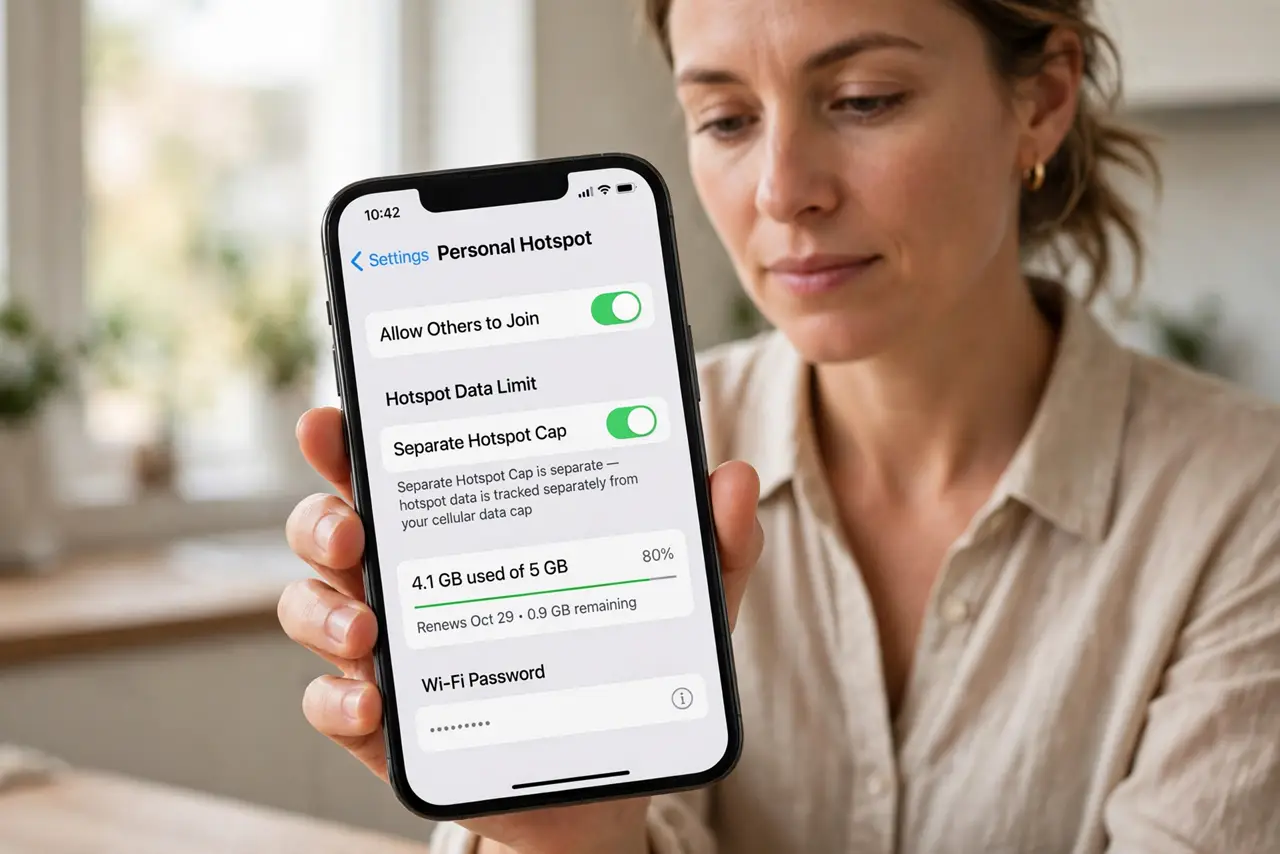
- Know your hotspot cap is separate. Most plans cap hotspot data apart from on-phone data, and some slow you to a crawl after the cap. Check the carrier app — 'unlimited' often excludes hotspot.
- Turn off laptop background downloads. Pause cloud sync, OS updates, and app auto-updates on the laptop before connecting. One forgotten backup can eat a gigabyte in minutes.
- Lower video quality on purpose. Set streaming to 480p while on a hotspot. Video is the biggest data hog, and lower quality is watchable on a phone-sized stream.
- Set a data warning on the phone. Add a usage alert near your cap so the phone warns you before the overage. Check the carrier throttle rules so you know what happens at the limit.
- Prefer USB tethering for long sessions. A cable uses less phone battery than Wi-Fi hotspot mode and keeps the laptop from hunting for a wireless signal. It is also harder for nearby strangers to notice.
- Watch for sneaky data features. Turn off Wi-Fi Assist-style data switching so the phone does not silently spend mobile data thinking it is 'helping'.
What NOT to do
- Do not stream 4K over a phone hotspot. A single movie can blow a whole month's hotspot allowance in one sitting.
- Do not leave the hotspot on when nobody uses it. Connected devices keep syncing in the background and the phone keeps broadcasting.
- Do not assume the carrier counts it like phone data. Hotspot gigabytes usually come from a smaller, separate bucket with its own throttle.
- Do not update operating systems over a hotspot. OS upgrades are multi-gigabyte and often start by themselves on metered connections you forgot to mark.
Frequently asked questions
Why did my data vanish after one hotspot session?
Laptops sync photos, backups, and updates automatically. Mark the connection as metered and pause cloud apps before tethering.
Is phone hotspot data really separate?
On most plans, yes. Check your carrier's plan details — the hotspot bucket is usually smaller and throttled harder.
Does USB tethering use less data than Wi-Fi hotspot?
Not less data, but less battery. Data use depends on what the laptop downloads, whichever method you use.