Know Your Modem Cables
The internet installer left, you are staring at a modem with three different ports, and a drawer full of cables that all look vaguely right. Plug the wrong one in and nothing works — plug the right one in the wrong port and nothing works either. The cable your modem needs depends entirely on your internet type: cable, DSL, or fiber. This guide matches each type to its cable and port, so the blinking modem lights turn solid. Also see modem vs router if you are unsure which box is which.
TL;DR / Quick Fix
Quick fix: the cable to your modem depends on your internet type — coaxial for cable internet, a phone-style line for DSL, or fiber to an ONT box. From the modem onward, use ethernet for stationary devices and Wi-Fi for the rest. Match the cable to the port shape.
Follow these steps
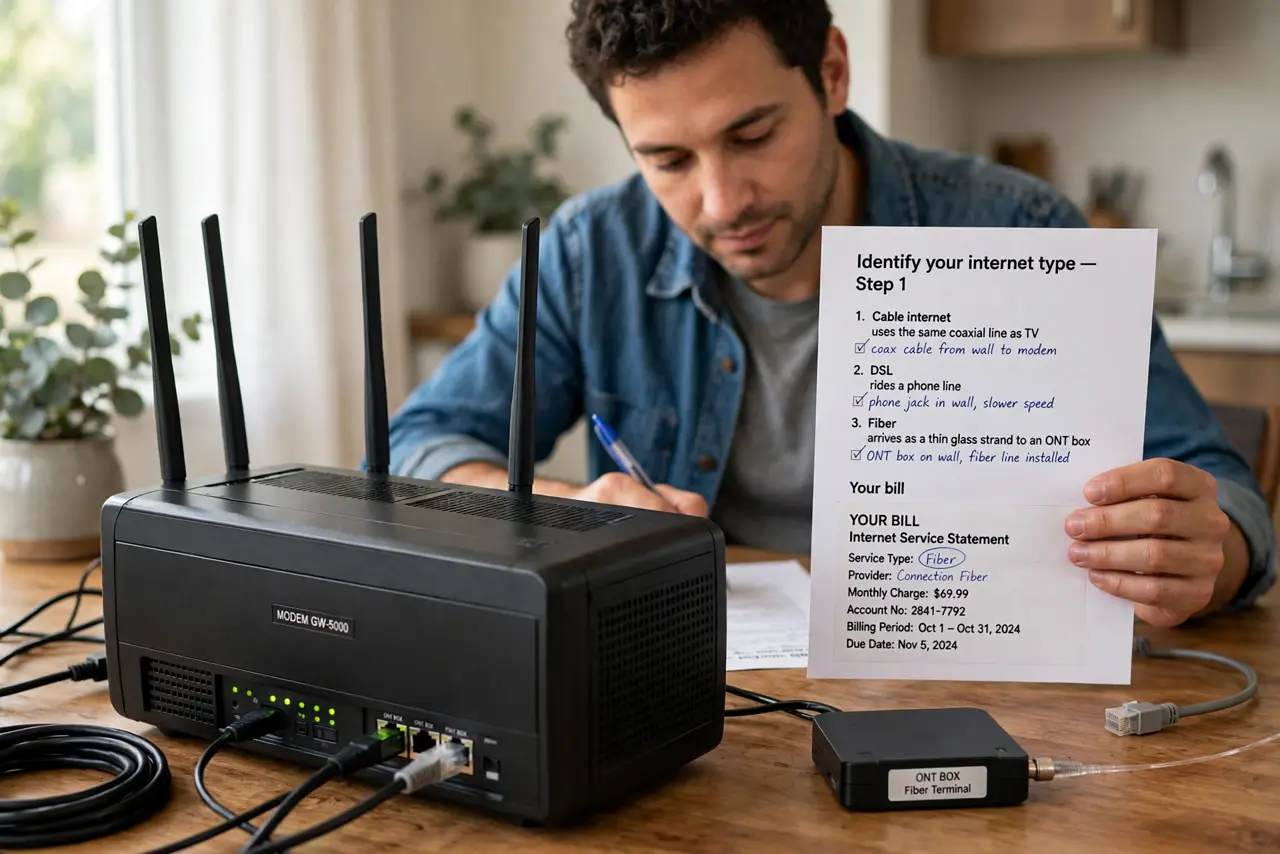
- Identify your internet type first. Cable internet uses the same coaxial line as TV; DSL rides a phone line; fiber arrives as a thin glass strand to an ONT box. Your bill or the installer's paperwork names it — the cable must match the service, not the modem's looks.
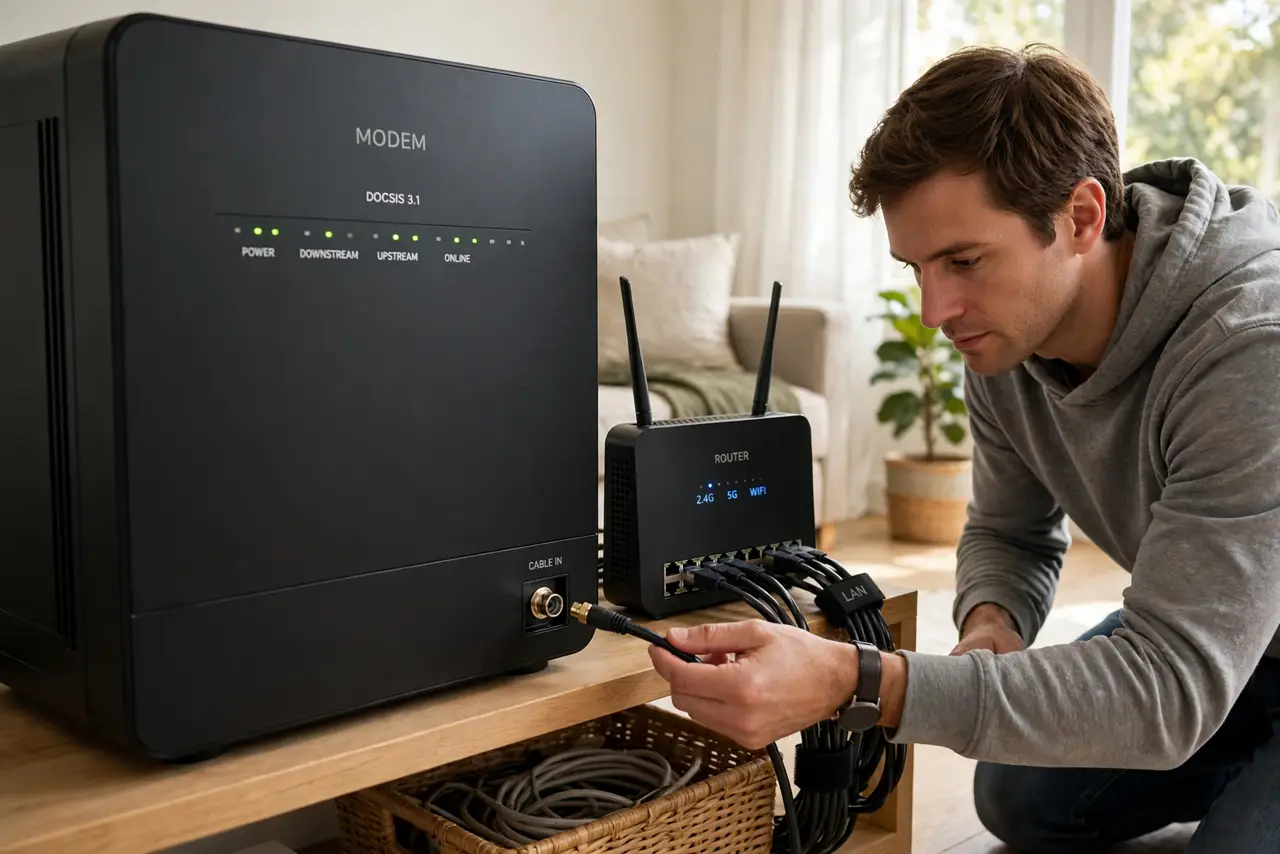
- Cable internet: use the coaxial cable. The thick round cable with a screw-on metal connector goes from the wall jack to the modem's coax port — hand-tighten, then a gentle quarter-turn with a wrench. A loose coax connection is the number one cause of mysterious slowdowns.
- DSL: use the phone-style cable. A narrower cable with a small clear RJ11 plug connects the wall phone jack (often through a DSL filter) to the modem's DSL port. Do not force it into the wider ethernet port — same family, wrong size.
- Fiber: connect through the ONT. Fiber itself plugs into the ONT box the provider installed — you never touch the glass strand. From the ONT to your router or modem, a standard ethernet cable carries the signal onward.
- Modem to router: always ethernet. Whatever arrives at the modem, the hop to your router (or to your PC, if the modem is also the router) is a regular ethernet cable — the chunky RJ45 plug that clicks. This is also the cable to use for stationary devices like TVs and consoles.
- Match cable to port shape, never force. Every cable in this chain has a uniquely shaped plug. If it does not fit with gentle pressure, it is the wrong cable or the wrong port — forcing it bends pins and creates a real problem.
What NOT to do
- Do not use a random old cable 'because it fits.' Damaged or wrong-spec cables cause intermittent drops that look like provider outages.
- Do not force any connector. Coax screws on, RJ11 and RJ45 click in — resistance means wrong port, not 'push harder.'
- Do not unplug the fiber strand from the ONT. The glass fiber is fragile and eye-unsafe to inspect — leave that box exactly as the installer left it.
- Do not run the modem's cable through extra splitters and adapters. Every join weakens the signal — the shortest clean path from wall to modem wins. See splitter signal loss before adding one.
Frequently asked questions
Can I use any ethernet cable from modem to router?
Yes — any Cat5e or better works for typical home speeds. Only very fast plans (above 1 Gbps) benefit from Cat6 or higher.
Why does my modem have a USB port?
Usually for the technician's diagnostics or a cellular failover dongle — not for your devices. Ignore it in normal use.
Coax vs ethernet — which is faster?
Different jobs: coax brings the internet into the modem, ethernet distributes it inside your home. Neither replaces the other.