Pick a Compatible Modem
That great modem deal is worthless if your ISP refuses to activate it. Compatibility means the right standard (DOCSIS 3.1 for cable), the right speed tier, and a spot on the ISP's approved list. This guide picks a modem that activates on the first call — the key step in stopping rental fees.
TL;DR / Quick Fix
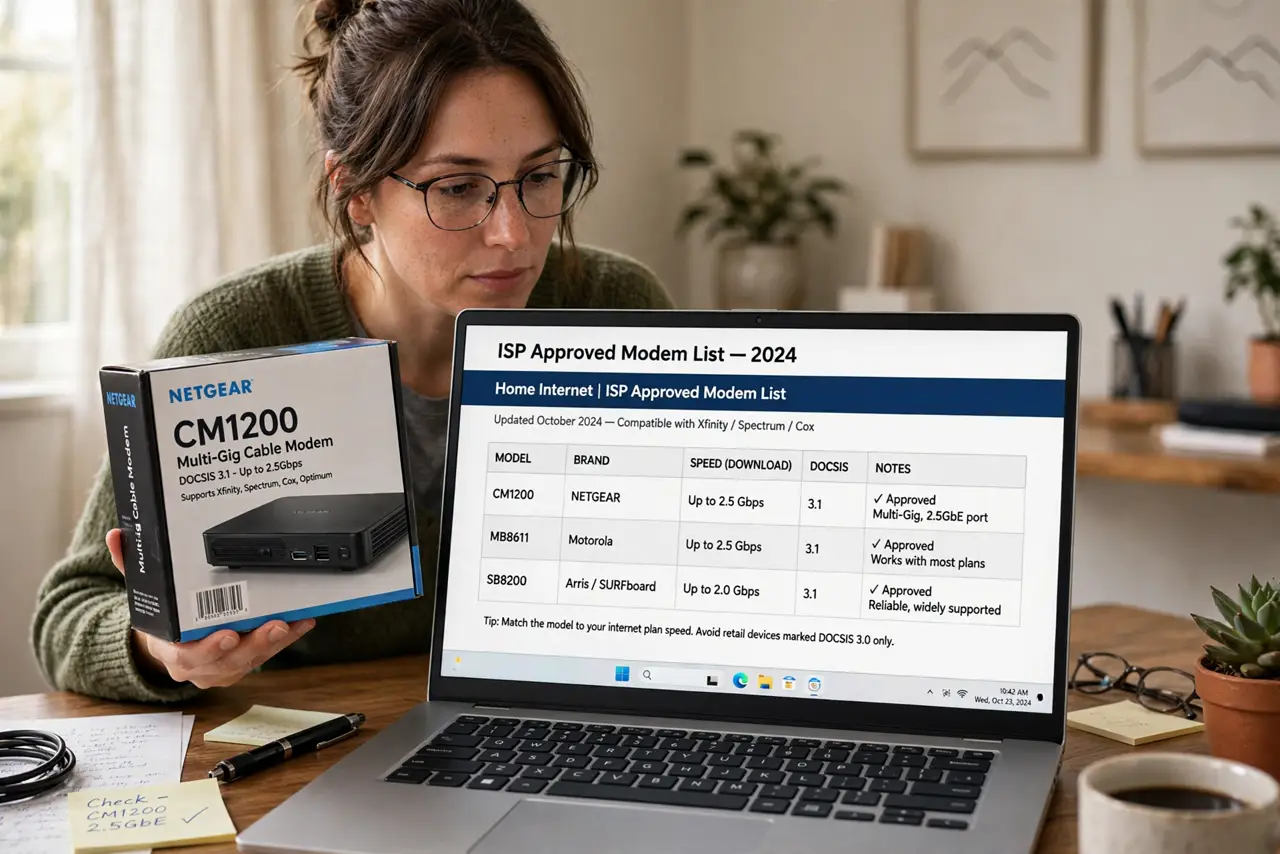
Quick fix: buy only modems on your ISP's approved list — check their support site, match your speed tier and DOCSIS version (3.1 for most cable), and skip voice models unless you need phone service. An unapproved modem will not activate, no matter how good the deal.
Follow these steps
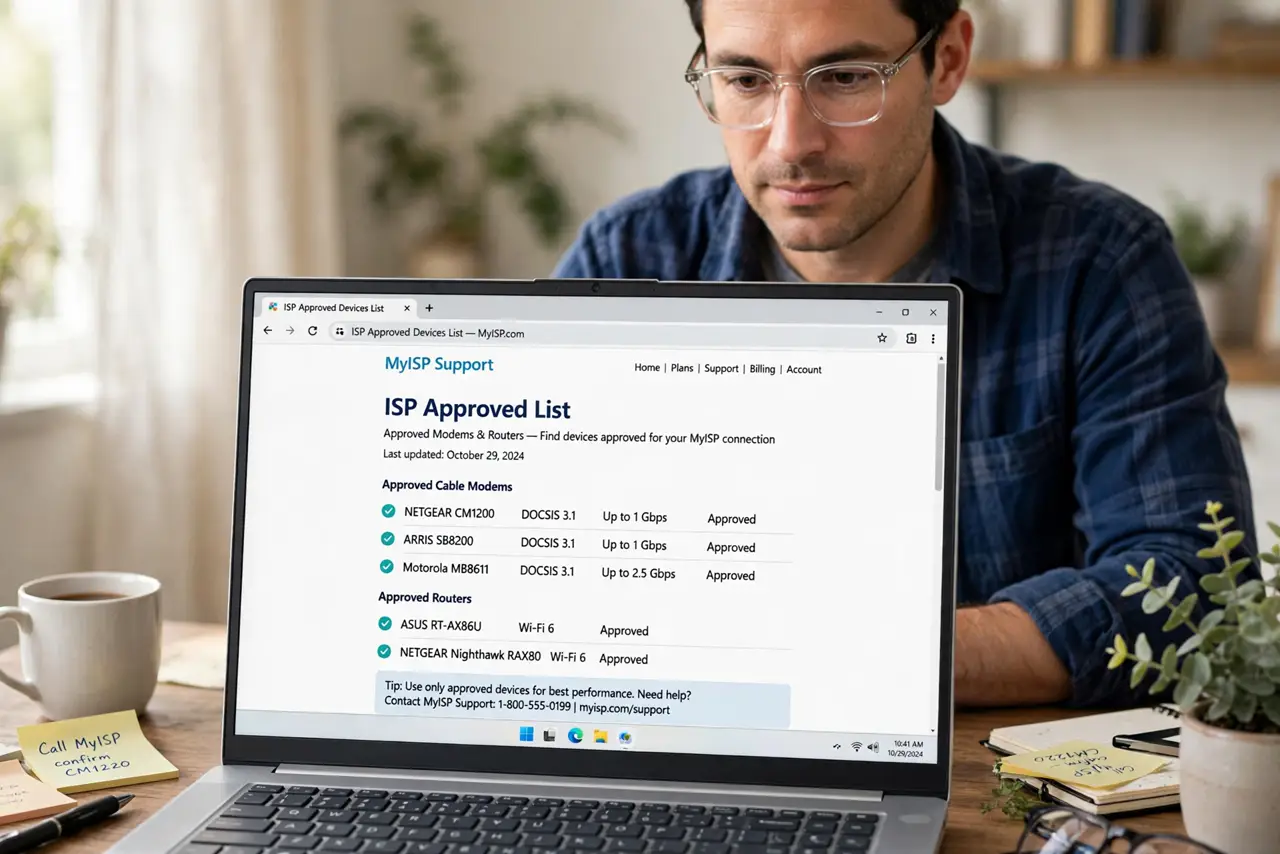
- Find your ISP's approved list. Search '[ISP] approved modems' — the official support page lists exact models. This list is law; everything else is gambling.
- Match DOCSIS version. Cable: DOCSIS 3.1 for current plans (3.0 for slow tiers). The version must meet or exceed what your speed tier needs.
- Match your speed tier. A modem rated below your plan caps your speed at the modem's limit. Buy headroom — tiers only get faster.
- Decide on voice support. Need ISP phone service? You need an eMTA modem with voice ports. No phone service? Skip voice models — they cost more.
- Buy modem and router separately. A modem plus your own router beats ISP combos for control and upgrades. The router is your Wi-Fi; the modem is just the translator.
- Activate and verify. Call or use the ISP's activation page with the modem's MAC address. Then run a speed test and learn to read the modem lights — new gear, new blink patterns.
What NOT to do
- Do not buy before checking the list. 'Should work' is not 'approved' — activation desks reject the former.
- Do not buy a used modem blindly. Stolen or unpaid modems get blacklisted — buy new or from trusted sellers with return rights.
- Do not overbuy absurdly. A gigabit modem on a 100 Mbps plan wastes money — match tier plus modest headroom.
- Do not forget to return the rental. The new modem saves nothing while the old rental fee still bills — receipt in hand.
Frequently asked questions
Can I use any router with my own modem?
Yes — any router works behind any modem. The modem needs approval; the router is entirely your choice.
What is DOCSIS 4.0?
The next cable standard — faster uploads especially. Buy 3.1 today unless your ISP actively deploys 4.0.
Will the ISP help if my modem has issues?
They will verify signal to the modem; beyond that, it is yours. The tradeoff for killing the rental fee.