Modem-Router Combo vs Separate? Which Wins
An ISP combo box is one device that is both modem and router; separate devices split the jobs. Combos are simple, separates are more powerful and easier to upgrade. The winner depends on how much control you want and how your internet arrives.
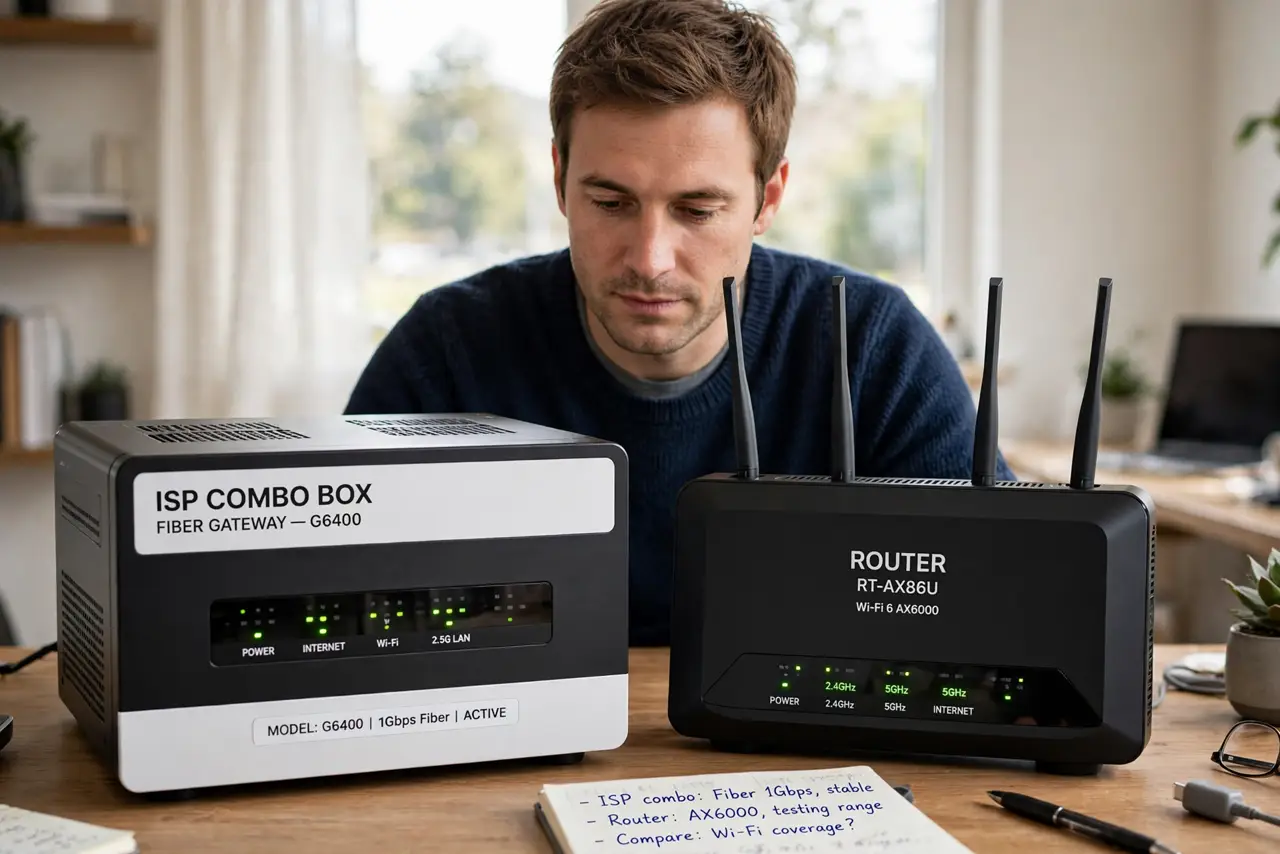
TL;DR / Quick Fix
Quick fix: keep the combo if you only browse and stream on a small network — it is the simplest setup. Buy separate devices when you want faster Wi-Fi, better coverage, or control over settings, and check first [[which box is actually broken|modem-vs-router-which-is-broken]] before replacing anything.
Follow these steps
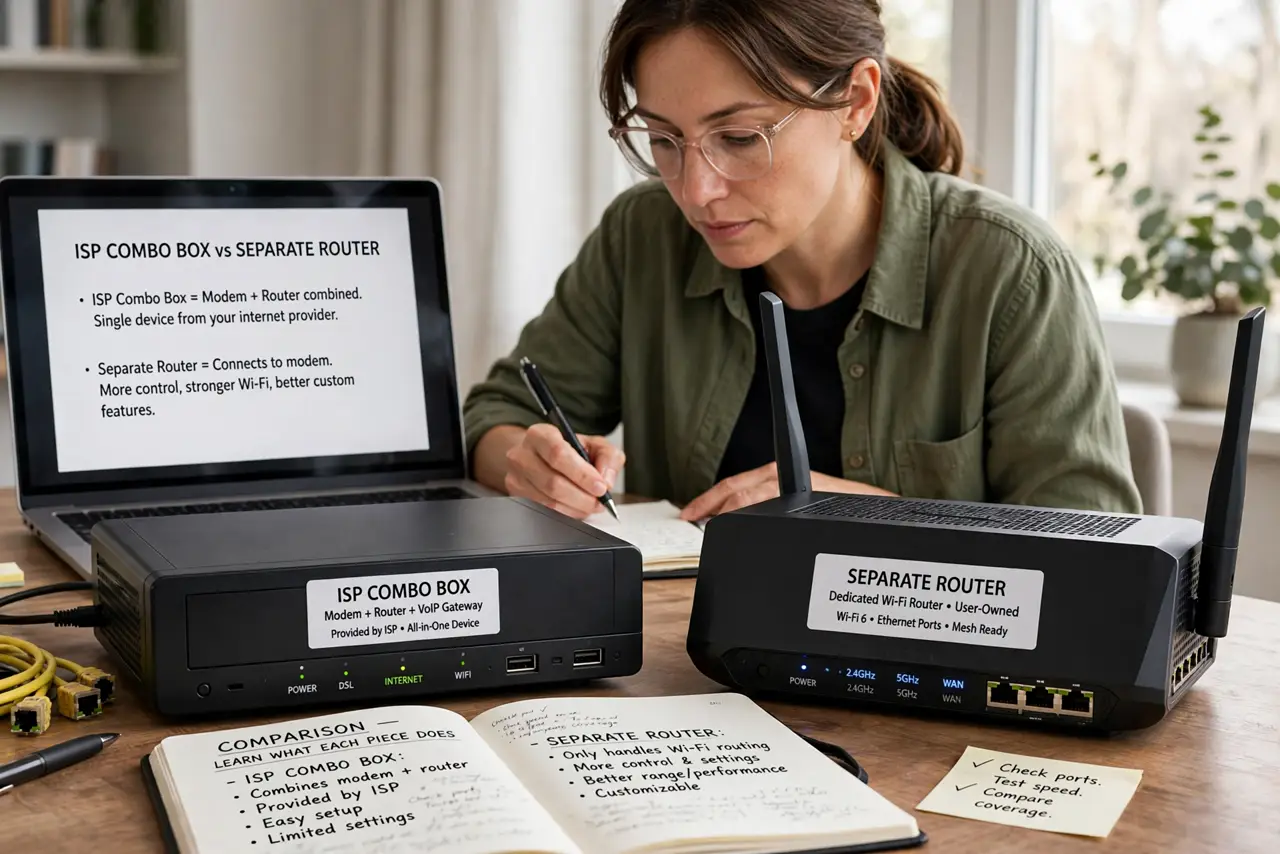
- Learn what each piece does. The modem talks to your internet provider; the router builds your home network. A combo does both in one plastic box, which is why it has one power cord and one set of lights.
- Pick the combo for simplicity. If your provider installed it and everything works, a combo is fine for browsing, email, and one or two streams. It also avoids the double NAT trap of adding a second router badly.
- Pick separates for power and upgrades. A standalone router usually has stronger Wi-Fi, more settings, and a longer update life. You can replace the router without touching the modem, and upgrade Wi-Fi standards independently.
- Check what your provider allows. Some fiber and DSL lines need the provider's specific box. Ask what models work before buying; a great router is useless if it cannot connect to the line.
- Put the combo in bridge mode if you add a router. Never plug a router into a combo and leave both routing. Enable bridge mode on the combo so it acts as a plain modem.
- Label every box and cable. Combos look alike and cable chains get confusing fast. Label which box is the modem and which is the router so future troubleshooting starts easy.
What NOT to do
- Do not stack a router behind a combo without bridge mode. That creates two NAT layers and breaks port forwarding, some games, and remote cameras.
- Do not buy a cable modem for a fiber or DSL line. Modems are line-specific — a cable modem only works on cable internet, no matter how good it is.
- Do not throw away the provider's box before testing. Keep it until the replacement is fully working, in case the new gear has a fault or a setup issue.
- Do not assume separate always means faster. A bad separate router still loses to a decent combo; placement and settings matter more than the box count.
Frequently asked questions
Can I use my own router with a combo?
Yes, but put the combo in bridge mode first so only the new router routes. Otherwise you get double NAT.
Is renting the ISP combo a waste of money?
Often, yes — rental fees add up. But some providers require their box on the line, so check before buying a replacement.
Which is more reliable long term?
Separates, usually. Router makers update standalone routers longer than ISPs update combos, and you replace only the failed part.