Monitor Arm Height for a Pain-Free Desk Setup
A monitor arm only helps if the screen ends up at the right height. Too high and your neck cranes up all day; too low and you hunch. The fix is a simple height rule, a firm lock, and a one-day test.
TL;DR / Quick Fix
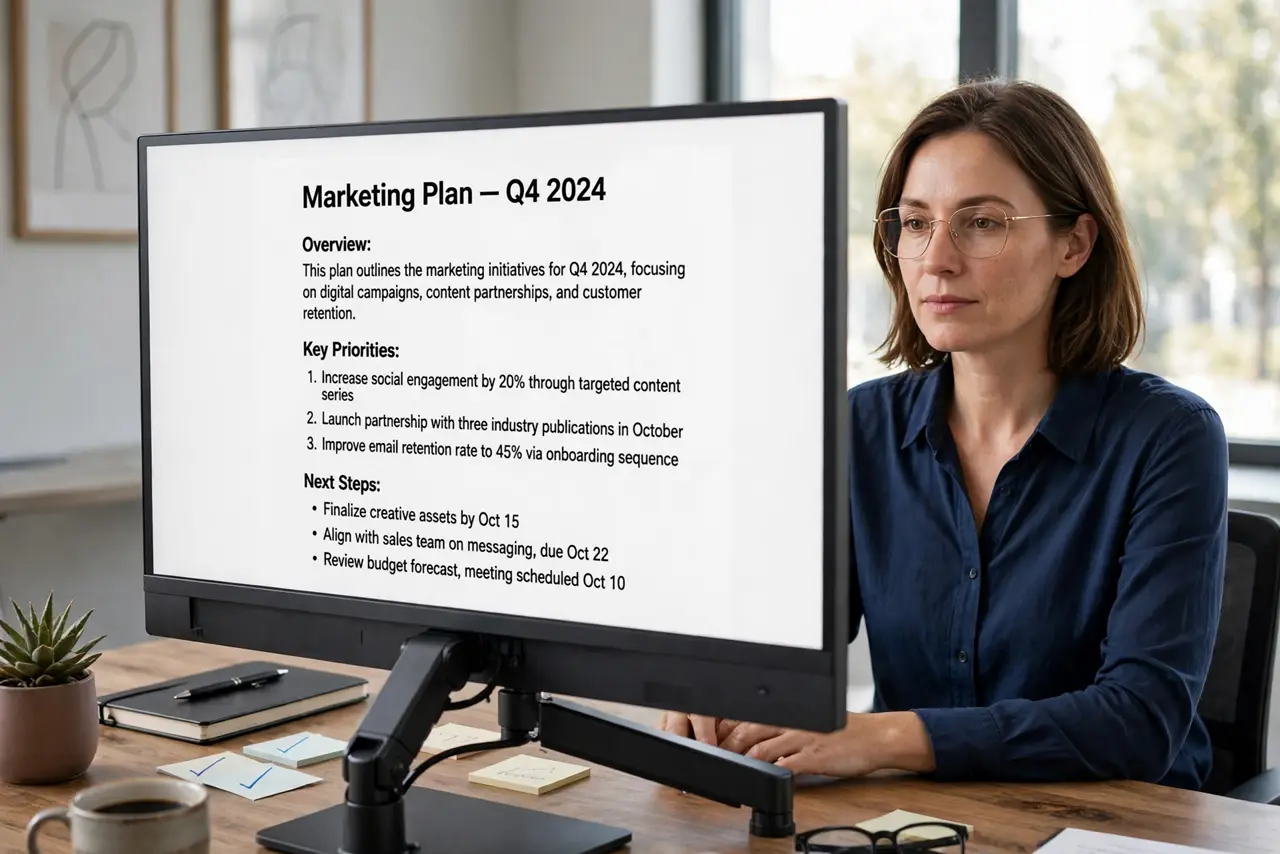
Quick fix: set the arm so the top of the screen sits at or just below eye level, about an arm's length away, with the screen tilted slightly back. Tighten the height lock, sit upright with relaxed shoulders, then check for neck strain after a full workday and adjust again.
Follow these steps
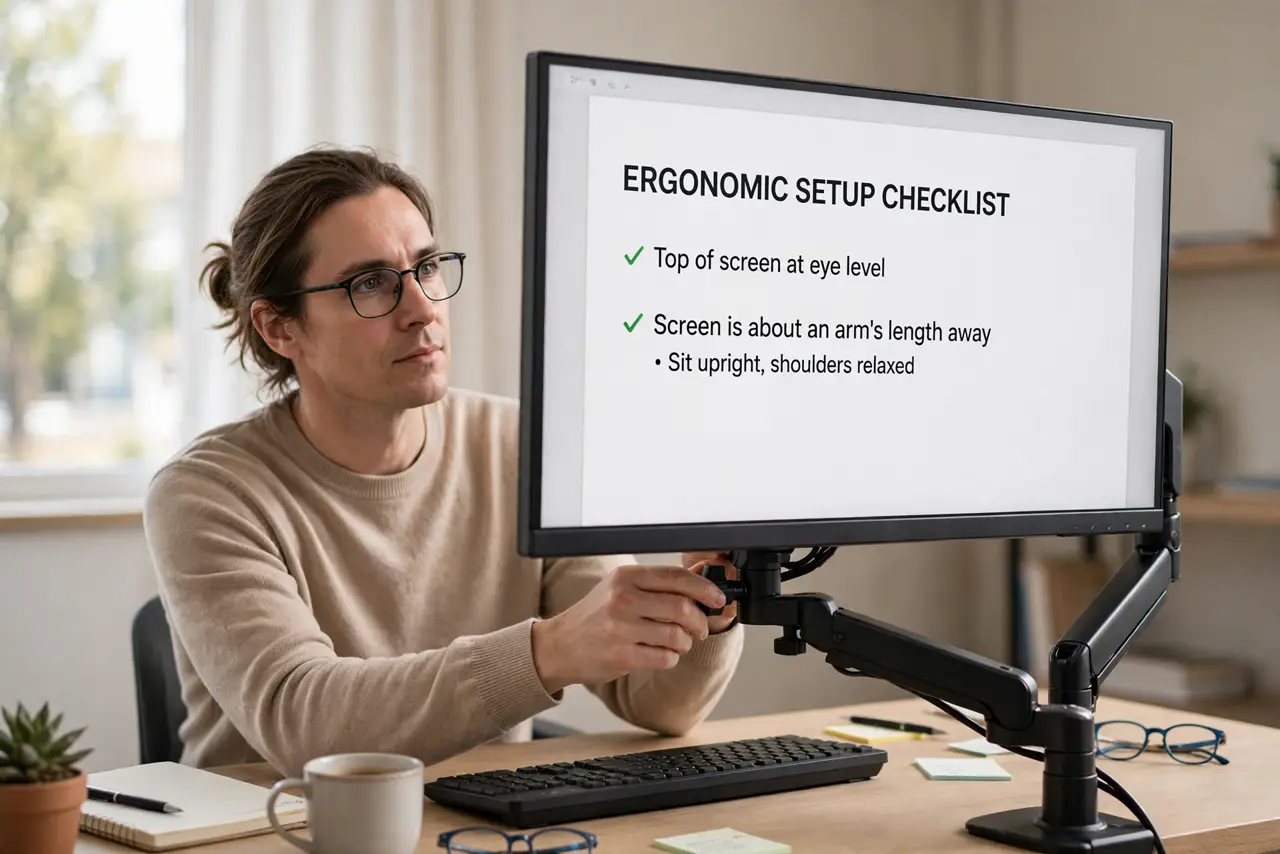
- Set the top of the screen at eye level. Raise or lower the arm until the top edge of the monitor sits at or just below your eye level when you sit upright. Your eyes should look very slightly downward at the top of the screen, following the eye-level rule.
- Keep about an arm's length of distance. Sit back so the screen is roughly one arm's length from your eyes. Too close forces your neck forward, and too far makes you crane to read small text.
- Tilt the screen slightly back. Angle the top of the screen a little farther from you than the bottom. A slight backward tilt matches the natural downward gaze and keeps glare off the screen.
- Lock the height adjustment firmly. Once the height feels right, tighten the arm's height lock or clamp. A loose arm drifts down over days, quietly undoing your setup.
- Check shoulders, elbows, and feet too. With the monitor set, check that your shoulders stay relaxed, your elbows rest near your sides, and your feet touch the floor. A monitor fix alone cannot save a chair that is too high.
- Re-test after a full workday. Use the setup for one normal workday and notice any neck or shoulder ache. Small aches point to the exact change needed, so adjust the arm a little and test again.
What NOT to do
- Do not mount the monitor before checking the desk edge. Clamp arms need a solid edge or grommet hole, and a thin or glass desk may not hold the clamp safely.
- Do not set the screen above eye level to feel taller. Looking up all day strains the neck, so the top edge should stay at or below eye level.
- Do not tighten the arm's joints while holding the monitor. Adjust first, let go, then tighten, so the arm does not slip and drop the screen onto your desk.
- Do not assume one setting fits everyone who uses the desk. A shared desk needs the arm height rechecked for each person, since eye level differs.
Frequently asked questions
How high should a monitor arm be?
High enough that the top of the screen sits at or just below your eye level when you sit upright, about an arm's length away.
Does a monitor arm really help neck pain?
It helps when the old setup forced your neck up or down. If pain persists after a correct setup, check your chair and posture too.
Can a monitor arm damage my desk?
A clamp arm can mark or stress a thin desk, so check the desk edge strength and consider a grommet mount for a fragile top.