Response Time? Explained
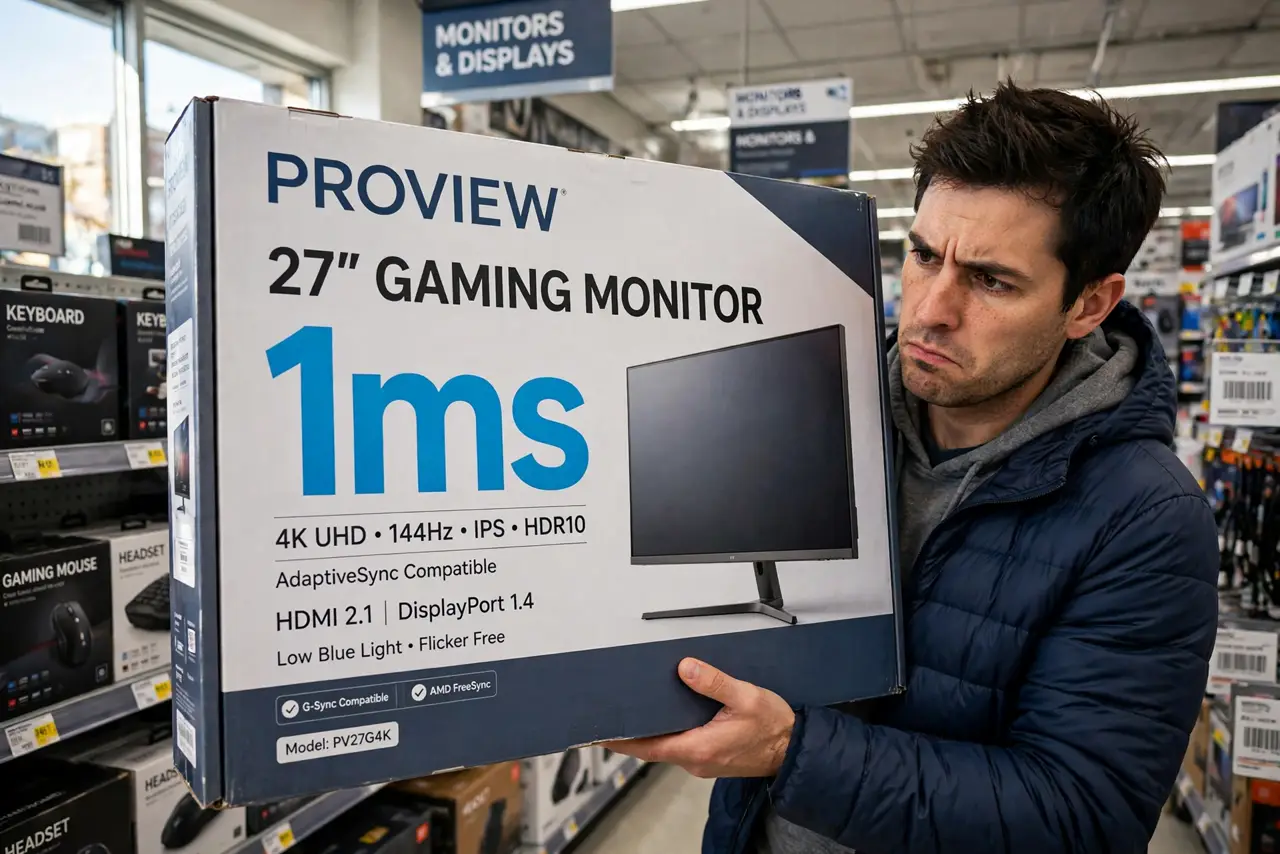
Every gaming monitor boasts '1ms response time' — and no two makers measure it the same way. Response time is simply how fast a pixel changes color, and it decides whether motion looks crisp or smeary. Here is what the number really means and how much you should care.
TL;DR / Quick Fix
Quick fix: response time is how fast pixels change color — lower means less smearing in motion. The advertised 1ms is measured under ideal conditions; real-world speeds are slower. For gaming, prioritize it; for office work, ignore it. Ghosting complaints usually trace back here.
Follow these steps
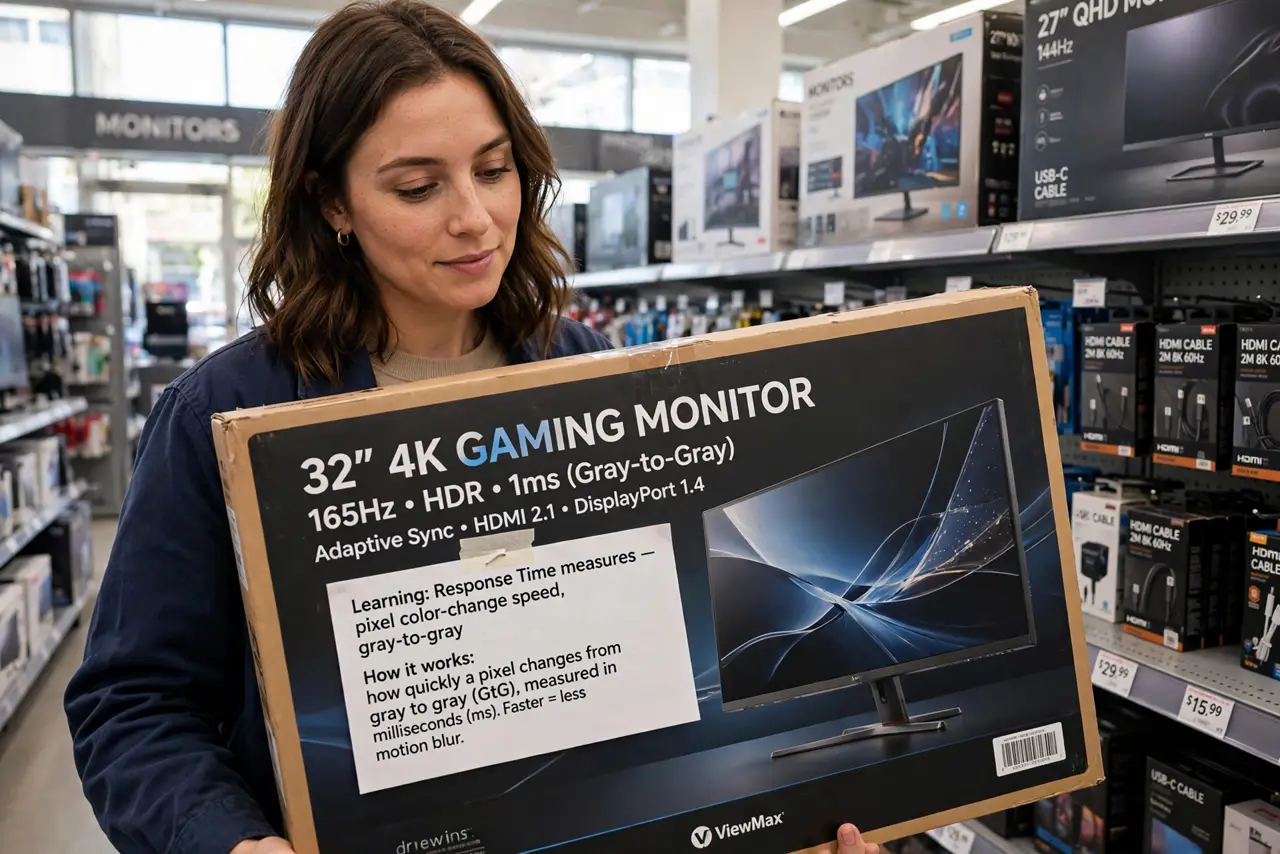
- Learn what the number measures. Response time is pixel color-change speed, usually gray-to-gray. Faster changes mean moving images stay sharp instead of smearing.
- Know the advertised number is optimistic. Makers test under ideal conditions with overdrive maxed. Real-world response is slower — reviews with motion photos tell the truth.
- Connect it to what you see. Slow response shows as ghosting — trails behind motion. If your games smear, this spec is why.
- Prioritize it for gaming, ignore it for office. Fast shooters benefit from genuinely fast panels. Spreadsheets and documents do not care about pixel speed at all.
- Do not confuse it with input lag. Response time is pixel speed; input lag is the delay before the image even starts changing. Both matter for gaming, differently.
- Test before trusting the box. If possible, view the monitor in motion — a scrolling test — rather than trusting the 1ms badge. Your eyes are the honest review.
What NOT to do
- Do not compare 1ms claims across brands. Everyone measures differently; the numbers are marketing, not science.
- Do not pay extra for 1ms on an office monitor. You will never see the difference in documents and email.
- Do not confuse response time with refresh rate. A 144 Hz monitor can still smear if its pixels are slow — see the refresh rate guide.
- Do not enable max overdrive to 'achieve' the advertised time. That just trades smearing for inverse ghosting.
Frequently asked questions
Is 1ms response time real?
Under lab conditions with aggressive overdrive, roughly. In normal use with sane settings, the same panel is slower — still fine for most gamers.
Response time vs refresh rate — which matters more?
Both, differently. Refresh rate sets how often the image updates; response time sets how cleanly each update renders. A fast rate with slow pixels still smears.
Can I improve my monitor's response time?
Only via the overdrive setting — and only to a point. The panel's native speed is fixed at the factory.