Monitor Stand Wobbles? Stabilize It Safely
A wobbling monitor is more than annoying: a wobble that grows can topple the screen, especially if the desk shakes when you type. The fix is usually a loose base screw, an uneven desk, or a stand arm past its weight limit. Check those before you wedge anything underneath. A stand that is broken or bent needs a replacement stand, not a workaround, so treat damage seriously.
TL;DR / Quick Fix
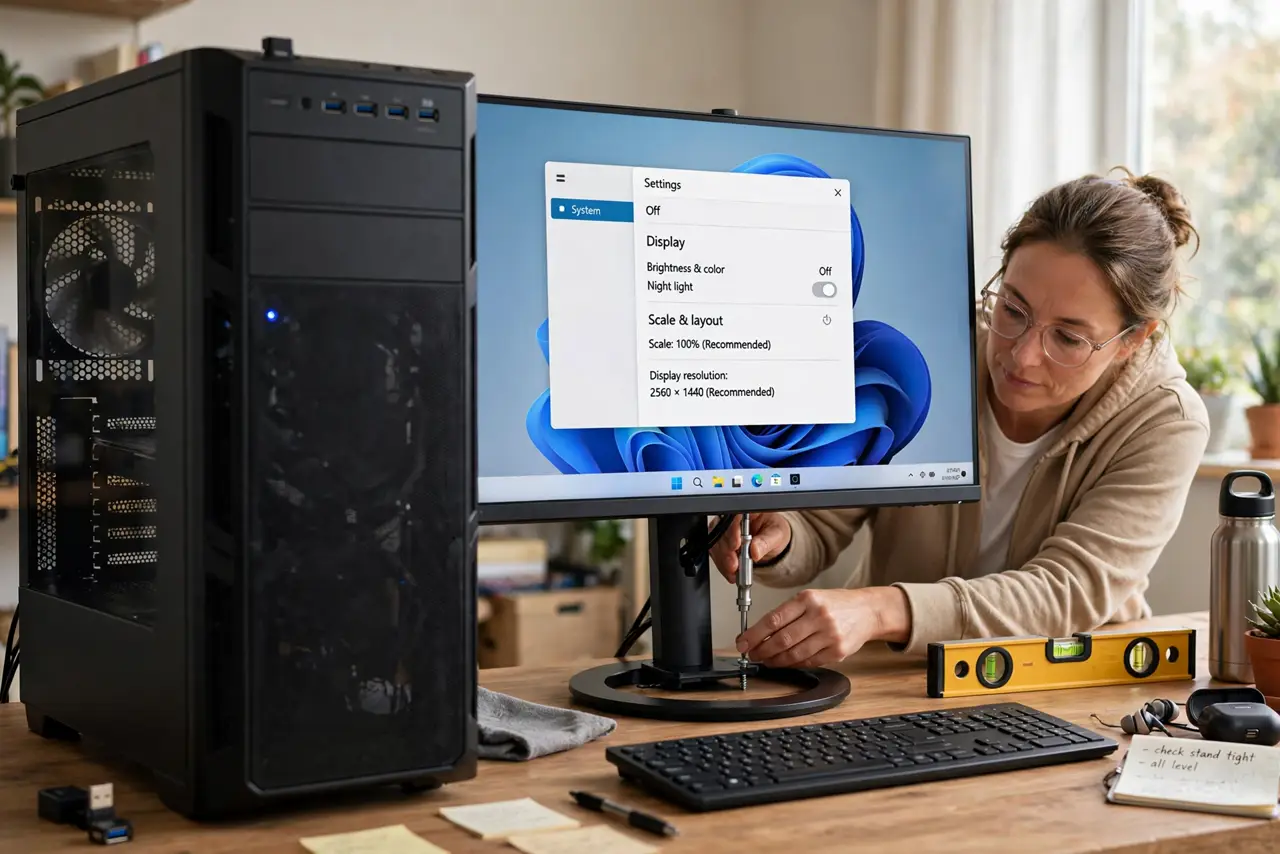
Quick fix: Tighten the base and neck screws. Check the desk surface is flat and level. Then work through the remaining steps in order, checking one change at a time, and stop for a technician if you see damage, swelling, or a burning smell.
Follow these steps
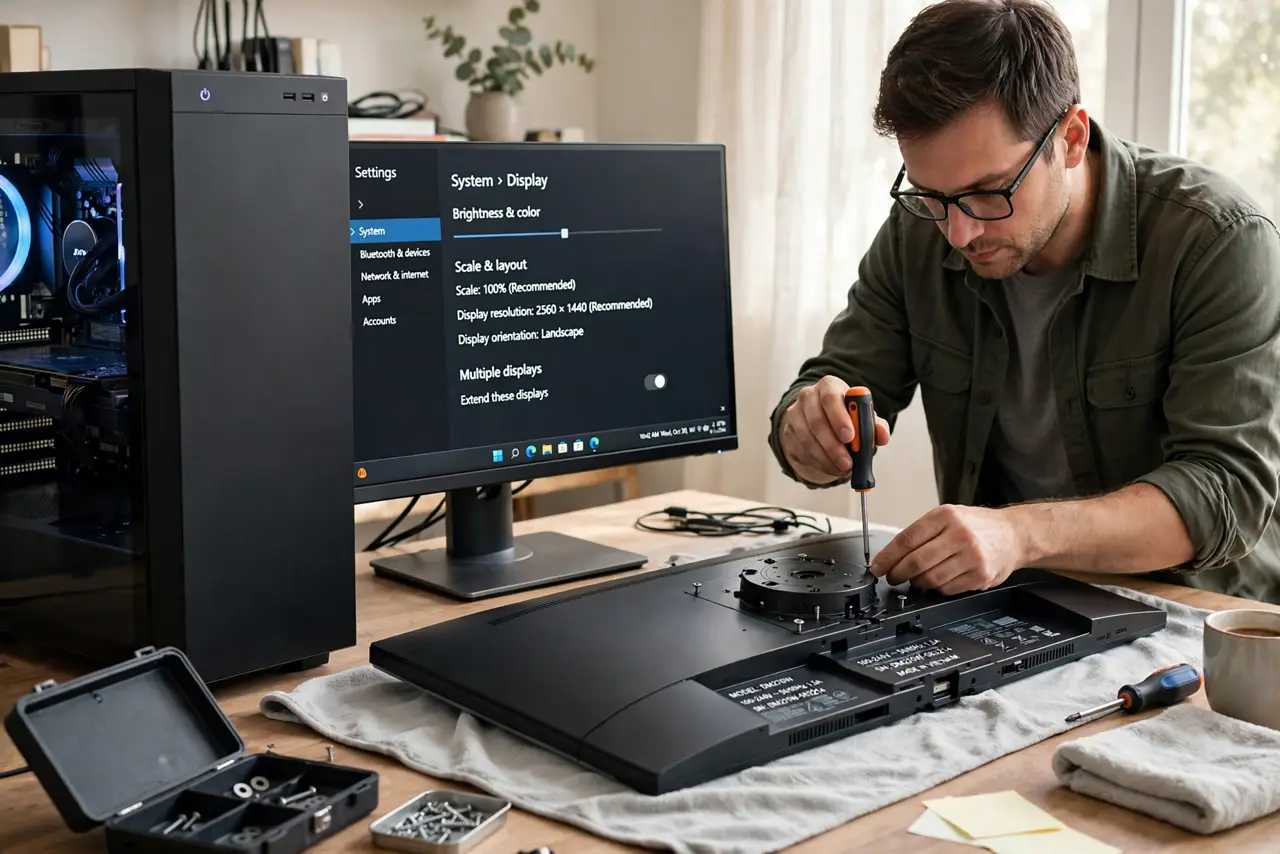
- Tighten the base and neck screws. Lay the monitor face-down on a soft cloth, and tighten the base screws and the neck screws by hand or with the right screwdriver. Loose base screws are the most common wobble cause.
- Check the desk surface is flat and level. Move the monitor to a flat part of the desk and check for a raised edge or a warped board under the base. A stand cannot sit steady on a surface that is not flat.
- Center the monitor weight over the base. Slide the monitor so its weight sits centered over the base, not hanging off one side. An off-center screen levers the stand and wobbles with every keystroke.
- Adjust the stand arm tension if it has one. If the stand arm has a tension screw, adjust it in small turns until the screen holds its height without drifting. Check the stand manual for the tension screw location.
- Check the weight limit for your stand arm. Compare the monitor weight with the stand arm rated limit. An arm rated below the monitor weight will sag and wobble no matter how tight the screws are.
- Replace a broken or bent stand. If the base, neck, or arm is broken, bent, or missing parts, stop using it and replace the stand with one rated for your monitor size and weight.
What NOT to do
- Do not wedge paper or cardboard under a wobbling stand. Wedges slip, tilt the monitor further, and can let the screen topple without warning.
- Do not overtighten stand screws with force. Stripped screws hold worse than snug ones, and broken plastic from overtightening cannot be tightened back.
- Do not hang cables from the monitor in a way that pulls it sideways. Cable weight off one side adds a steady lever that worsens wobble over time.
- Do not use a stand rated below your monitor weight. An overloaded arm sags, drifts, and can drop the screen, so match the rating before you mount.
Frequently asked questions
Why does my monitor wobble when I type?
Typing shakes a light desk, and a loose base or an off-center screen turns that shake into visible wobble. Tightening and centering remove most of it.
Can a wobbling stand damage the monitor?
Yes, if it topples. A fall can break the screen, so a wobble that grows is a safety fix, not just a comfort fix.
What if tightening does not help?
Check the desk flatness and the arm weight rating next. If both are fine and the stand is undamaged, the stand joints themselves are worn and need replacing.