Ultrawide or Dual?
Your desk is due for an upgrade and the choice is ultrawide or two monitors. One giant curved screen looks clean; two screens feel flexible. They solve the same problem — more room — in genuinely different ways, and the right pick depends on your work, your desk depth, and your graphics card. Here is the honest comparison.
TL;DR / Quick Fix
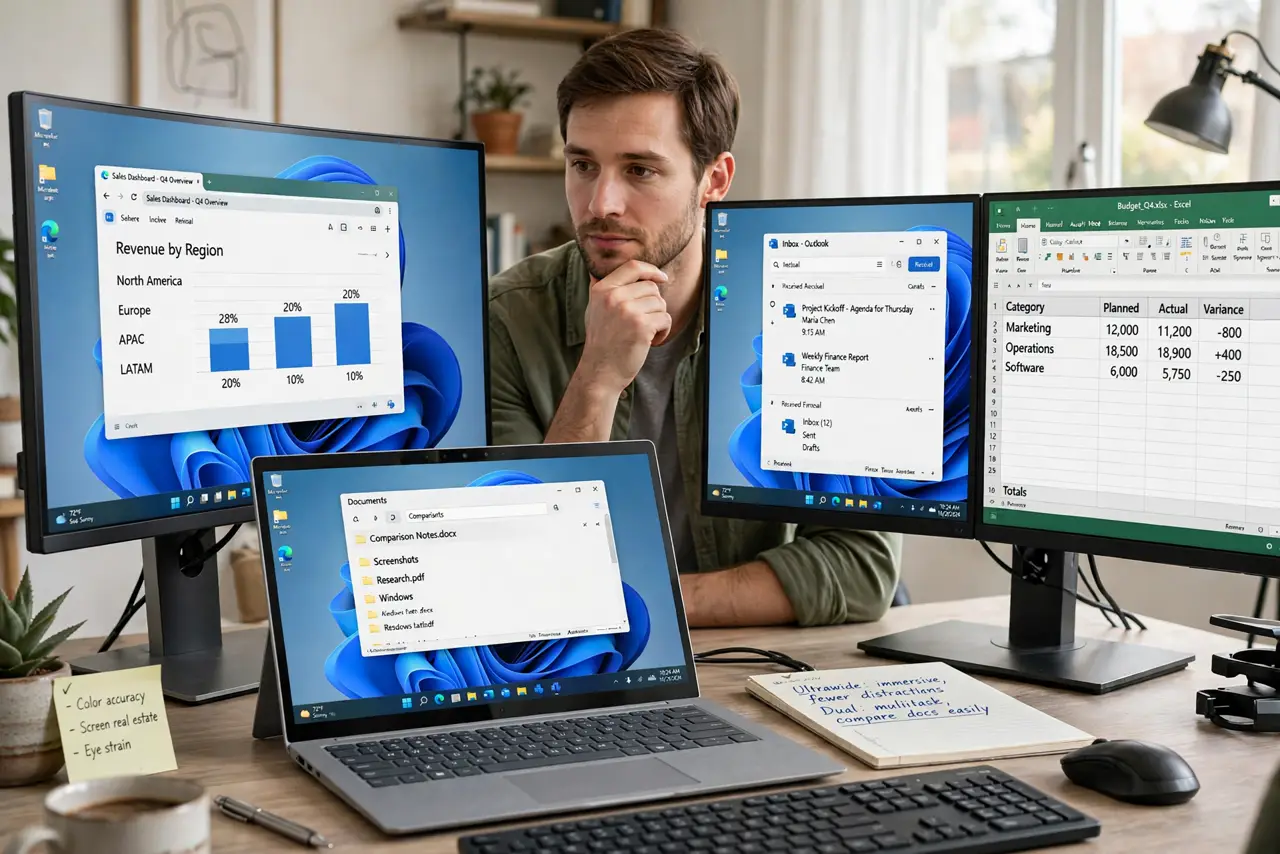
Quick fix: choose ultrawide for a clean single screen with no bezel in the middle — great for video editing and immersive work. Choose dual monitors for flexibility, like one screen for calls and one for documents. Ultrawide needs a deeper desk; dual needs more desk width.
Follow these steps
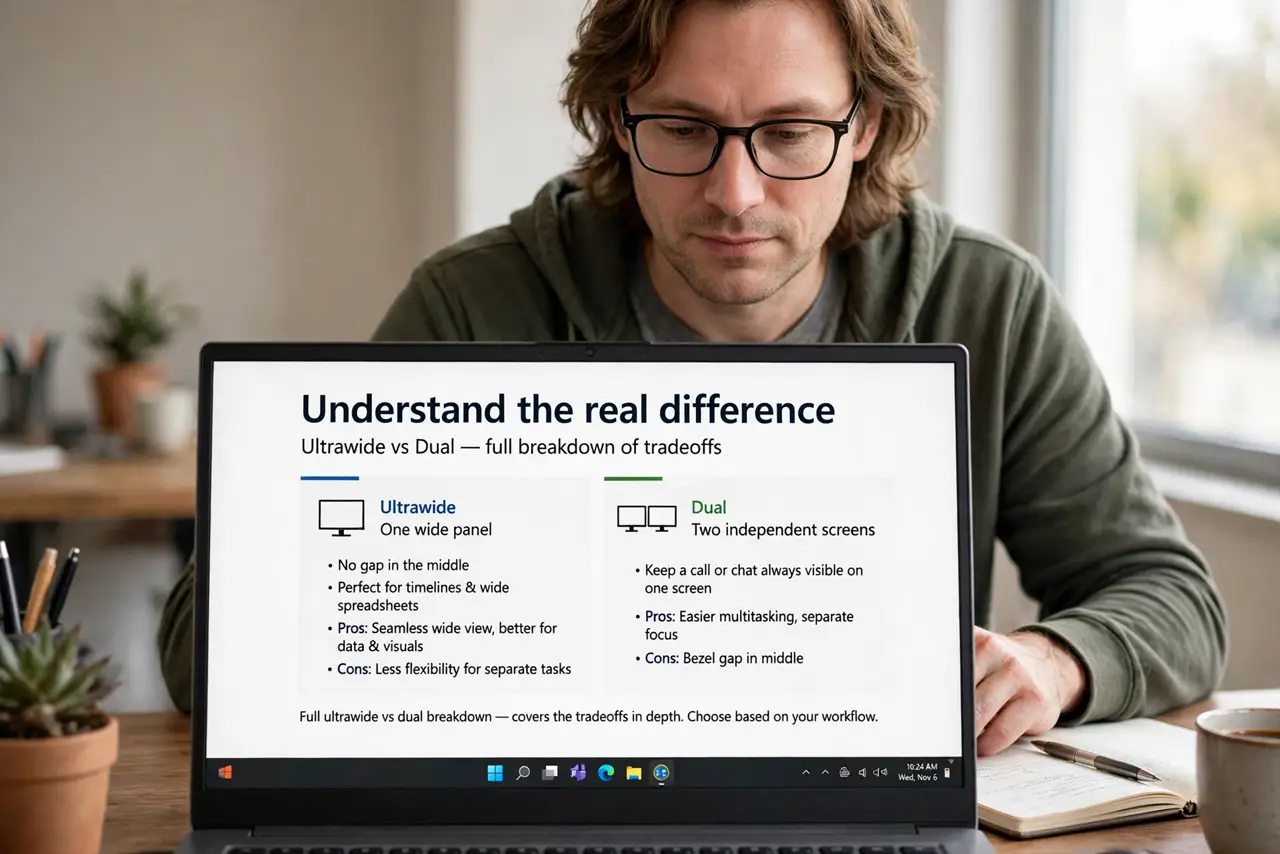
- Understand the real difference. Ultrawide is one wide panel — no gap in the middle, perfect for timelines and wide spreadsheets. Dual is two independent screens — better for keeping a call or chat always visible on one. The full ultrawide vs dual breakdown covers the tradeoffs in depth.
- Measure your desk first. Ultrawides are deep and wide — a 34-inch model wants 70 cm or more of viewing distance. Two 24-inch monitors want width more than depth. Tape out the footprint before buying.
- Check your graphics card. One ultrawide at high resolution can demand more from your GPU than two 1080p screens. If your card is modest, dual 1080p is the safer, cheaper route — also compare 27 vs 32 inch thinking on pixel density.
- Think about window management. Ultrawides need software or built-in tools to snap windows into zones. Dual monitors give you natural separation — full-screen an app on one and it stays put.
- Consider multitasking style. Video calls plus documents: dual wins, since the call can live full-time on one screen. Single-focus creative work: ultrawide wins, with the timeline spread wide.
- Price the whole setup. One ultrawide versus two monitors plus a dual stand or arms — the totals are closer than the sticker prices suggest. Include the stand in the math.
What NOT to do
- Do not buy ultrawide for a shallow desk. Sitting too close to a huge curved screen means constant head turning and eye strain.
- Do not assume your laptop drives either setup. Check its video outputs and resolution support before buying — adapters add cost and quirks.
- Do not pick dual if you hate the center gap. That bezel line never disappears, and it bothers some people every single day.
- Do not forget the stand. Two monitors on their stock feet eat desk space; budget for a dual arm from the start.
Frequently asked questions
Is one 34-inch ultrawide equal to two 27-inch monitors?
No — it is closer to one and a half. You gain seamless width but lose total pixels and the independence of two screens.
Can I mix an ultrawide with a second monitor?
Yes, and many people do — ultrawide as the main screen plus a vertical side monitor for chat. It is the best of both if your desk and GPU allow.
Which is better for gaming?
Ultrawide for immersion in supported games; dual for streaming or chatting while you play. Competitive players usually prefer a single standard screen.