Portable Monitors
You work from a laptop in cafes, hotels, and client offices, and one small screen feels like working through a keyhole. A portable monitor — a thin second screen powered over USB-C — promises desktop productivity anywhere. For the right traveler it is transformative; for a desk-bound worker it is a drawer decoration. Here is how to decide.
TL;DR / Quick Fix
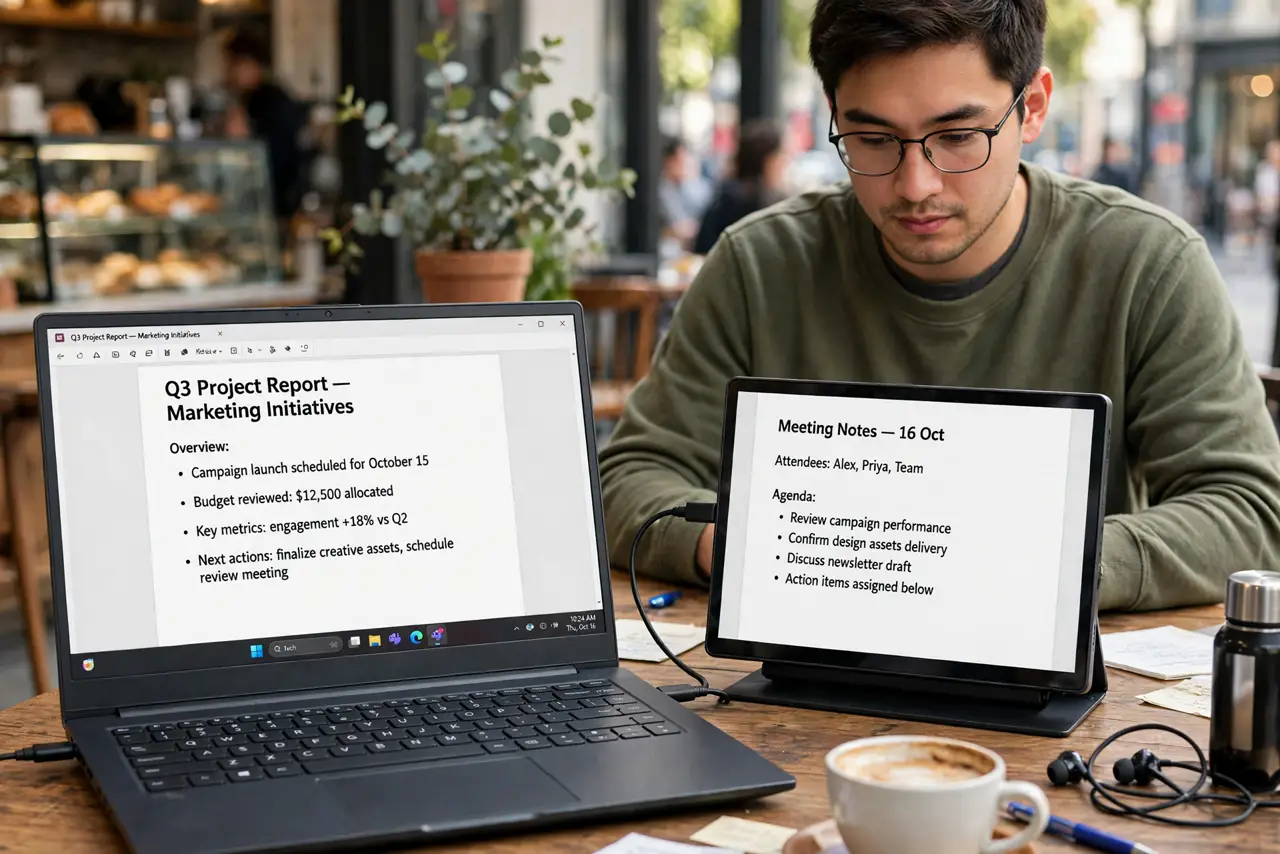
Quick fix: a portable monitor is worth it if you work from a laptop in different places — one USB-C cable gives you a second screen anywhere. Confirm your laptop outputs video over USB-C first. For a fixed desk, a full-size monitor costs less per inch.
Follow these steps
- Know who it is for. Frequent travelers, hybrid workers, and students who work in multiple places gain the most. If your laptop rarely leaves one desk, a full-size monitor is cheaper per inch and nicer to use — see the portable monitor deep dive for the full checklist.
- Check your laptop's USB-C port. One-cable video plus power needs a USB-C port with video output. Without it you will juggle cables — see the one-cable requirements before buying anything.
- Pick 15.6 inches for travel. That size is big enough to matter and light enough to carry daily. Larger portable screens exist but start defeating the purpose in a backpack.
- Demand a real stand. The included magnetic cover-stand is flimsy on many models. Check reviews specifically for stand stability — a wobbling screen will drive you mad within a week.
- Mind the brightness. Portable screens are dimmer than desktop monitors. For bright cafes, 300 or more nits matters more than resolution.
- Protect it in transit. These screens scratch easily — a sleeve or the cover is mandatory in a backpack. One unprotected trip can end the screen.

What NOT to do
- Do not buy before checking your laptop's USB-C video support. No video output means dongle chaos, not one-cable bliss.
- Do not expect desktop-monitor brightness. Portable panels are dimmer by design — check the nits for your lighting.
- Do not cheap out on the stand situation. A screen that will not stay upright is a paperweight with a cable.
- Do not carry it unprotected. A sleeve costs little; a scratched panel costs the whole monitor.
Frequently asked questions
Can a portable monitor work with a phone?
Many can — phones with USB-C video output drive them directly, making a pocketable desktop. Check your phone's specs for video-out support.
Do portable monitors need their own power?
Usually not — they draw power over the same USB-C cable. Very bright settings may need the extra power adapter on some models.
1080p or 4K for a 15-inch portable?
1080p is the value pick and easier on battery. 4K only makes sense for photo work where you will actually see the difference.