Mount Your TV Safely
Your TV wobbles on its stand, the toddler is getting taller, or you just want the clean look — wall-mounting is the answer, but a TV falling off the wall is the nightmare. The good news: it is a straightforward job if you respect the weight, find the studs, and use the right mount. Get those three right and the TV is not going anywhere. Finish the setup with bias lighting for the full effect.
TL;DR / Quick Fix
Quick fix: check your TV's weight and VESA pattern, buy a mount rated above both, anchor into wall studs — never drywall alone — and get a second person for the lift. Tighten everything, test with gentle pressure, and route cables after the TV is secure.
Follow these steps
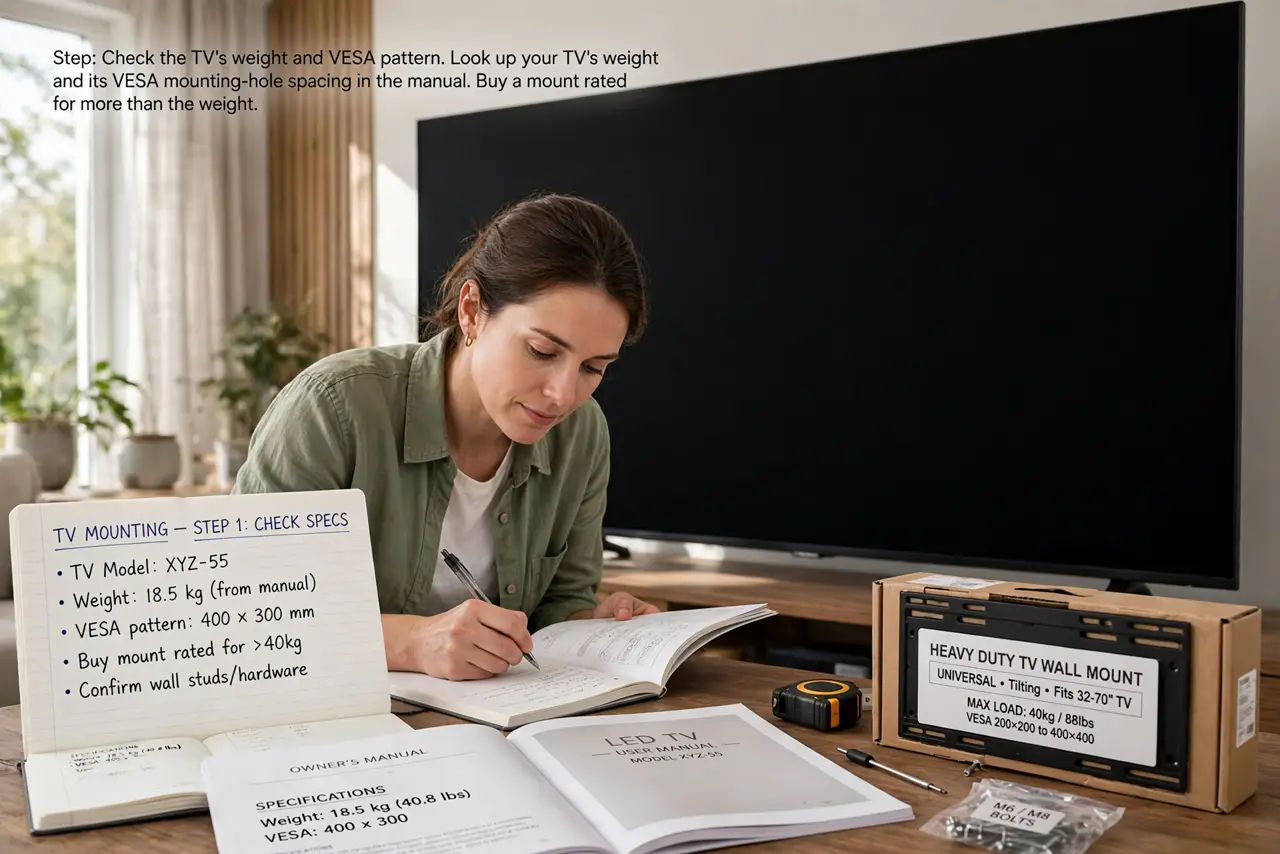
- Check the TV's weight and VESA pattern. Look up your TV's weight and its VESA mounting-hole spacing in the manual. Buy a mount rated for more than the weight and matching the pattern — this is the spec that matters most.
- Find the studs. Use a stud finder to locate the wooden studs behind the drywall and mark their centers. Mounts must anchor into studs; drywall anchors alone cannot hold a TV's weight and leverage.
- Choose the right mount type. Fixed mounts sit slim and cheap; tilting mounts angle down for high placement; full-motion arms swing out for corner viewing. Match the type to the room, not to the price tag.
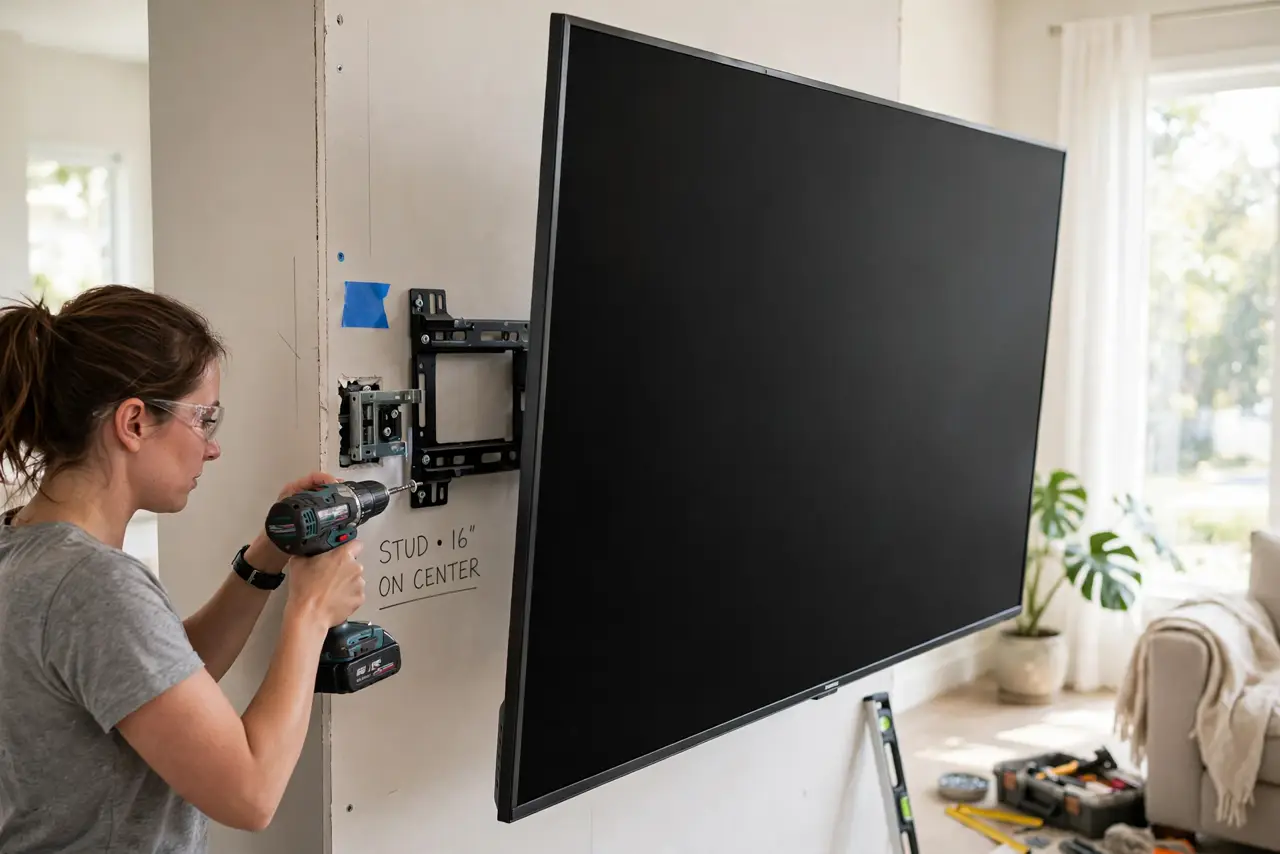
- Mount the bracket to the wall first. Drill pilot holes into the stud centers, drive the lag bolts with a socket wrench, and confirm the bracket is level and rock-solid before the TV comes near it.
- Lift with a second person. TVs are wide, fragile, and awkward — not heavy so much as unwieldy. Two people lift, one guides the bracket hooks onto the wall plate, and nobody rushes.
- Secure, test, then cable. Tighten all bolts, give the mounted TV a firm but gentle tug test, and only then route power and HDMI cables. A wobble now means a bolt missed a stud — fix it before anything else.
What NOT to do
- Do not anchor a TV mount in drywall alone. Drywall cannot hold the leverage of a wall-mounted TV — studs or a proper masonry anchor, no exceptions.
- Do not guess the VESA pattern. The wrong pattern means the mount cannot attach; measure or check the manual first.
- Do not lift a big TV alone. One slip cracks the panel, and a cracked panel is a dead TV.
- Do not skip the tug test. Gentle pressure now reveals a bad anchor; discovering it later involves a crash.
Frequently asked questions
Can I mount on a brick or concrete wall?
Yes, with masonry anchors and a hammer drill instead of wood lag bolts. The mount must still be rated for the TV's weight.
How high should the TV be?
Center of the screen at seated eye level is the rule. Above the fireplace looks great in photos and hurts necks in practice.
What do I do with the cables?
Route them after mounting: a simple cable raceway stuck to the wall hides them cleanly without cutting into drywall.