What Is MU-MIMO?
Router boxes shout about MU-MIMO like it doubles your speed overnight. The reality is narrower but still useful: it lets a router serve several devices simultaneously instead of one at a time. Whether you feel it depends on your devices, your router, and how many things are actually active at once.
TL;DR / Quick Fix
Quick fix: MU-MIMO lets a router talk to several devices at once instead of one at a time — but both router and device must support it. It helps most in homes with many active devices. Do not buy a router for MU-MIMO alone; signal strength and placement matter more.
Follow these steps
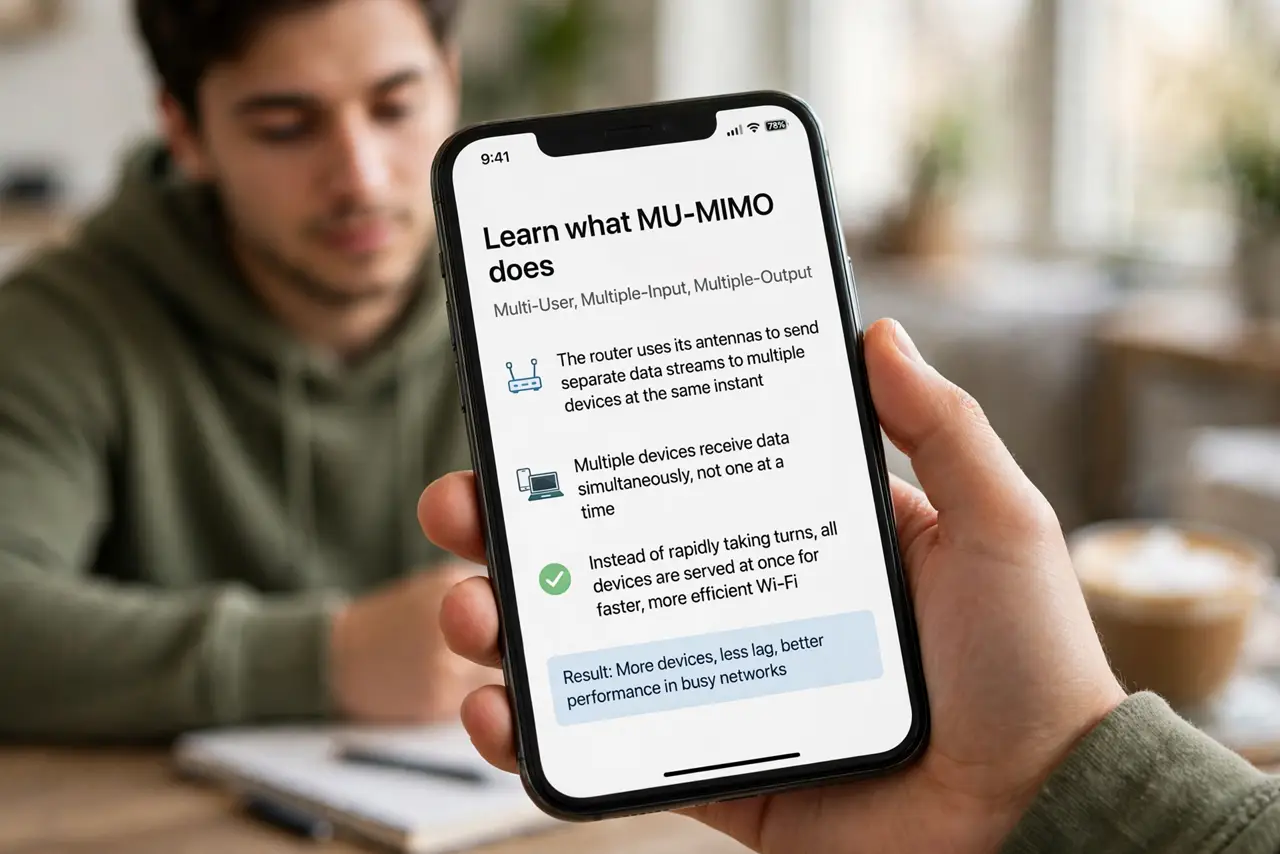
- Learn what MU-MIMO does. Multi-User, Multiple-Input, Multiple-Output: the router uses its antennas to send separate data streams to multiple devices at the same instant, instead of rapidly taking turns.
- Know both ends must support it. The router and each device need MU-MIMO. A MU-MIMO router talking to older devices falls back to one-at-a-time — check your devices' specs for the real story. See the MU-MIMO basics for the spec details.
- Understand where it helps most. Busy households — several people streaming, gaming, and video-calling at once. A single user browsing will never notice it working.
- Do not confuse it with more antennas. Antenna count and MU-MIMO are related but different. Four antennas do not guarantee MU-MIMO, and MU-MIMO does not guarantee speed.
- Pair it with band awareness. MU-MIMO works per band. A device stuck on crowded 2.4 GHz gains little — check band steering if devices land on the wrong band.
- Buy for signal first. A well-placed router with strong signal beats a poorly placed MU-MIMO flagship. Placement and channel width move the needle more.
What NOT to do
- Do not buy a router for MU-MIMO alone. It is a nice-to-have multiplier, not the foundation — signal and placement come first.
- Do not expect double speed. MU-MIMO improves efficiency under load; your top speed to one device barely changes.
- Do not assume all your devices qualify. Older phones and laptops predate MU-MIMO and get zero benefit from it.
- Do not confuse MU-MIMO with OFDMA. They are different efficiency tricks — OFDMA slices channels finer, MU-MIMO serves devices in parallel. See OFDMA for the other half.
Frequently asked questions
Will MU-MIMO fix my slow Wi-Fi?
Only if the slowness comes from many devices competing. If one device is slow alone, look at signal, placement, and interference instead.
Do I need to enable MU-MIMO?
It is on by default on routers that have it. There is usually nothing to configure.
Is MU-MIMO worth paying extra for?
As part of a good modern router, yes. As the sole reason to upgrade, no.