Is a NAS Worth It?
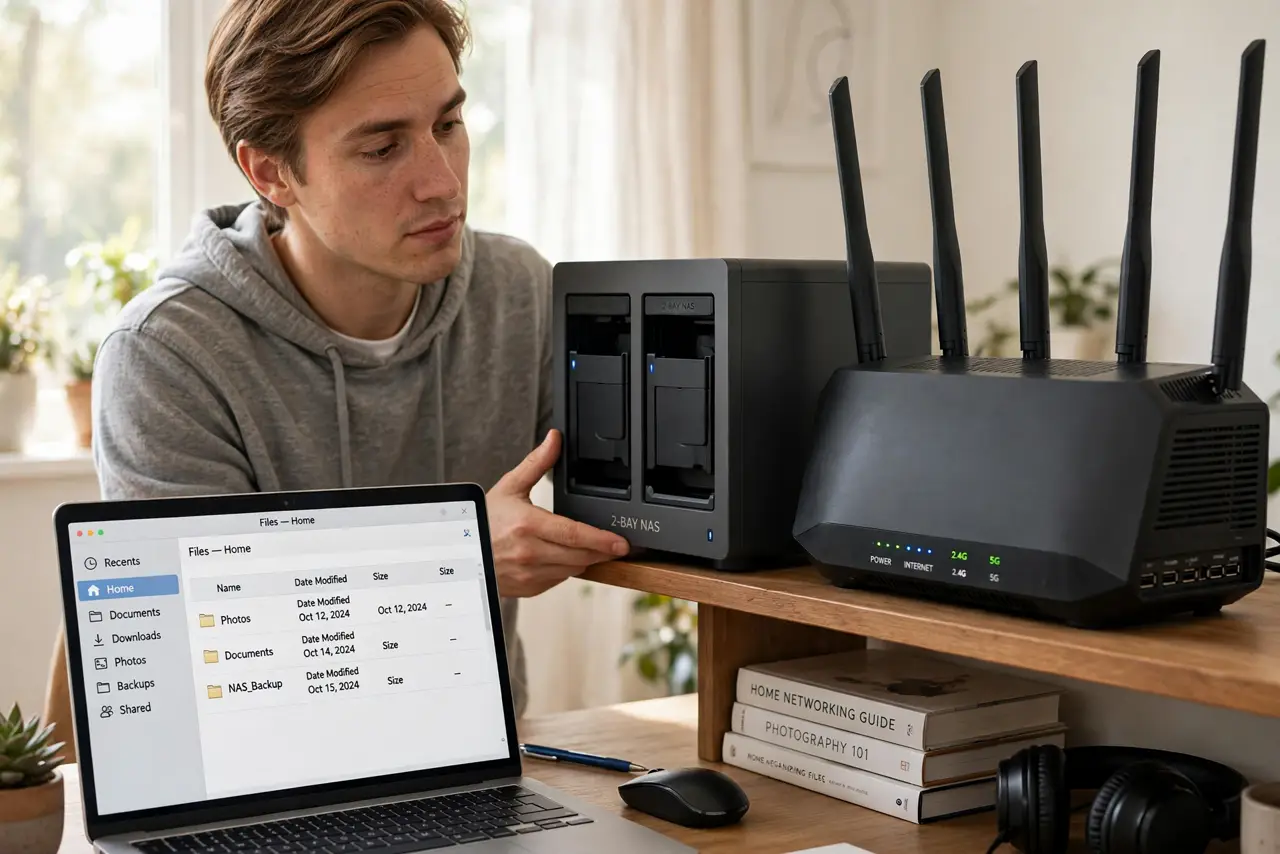
Your photos live on your phone, your documents on your laptop, and your backups — if they exist — on a USB drive in a drawer. A NAS (network-attached storage) puts all of it on one box on your home network that every device can reach, with room to grow and protection against a dead drive. But it costs real money and needs some setup. This guide explains what a NAS actually does, who it suits, and the honest alternatives. If the idea appeals, learn the RAID levels that keep NAS data safe.
TL;DR / Quick Fix
Quick fix: a NAS is worth it when several people or devices need shared storage, automatic backups, or a media library — it centralizes files and survives one dead drive with RAID. Skip it if one computer and a cloud plan cover you. Start with two bays and expand later.
Follow these steps
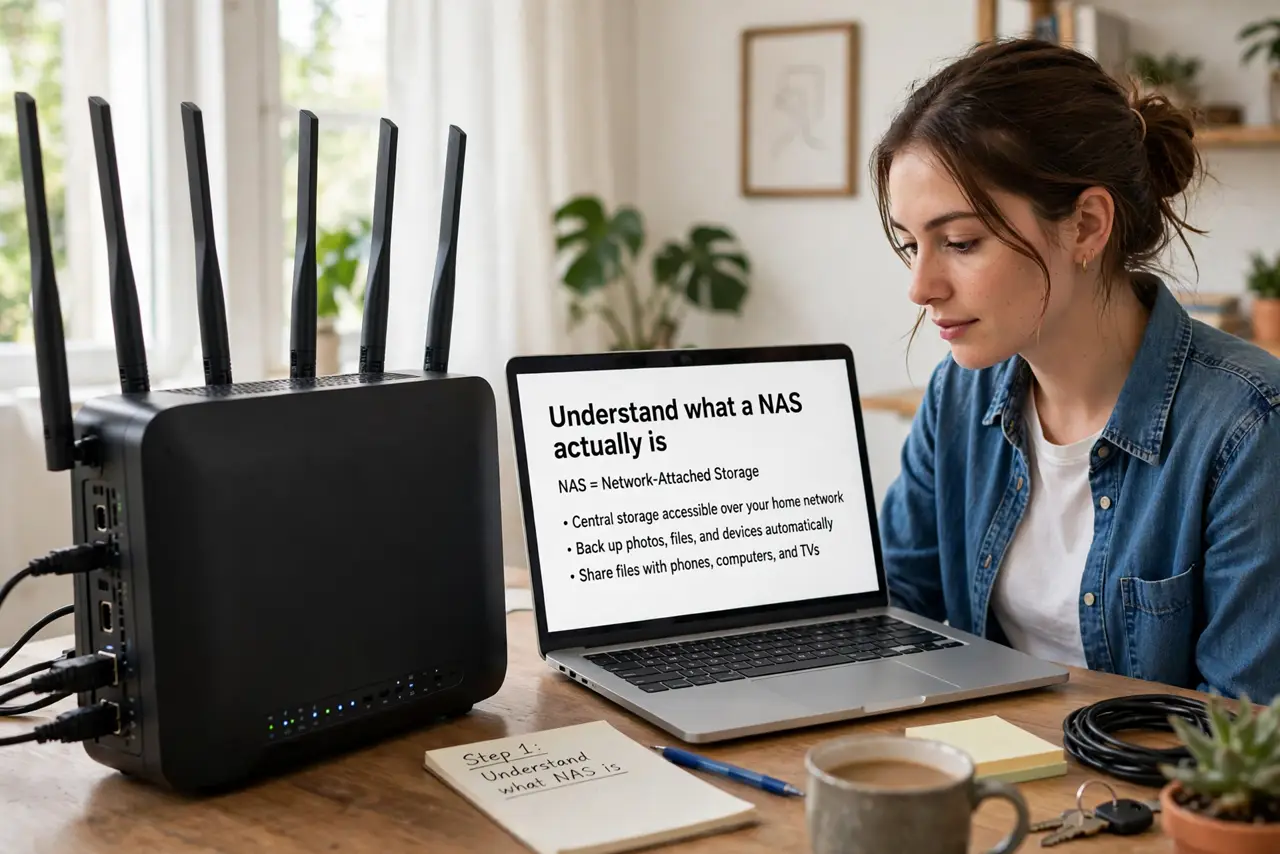
- Understand what a NAS actually is. A NAS is a small computer with drive bays that sits on your home network. Every phone, laptop, and TV in the house can store and read files on it, like a private cloud that lives in your home.
- List what you would put on it. Common uses: automatic backups for every computer, a shared photo library, a movie collection, and a place for big files that do not fit on laptops. If the list is short, a USB drive may honestly do.
- Count the devices and people. A NAS earns its keep with multiple users or devices sharing files. A single person with one laptop usually gets more value from a cloud storage plan than from a box to maintain.
- Learn the RAID basics before buying. Most home NAS units run two drives mirrored, so one can die without losing data. Read the RAID levels explained guide so the protection part makes sense before you shop.
- Budget beyond the box. The NAS enclosure is half the cost — the drives are the rest. Buy NAS-rated drives, not the cheapest desktop ones, and factor in a spare drive budget for the day one fails.
- Start small and expand. A two-bay NAS with room to add drives later beats an oversized four-bay you never fill. You can grow capacity without starting over.
What NOT to do
- Do not buy a NAS as your only backup. RAID protects against drive death, not fire, theft, or ransomware — keep an off-site copy too.
- Do not fill it with shucked or ancient drives to save money. Unreliable drives in a NAS cause exactly the data loss you bought it to prevent.
- Do not expose the NAS admin page to the internet. Keep remote access through the maker's secure relay or a VPN, not an open port.
- Do not skip the setup wizard's update step. An unpatched NAS on a home network is a favorite target for automated attacks.
Frequently asked questions
Is a NAS better than cloud storage?
For large libraries and local speed, yes — no monthly fee per terabyte and full speed at home. For access anywhere with zero maintenance, cloud wins. Many people use both.
How loud is a NAS?
Audible but modest — a quiet hum from drives and a small fan. Keep it in a closet or office, not the bedroom, and it fades into the background.
Can a NAS stream movies to my TV?
Yes, most run media server software that streams to smart TVs, phones, and streaming boxes. It is one of the most popular home uses.