Access Your NAS Away from Home
Your NAS is perfect at home, but on the road its address doesn't work — home networks don't accept visitors from the internet by default. Your NAS maker almost certainly offers a safe remote-access feature, and there's a VPN option for the security-minded. Here's how to reach your files without exposing your network.
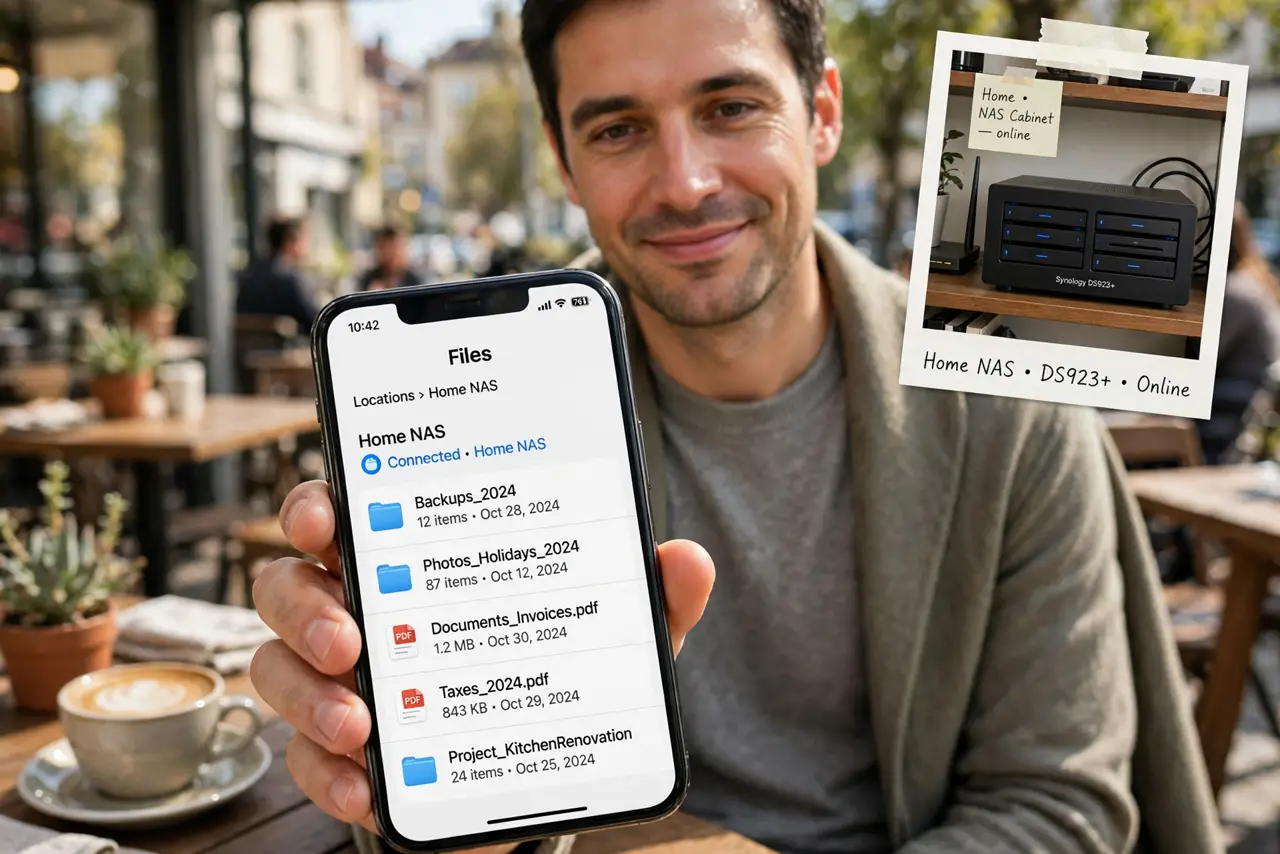
TL;DR / Quick Fix
Quick fix: enable your NAS maker's own remote-access feature in its settings and sign in through their app — it avoids risky manual port forwarding. For the safest setup, use a VPN into your home network instead, and protect the NAS account with a strong password and two-factor authentication.
Follow these steps
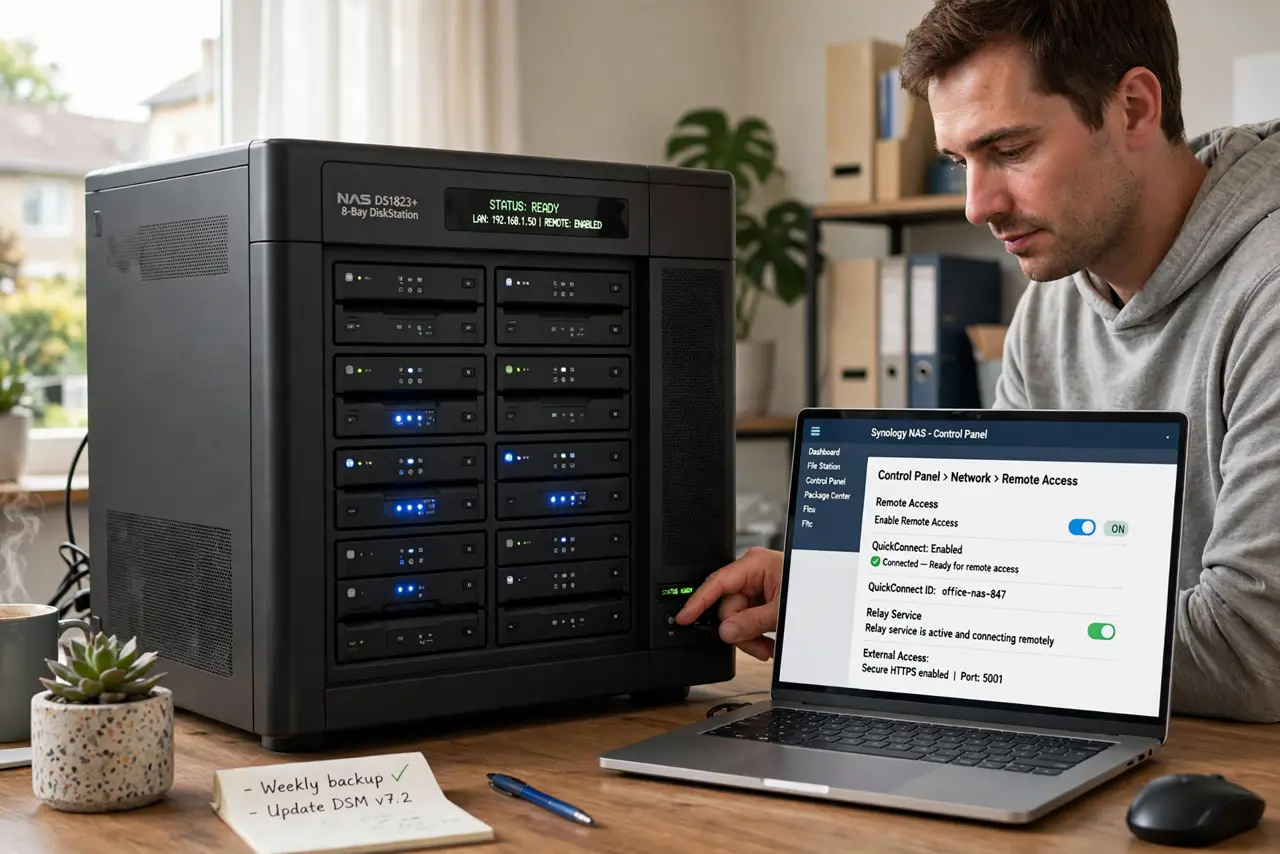
- Use your NAS maker's remote-access feature. Most NAS brands offer a relay service you enable in the NAS settings, then reach through their app or web address. It punches through your router safely without manual port configuration.
- Enable it in the NAS admin panel. Log into the NAS at home, find the remote access or cloud section, and switch it on. Note the address or QR code it gives you — that's your away-from-home doorway.
- Sign in through the maker's app on the road. Install the official mobile app, sign in with the same account, and your NAS appears. Test it on mobile data before you actually need it — hotel Wi-Fi day is the wrong time to debug.
- Consider a VPN for the safest access. A VPN into your home router gives you full, encrypted access as if you were home — no third-party relay involved. It's more setup, but it's the gold standard for sensitive files.
- Lock down the NAS account. Use a strong unique password and turn on two-factor authentication on the NAS admin account. Remote access is only as safe as that login.
- Keep the NAS software updated. An internet-reachable NAS is a target. Install the maker's security updates promptly — most NAS compromises exploit old, unpatched systems.
What NOT to do
- Do not manually port-forward your NAS to the internet. Open NAS ports get scanned within hours — use the maker's relay or a VPN instead.
- Do not leave the default admin password on an internet-reachable NAS. It's the first thing automated attacks try, and they try constantly.
- Do not enable remote access over UPnP without understanding it. UPnP opens ports automatically, which is convenient and exactly what attackers count on.
- Do not skip updates on a NAS you access remotely. An exposed, unpatched NAS is one of the most commonly hijacked home devices.
Frequently asked questions
Why is remote access so slow?
Your home internet's upload speed is the bottleneck — most plans upload far slower than they download. Large files will crawl; that's normal.
Relay service or VPN — which should I pick?
The relay is easiest and fine for most people. Choose the VPN if you store sensitive documents and want no third party in the middle.
Can I use a dynamic DNS address instead?
Yes, paired with a VPN or careful port rules. See the dynamic DNS explainer for how the address stays current.