'Not Secure' Form Warning? What It Means
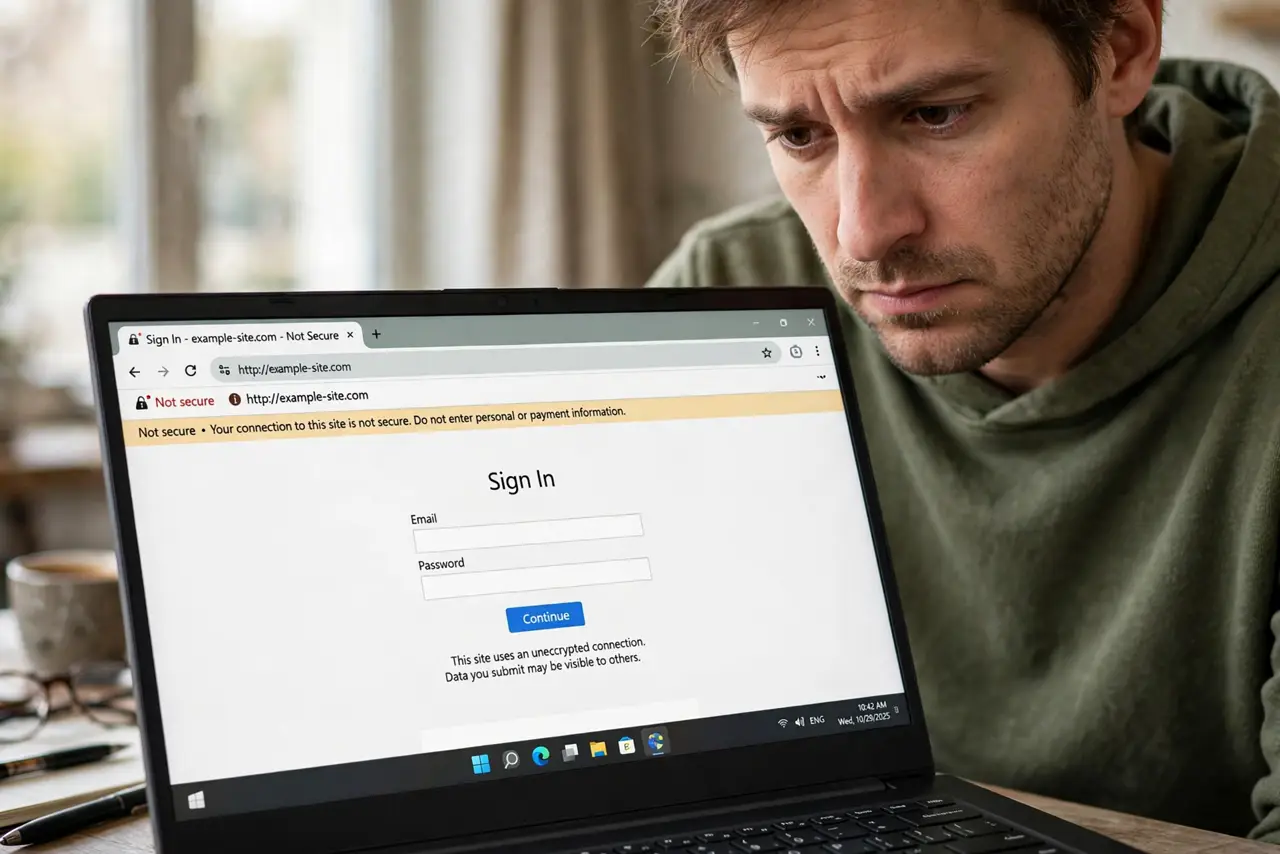
Your browser flags a login or payment form as 'Not Secure.' That warning means the page does not use encryption, so anything you type could be read in transit. This guide explains what the warning means and when it is safe to continue.
TL;DR / Quick Fix
Quick fix: don't type passwords, card numbers, or personal details into a page marked Not Secure — the connection isn't encrypted. Try the HTTPS version of the address or find the official site. If you already submitted sensitive info there, change that password right away.
Follow these steps
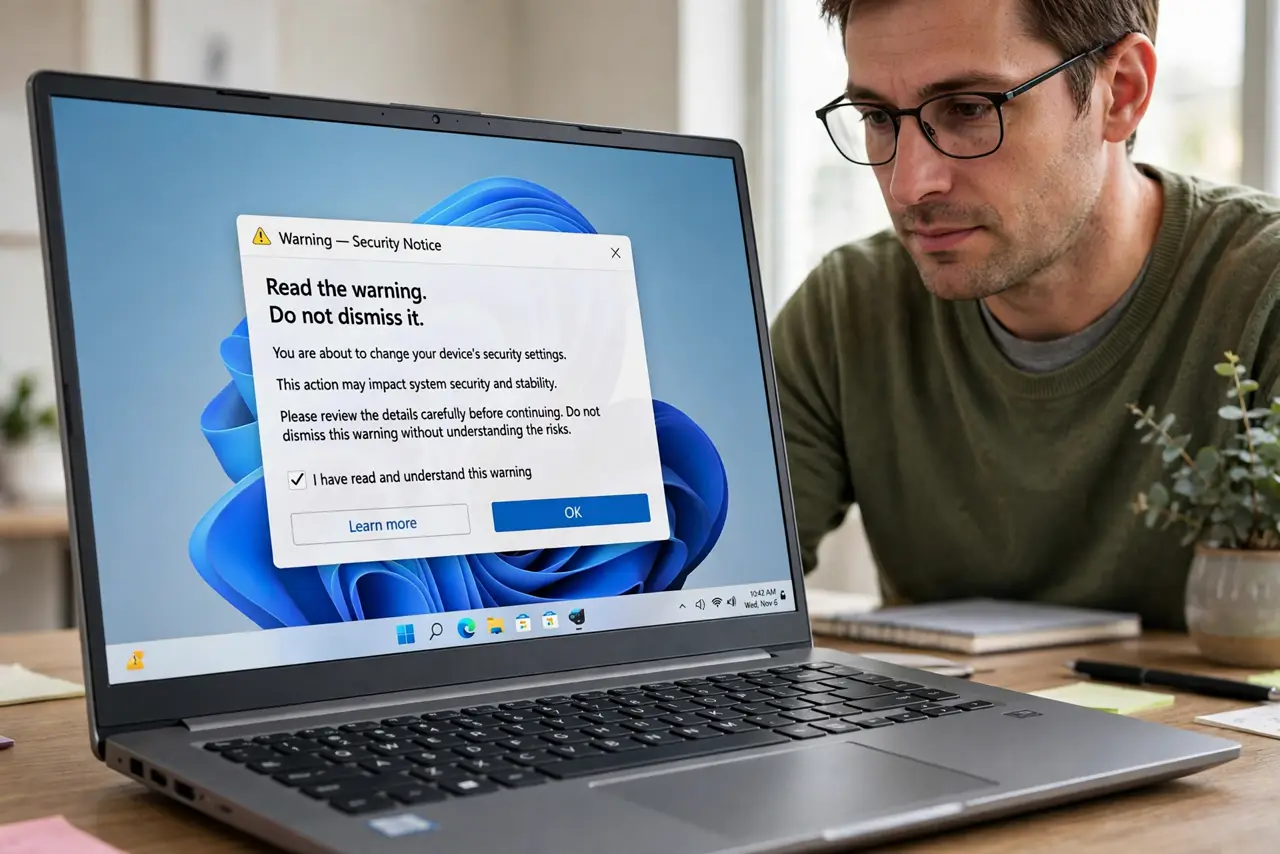
- Read the warning, don't dismiss it. Not Secure means the connection between you and the site is not encrypted. Anyone on the same network could read what you send.
- Check the address bar. Look at the URL: it likely starts with http:// instead of https://, or the site's certificate expired. The warning lives next to the address for a reason.
- Try the HTTPS version. Change http:// to https:// in the address bar and reload. Many sites support encryption but still serve the insecure version to old bookmarks.
- Navigate to the official site yourself. If the HTTP version is all there is, leave. Find the real site through a search engine rather than trusting links that led you to the insecure page.
- Never submit sensitive info there. No login, no card number, no address on a Not Secure page. Reading a plain article is harmless; typing personal data is not.
- Report it if it is your own site. If you run the site, the fix is a free certificate and forcing HTTPS. Visitors seeing this warning will leave.
What NOT to do
- Do not type your password into a Not Secure page. If you already did, treat it like a leaked password and change it everywhere you reused it.
- Do not assume a familiar logo means safety. Phishing pages often show real branding on unencrypted HTTP pages.
- Do not 'proceed anyway' on a payment page. No legitimate checkout lacks encryption — an insecure one is a scam or a broken site.
- Do not confuse Not Secure with a scam warning. It is about encryption, not reputation — but unencrypted plus asking for data is a bad combination.
Frequently asked questions
Is it safe to just read a Not Secure page?
Yes. Reading is fine — the risk is only in data you send: logins, forms, and payments.
Why does a big site show this warning?
Usually an expired certificate or a misconfigured page. Try the HTTPS address, and if it persists, contact the site — it is their bug to fix.
Does this warning appear on phones too?
Yes. Mobile browsers show it the same way, and the same rules apply: read freely, type nothing sensitive.