Is Autofilling Credit Cards Safe? Plainly
Your browser offers to fill in your credit card at checkout, and it feels both convenient and slightly alarming. Autofill is generally safe on your own devices, with a few important conditions. This guide lays them out plainly.
TL;DR / Quick Fix
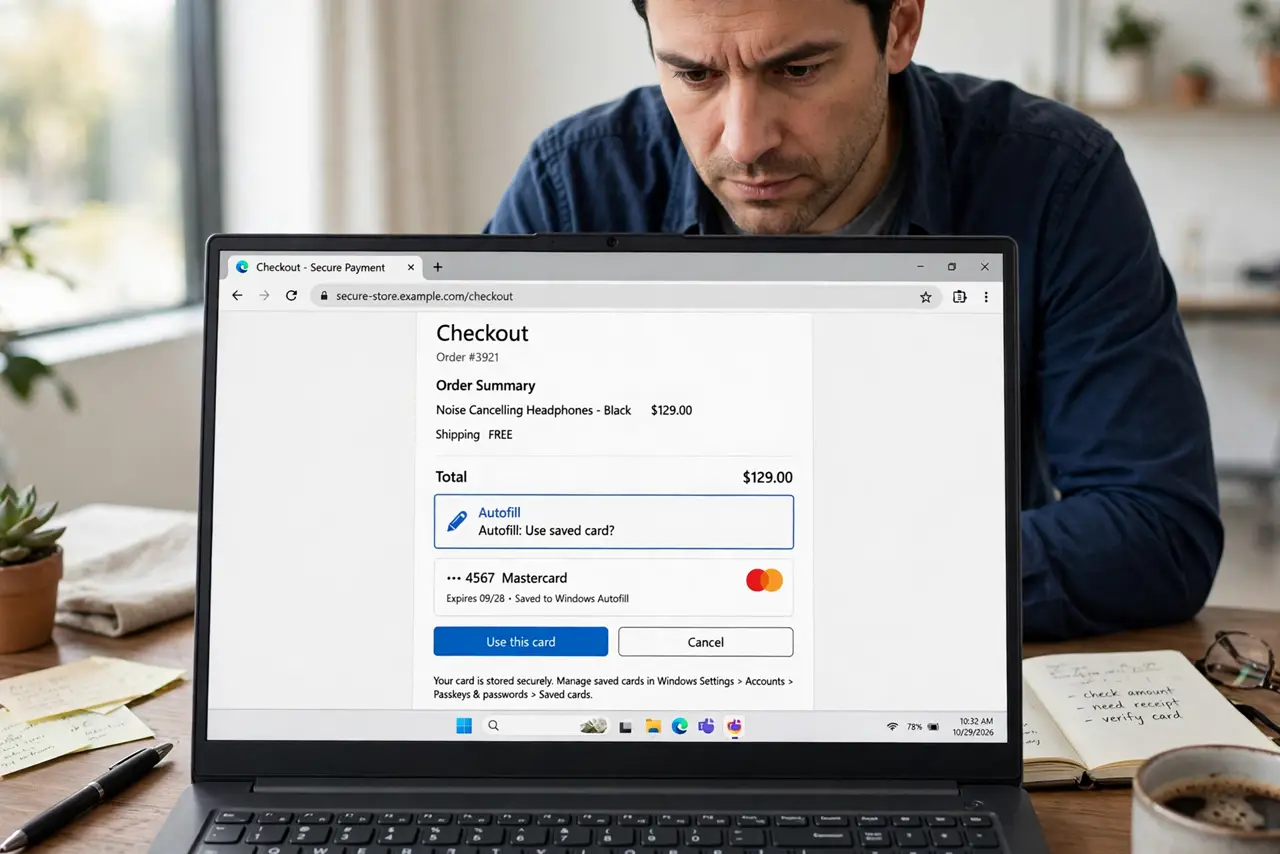
Quick fix: card autofill is safe on your own password-protected devices — the browser encrypts the numbers and still asks for your CVC. Never save cards on shared or public computers, and keep your device locked. For extra safety, use your card's virtual numbers for online shopping.
Follow these steps
- Understand what the browser stores. The browser saves your card number and expiry, encrypted with your device login. It does not store the CVC — you type that each time, which is a deliberate safety gap.
- Check your device lock first. Autofill protection is only as strong as your lock screen. A laptop with no password hands your cards to anyone who opens the browser.
- Review which cards are saved. Open the browser's payment settings and delete cards you no longer use. Old expired cards are clutter; unknown ones are a red flag.
- Watch for the CVC prompt. A legitimate autofill always asks for the CVC at checkout. If a site fills the whole card including CVC, something is off — stop and check the address bar.
- Consider virtual card numbers. Many banks offer single-use virtual numbers for online shopping. They work with autofill and make the real number useless if a store is breached. A password manager can store these too.
- Keep the browser updated. Autofill security improves with updates. An outdated browser is the weakest link in the whole chain.
What NOT to do
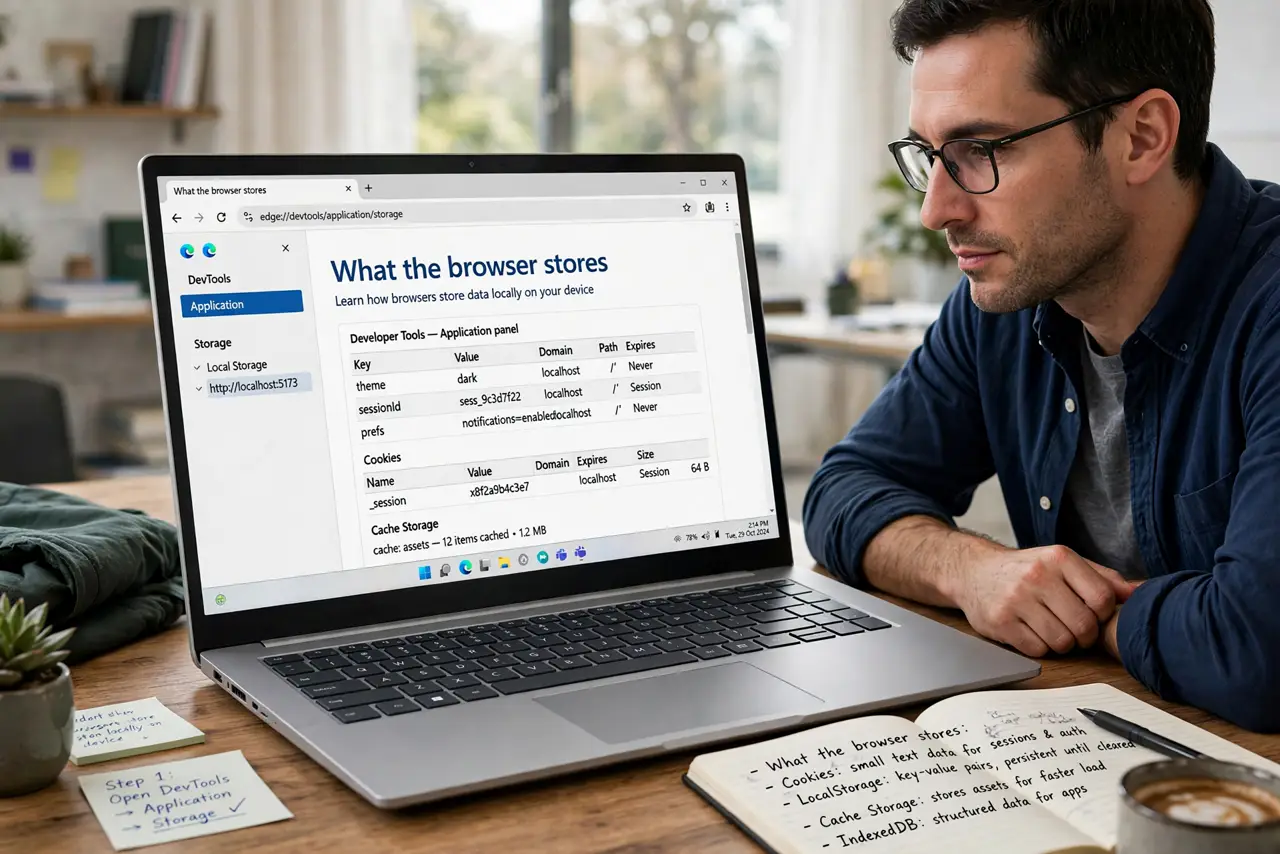
- Do not save cards on a shared or public computer. Anyone using that browser after you could spend on your card — learn to sign out fully on machines you do not own.
- Do not autofill on a site you do not trust. Check for the padlock and the correct address before letting the browser fill anything.
- Do not ignore unknown saved cards. If a card you do not recognize appears in the list, remove it and check your statements.
- Do not type your CVC into a pop-up outside checkout. Real checkouts ask inside the payment page, not in a floating window.
Frequently asked questions
Can websites steal my card through autofill?
Reputable browsers only fill when you choose to, on the page you are viewing. Hidden-field tricks from years ago were fixed — keep the browser updated.
What if my laptop is stolen?
With a strong device password and encryption, your saved cards stay protected. Without them, change your cards' status with the bank right away.
Is autofill safer than typing the card each time?
On your own device, yes — it defeats keyloggers and shoulder-surfers. On a device you do not trust, type nothing at all.