Linking Notes vs Folders: Which Helps Recall
Notes filed in folders disappear into drawers you never open, while linked notes with no structure become a tangle. The two tools do different jobs: folders organize by category, links connect by idea, and recall needs both.

TL;DR / Quick Fix
Quick fix: use folders for stable categories like projects, and links between notes for ideas that connect across topics. Write each note around one idea with a clear title, so links stay meaningful, search finds everything fast, and related ideas resurface when you need them.
Follow these steps
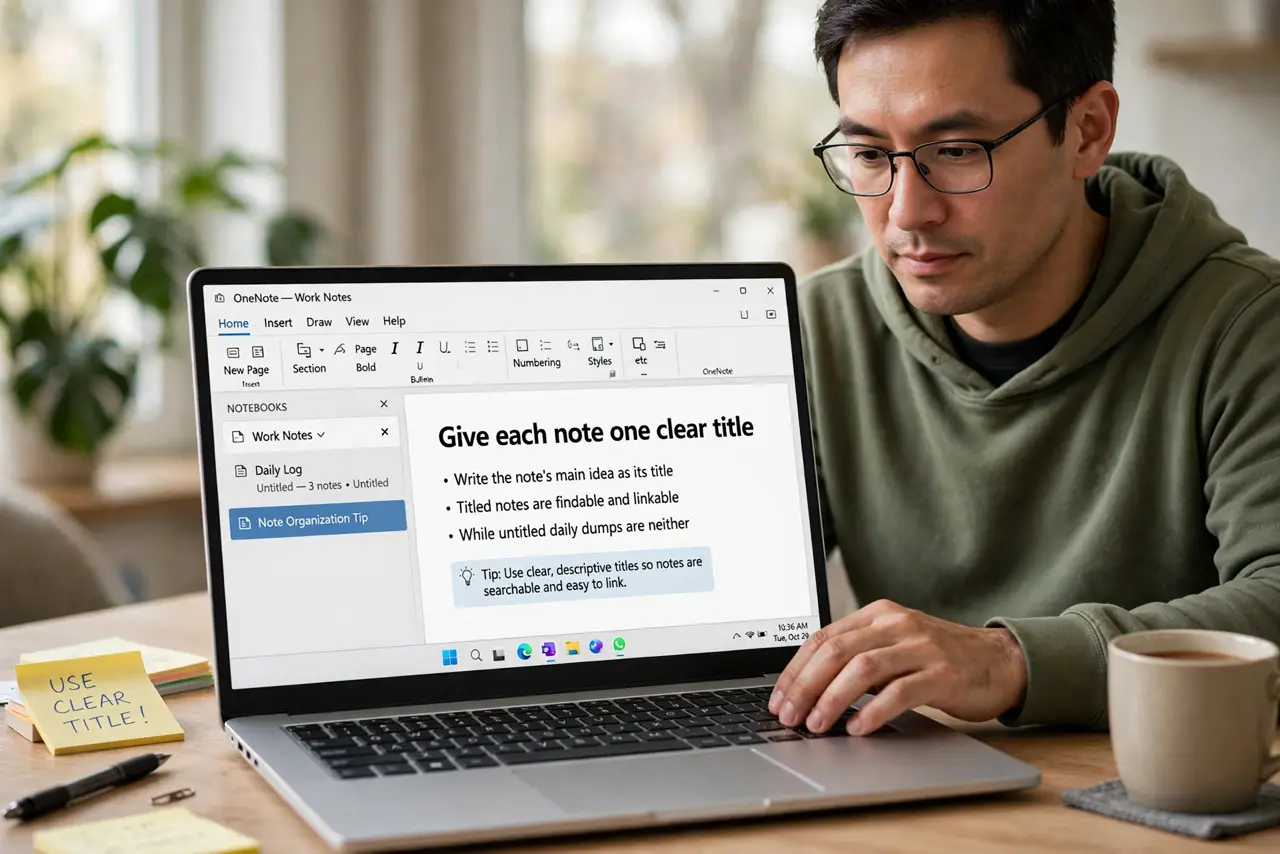
- Give each note one clear title. Write the note's main idea as its title. Titled notes are findable and linkable, while untitled daily dumps are neither.
- Use folders for stable categories. File notes into a few broad folders: projects, people, reference. Folders answer where does this belong, which is a filing question.
- Link notes that share an idea. When a note relates to another, add a link between them. Links answer what does this connect to, which is a thinking question folders cannot ask.
- Keep the folder count small. Five to eight folders is plenty. Dozens of folders recreate the filing-cabinet problem, and search handles the rest.
- Review links, not folders, to recall. When studying a topic, follow its links from note to note. Linked chains rebuild understanding, while folder browsing just shows you filenames.
- Prune dead links and orphans monthly. Delete notes that no longer matter and link the orphans worth keeping. A linked system needs light gardening to stay useful.
What NOT to do
- Do not build fifty folders on day one. An elaborate folder tree feels organized and hides notes just as well as no system at all.
- Do not link every note to every other note. Links should mean something, so link only where a real connection exists.
- Do not write one giant note per topic. Small one-idea notes link cleanly, while giant notes link nowhere useful.
- Do not abandon search for either system. Folders and links organize, but search finds, and you will use search daily.
Frequently asked questions
Which is better, folders or links?
Neither alone. Folders file by category and links connect by idea, and recall works best with both doing their own job.
How many folders should I have?
Few: five to eight broad ones. Let links and search handle everything finer than that.
What makes a good link between notes?
A real relationship: one note explains, contradicts, or extends the other. Decorative links add noise.