Do a Notification Detox
Your phone buzzes a hundred times a day and maybe five of those buzzes mattered. The rest is apps screaming for attention — sales, streaks, 'we miss you' — each one a tiny hijack of your focus. A notification detox is a one-hour audit that buys back your attention permanently. Here is the method.
TL;DR / Quick Fix
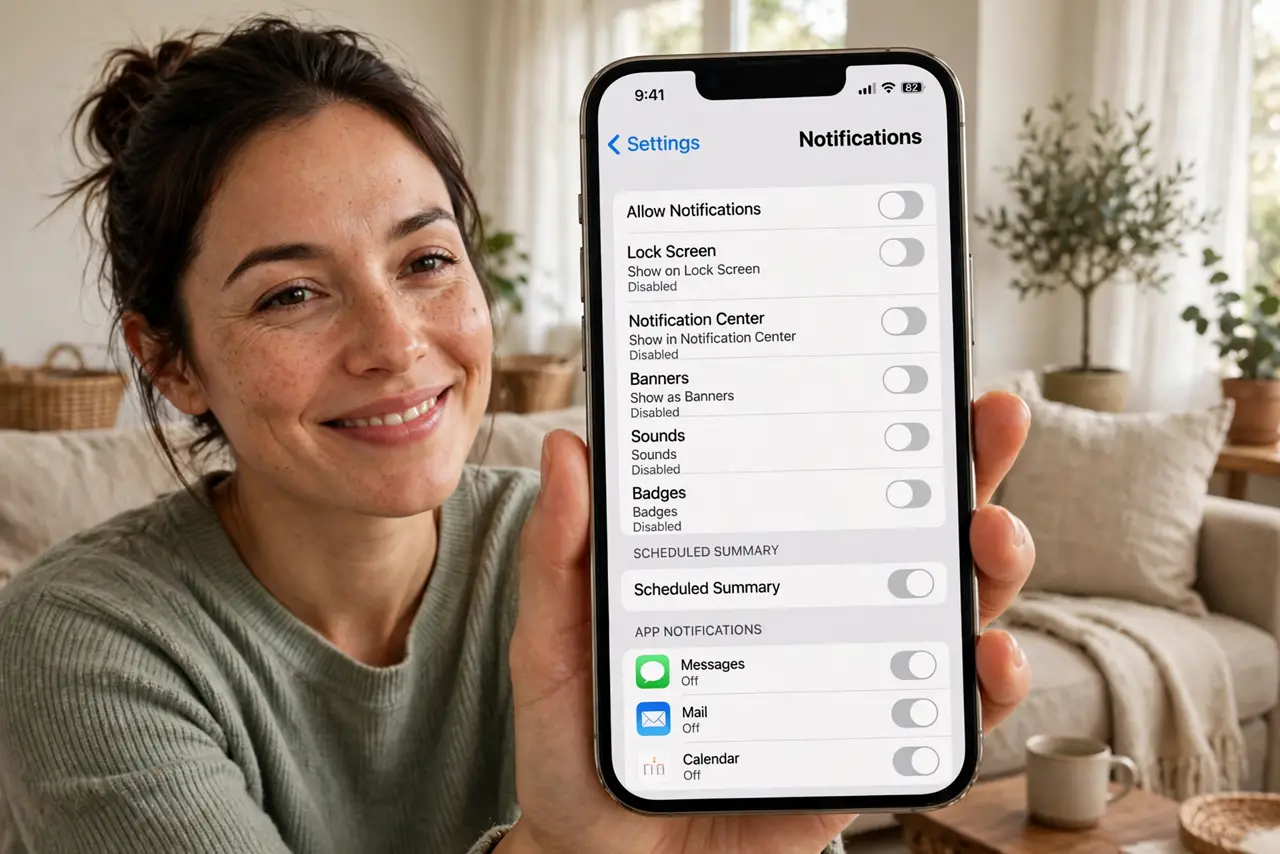
Quick fix: a notification detox means auditing every app's alerts and keeping only the ones from real humans about timely things. Turn off badges and banners for everything else, schedule two daily check-ins, and put the phone on Do Not Disturb by default. Your attention will feel brand new.
Follow these steps
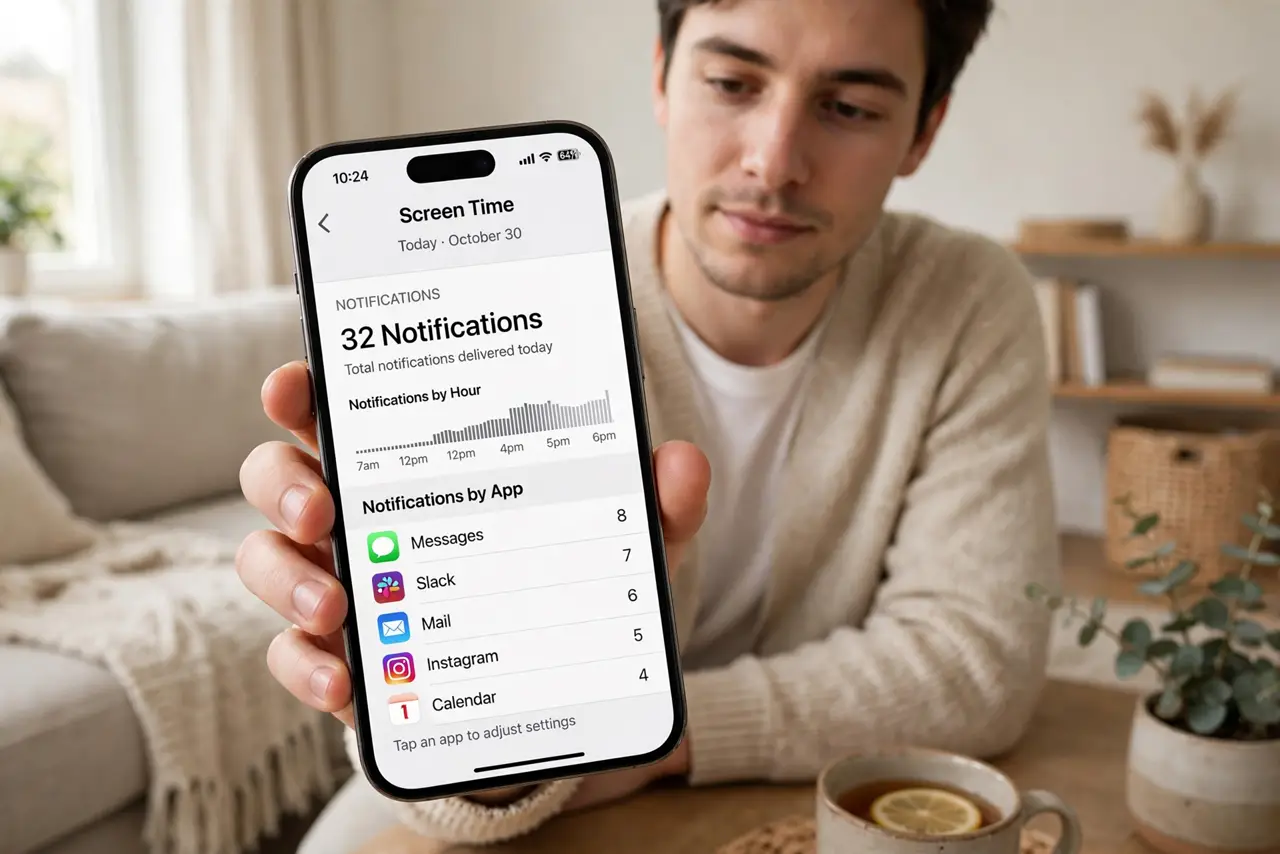
- Count the damage first. Check Screen Time (iPhone) or Digital Wellbeing (Android) for your daily notification count. The number is usually shocking — and shock is excellent motivation for the audit.
- Keep only humans and time. The rule: notifications stay only if they are from a real person AND time-sensitive — calls, direct messages, calendar alerts. Everything else is a candidate for deletion. News, games, and shopping apps fail this test instantly.
- Turn off the rest app by app. Go through Settings > Notifications and disable the failures one by one — or use the per-app notification controls for finer control. Do not batch-delete blindly; the conscious review is what changes the habit.
- Kill badges and banners first. If fully disabling feels drastic, start by removing badges (the red dots) and banners, keeping only Notification Center entries. Most of the anxiety lives in the dots — removing them defangs the app without losing the info.
- Schedule check-in times. Check the silenced apps on your schedule — twice a day is plenty for most. The information still exists; you have just moved from push to pull, which is the entire psychological shift.
- Default to Do Not Disturb. Set DND or Focus mode as your normal state, with exceptions only for favorites and true emergencies. Silence becomes the default; noise becomes the exception you choose.
What NOT to do
- Do not detox by willpower alone. Deleting apps' notification permission beats 'I will just ignore them' — environment beats intention every time.
- Do not keep 'just one' shopping app's alerts. One exception becomes ten; the rule is humans-plus-time, no sentimental exemptions.
- Do not check the silenced apps compulsively. The detox fails if you manually poll every ten minutes — trust the schedule.
- Do not forget the watch and desktop. Notifications migrate to every paired device — audit the watch, tablet, and computer too, or the buzzing just moves.
Frequently asked questions
Won't I miss something important?
Truly important things come by call or direct message — which you kept. Everything else survived for decades as 'check when you feel like it.'
How long does the detox take?
About an hour for the audit, then a week for the phantom-buzz feeling to fade. After that, the quiet feels normal and the old noise feels absurd.
Should I delete the apps too?
Not necessarily — silenced apps are fine. But if you keep opening one compulsively, deletion is the honest next step.