Gen3 vs Gen4 NVMe?
Shopping for an NVMe SSD, you hit the fork in the road: Gen3 or Gen4. Gen4 promises double the speed on paper, and it costs a little more. But whether you feel that speed depends on your motherboard, your workload, and even your cooling. Here is how to pick the right generation without overspending on speed you will never use.
TL;DR / Quick Fix
Quick fix: Gen4 NVMe is twice as fast as Gen3 on paper, but most everyday tasks feel identical on either. Buy Gen4 if your board supports it and the price gap is small; otherwise a good Gen3 drive is the value king. Always check your board's slot generation before buying.
Follow these steps
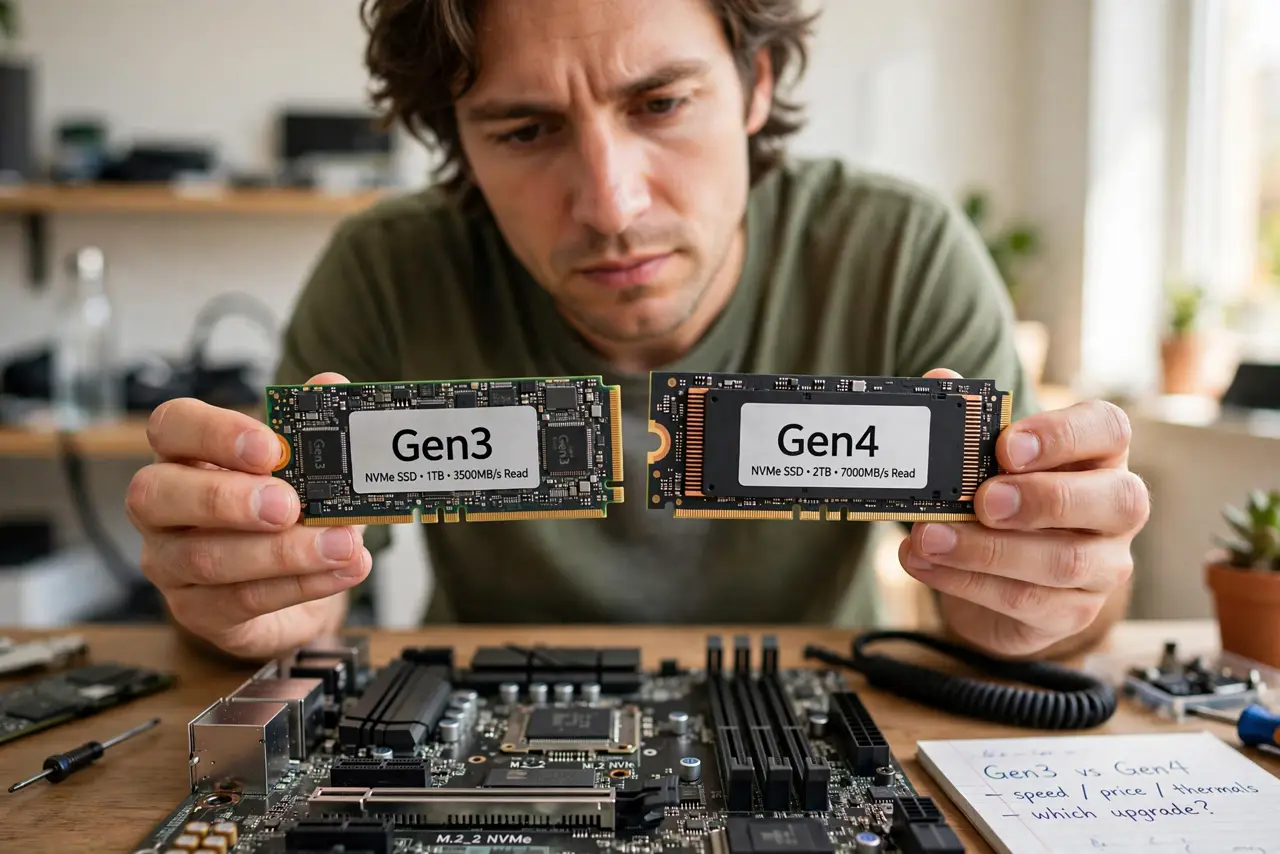
- Learn what the generations mean. Gen3 and Gen4 are PCIe generations — the highway the SSD uses to talk to your PC. Gen4's highway is twice as wide, so top speeds roughly double: around 3,500 MB/s for Gen3 versus 7,000 MB/s for Gen4.
- Check your motherboard first. A Gen4 SSD in a Gen3 slot runs at Gen3 speed — the slot sets the limit. Check your motherboard manual or specs for which generation each M.2 slot supports before you pay the Gen4 premium.
- Be honest about your workload. Gaming, office work, and booting feel the same on Gen3 and Gen4 — these tasks never saturate Gen3. Only heavy video editing, huge file copies, and scratch disks genuinely benefit from Gen4 speed.
- Mind the heat. Gen4 drives run hotter and often need the heatsink your motherboard provides. A Gen4 SSD baking under no heatsink can throttle down to Gen3-like speeds anyway — cooling is part of the purchase.
- Compare real prices. When the price gap is small, Gen4 is the obvious pick for future-proofing. When Gen4 costs much more per gigabyte, a quality Gen3 drive buys you the same daily experience for less.
- Do not forget the interface baseline. Both crush older SATA SSDs so completely that the Gen3-versus-Gen4 debate is a luxury problem. Upgrading from SATA to either NVMe generation is the leap that matters.

What NOT to do
- Do not buy Gen4 for a Gen3-only board expecting Gen4 speed. The slot caps the speed, and the premium is wasted.
- Do not run a Gen4 drive with no heatsink. Heat throttling erases the speed advantage you paid for.
- Do not assume double the benchmark means double the feel. Game loads and boot times barely move between generations.
- Do not mix up Gen4 SSD with Gen4 slot. Both ends must be Gen4 — one Gen3 link anywhere in the chain caps everything.
Frequently asked questions
Is Gen4 worth it for gaming?
Barely. Game loading is limited by more than raw SSD speed, so Gen3 and Gen4 feel nearly identical. Buy whichever is cheaper per gigabyte.
Can I use a Gen4 SSD in a Gen3 slot?
Yes — it works fine, just at Gen3 speed. It is a reasonable move if you plan a motherboard upgrade later and the price is close.
What about Gen5?
Gen5 doubles speed again but needs new boards, serious cooling, and costs much more. For most people it is enthusiast territory, not a practical buy yet.