NVMe vs SATA? The Difference
Two SSDs, wildly different prices, both called 'fast.' NVMe and SATA are the two languages SSDs speak to your PC — one through a modern express lane, the other through an older road built for spinning disks. For most everyday use the difference is smaller than the price gap suggests. Here is how to choose without overpaying.
TL;DR / Quick Fix
Quick fix: NVMe drives are several times faster and the right pick for new builds and heavy workloads. SATA SSDs are cheaper and still feel instant for everyday use — booting, browsing, office work. Check your motherboard supports the type you buy, since some M.2 slots accept only one.
Follow these steps
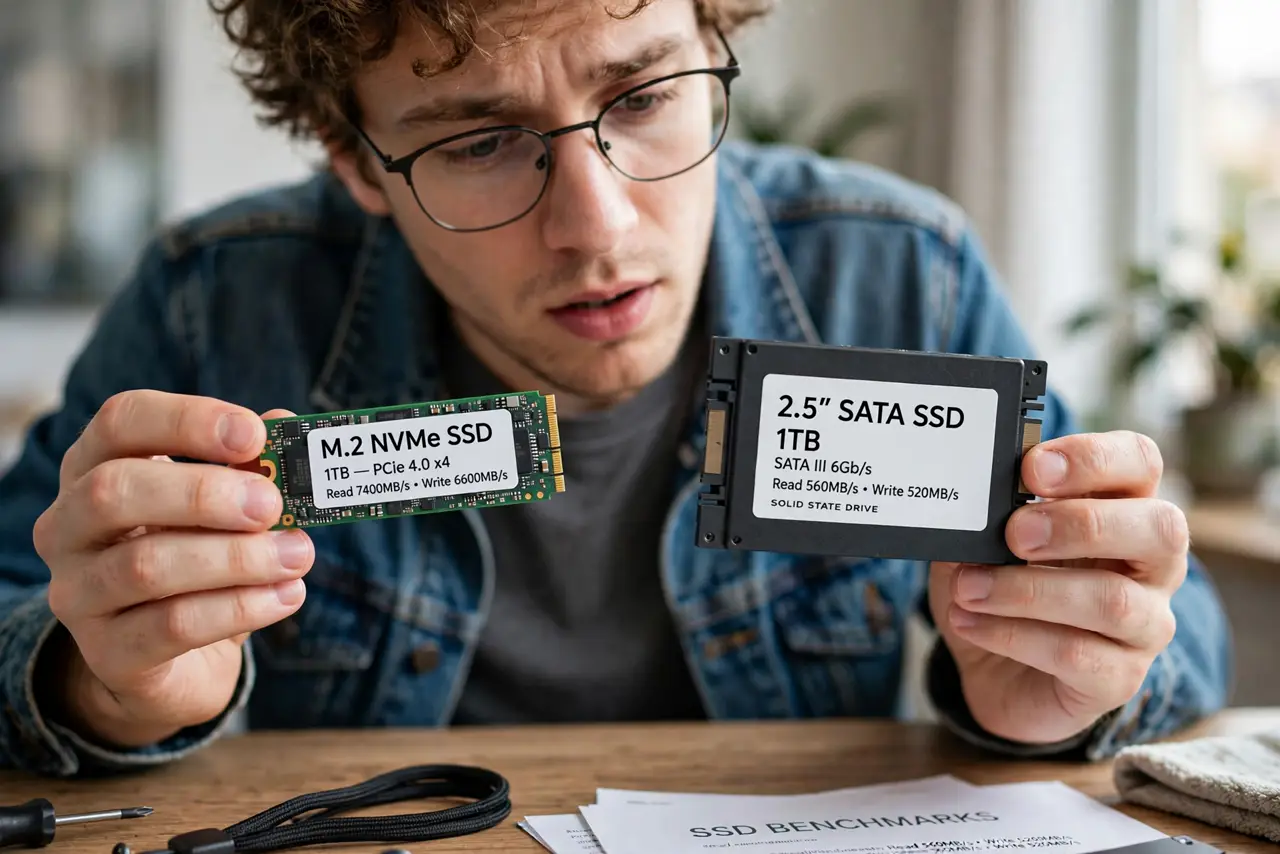
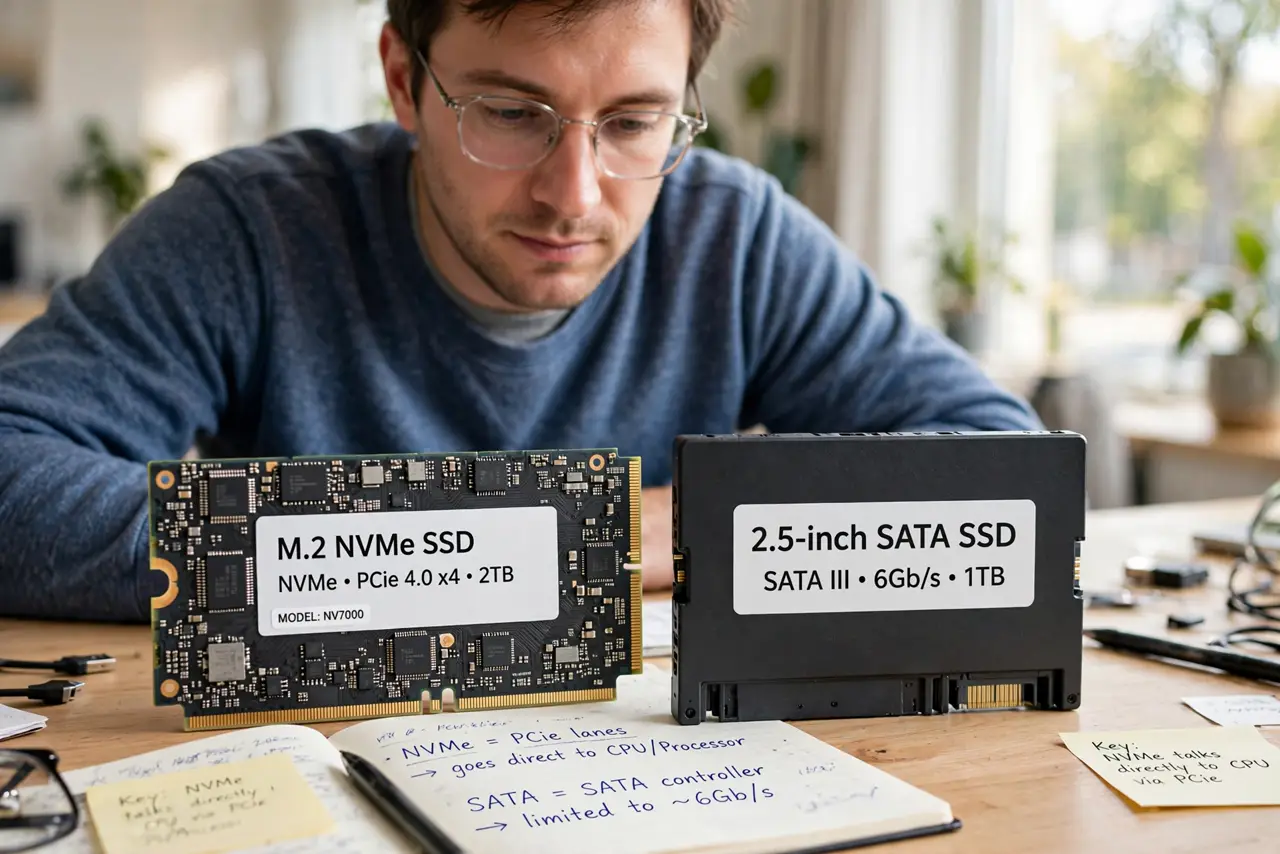
- Understand the two interfaces. SATA tops out around the speed of its old hard-drive-era design. NVMe talks directly to the processor over PCIe lanes — a far wider road built for flash storage.
- Match the drive to your actual workload. Video editing, huge file copies, and heavy multitasking feel NVMe's speed. Web browsing, documents, and booting feel nearly identical on either — the jump from hard drive to any SSD dwarfs the NVMe-vs-SATA gap.
- Check what your motherboard accepts. M.2 slots are not universal: some take NVMe only, some take SATA only, some take both. Your board's manual or spec page settles it in a minute.
- Do not pay the NVMe premium blindly. If the PC is for everyday use and the budget is tight, a SATA SSD plus more RAM often beats an NVMe drive alone.
- Mind heat on fast NVMe drives. Top-tier NVMe drives run hot under sustained loads and can throttle. Most boards include a heatsink or thermal pad for the M.2 slot — use it.
- Confirm the drive is detected after installing. If the new drive never appears in setup, check slot compatibility first — see SSD missing in BIOS.
What NOT to do
- Do not buy NVMe for a board with no M.2 slot. Adapters exist but add cost and complexity for little gain on old boards.
- Do not expect NVMe to fix a slow-feeling PC alone. A full drive, too little RAM, or background junk matter more for everyday snappiness.
- Do not remove the motherboard's M.2 heatsink 'for looks.' Fast NVMe drives need it under sustained writes.
- Do not confuse the M.2 shape with NVMe speed. M.2 is a shape; some M.2 drives still speak SATA.
Frequently asked questions
Is NVMe worth it for gaming?
Load times improve modestly over SATA SSDs — seconds, not minutes. The giant leap was hard drive to SSD; NVMe vs SATA is a smaller step.
Can I mix NVMe and SATA drives in one PC?
Yes. They coexist fine — many PCs boot from NVMe and store bulk files on a SATA SSD. Each just needs a compatible slot or port.
Why is my NVMe drive slower than advertised?
Common causes: it is in a slower PCIe slot, it is overheating and throttling, or the benchmark ran while the drive was nearly full.