Delete Old Accounts
You have accounts on services you have not opened in years — old forums, dead shopping sites, forgotten apps. Each one holds your email, maybe your address, and a password you reused somewhere. Deleting them shrinks what hackers can steal and what data brokers can sell.
TL;DR / Quick Fix
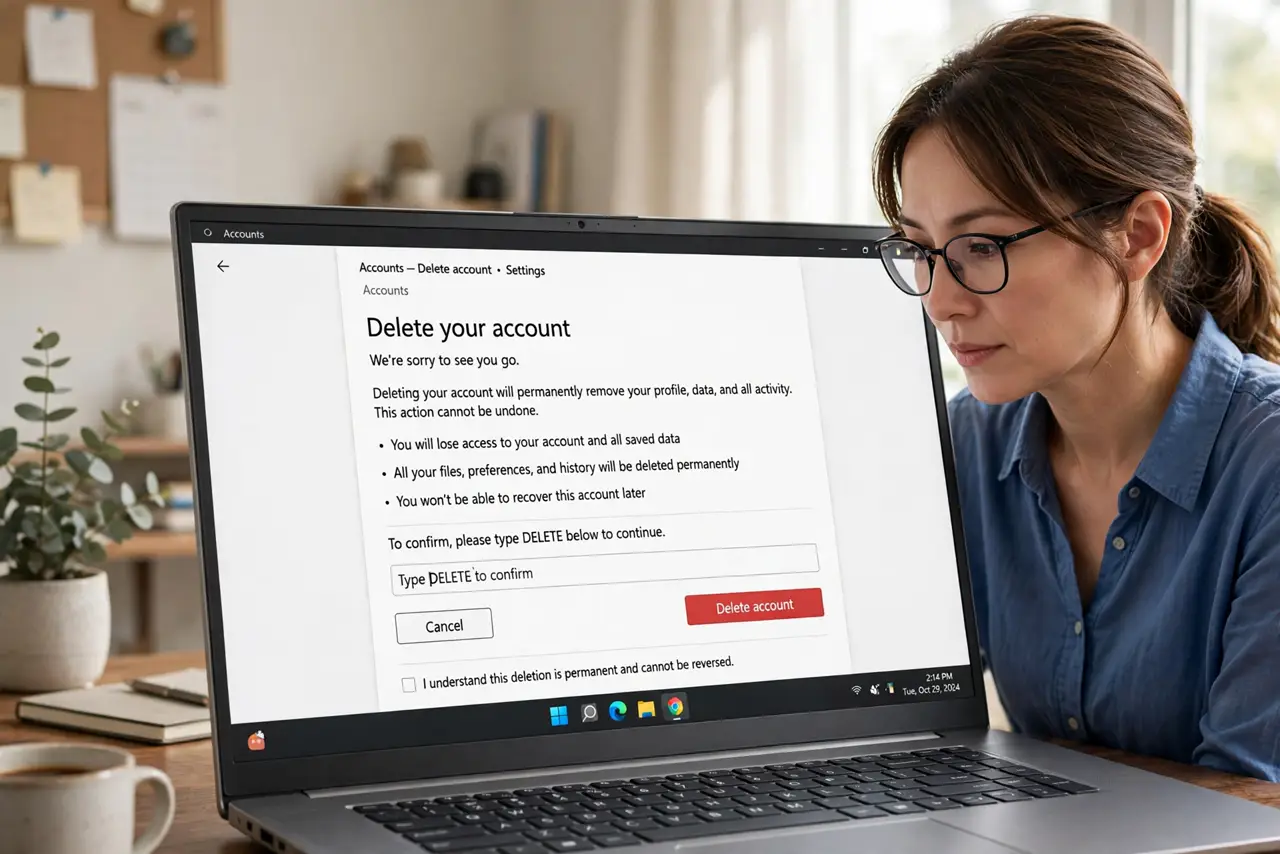
Quick fix: list the old accounts you no longer use, log into each one, and use its delete-account option — usually under Settings or Privacy. Start with accounts holding payment or address data. If you cannot log in, use the site's account-recovery flow first.
Follow these steps
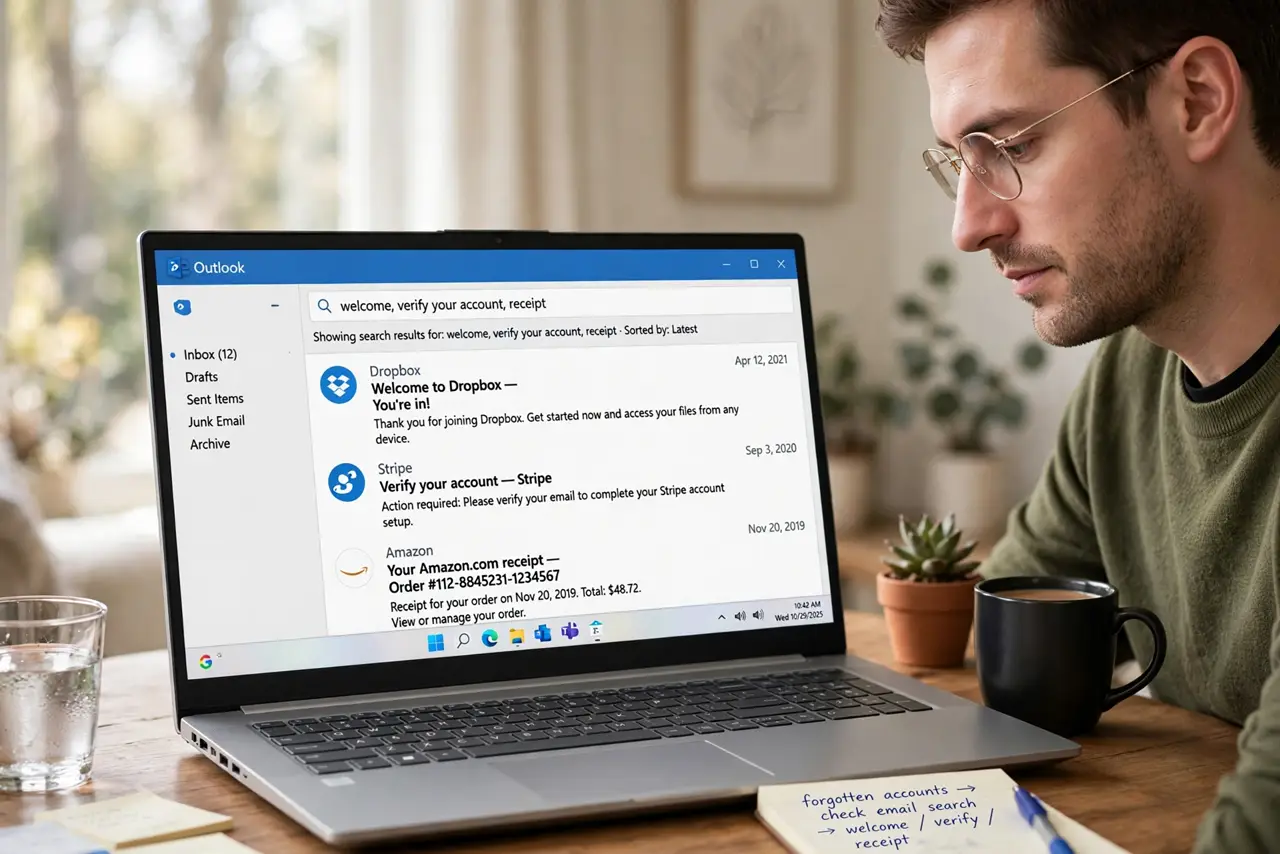
- Find your forgotten accounts. Search your email for 'welcome,' 'verify your account,' and 'receipt.' Your inbox is an archaeological record of every signup.
- Prioritize by risk. Accounts with payment info, your address, or ID documents go first. An old forum with a fake username can wait.
- Delete, don't just abandon. Log in and use the real delete option — usually under Settings, Privacy, or Account. Deactivation is not deletion; see the proper deletion steps.
- Download your data first if it matters. Some old accounts hold photos or receipts worth keeping. Export before you delete.
- Confirm the deletion. Watch for the confirmation email and verify the account is actually gone. Some services make you wait 30 days — calendar a check.
- Reduce future sprawl. After the purge, opt out of data brokers to shrink what is collected going forward — deletion plus prevention.
What NOT to do
- Do not just stop logging in. Dormant accounts still get breached, and breach dumps include yours.
- Do not reuse the deletion password elsewhere. Change any password you shared with the deleted account.
- Do not skip the confirmation. Request received is not account deleted — verify.
- Do not forget mobile-only accounts. Apps you deleted from your phone may still hold your data server-side.
Frequently asked questions
Can I delete an account I can't log into?
Usually yes — use the site's password-reset or account-recovery flow, or contact support. It takes longer but works.
Does deleting remove my data?
Legitimate services delete or anonymize it. Shady ones may not — which is itself a reason to delete and move on.
How do I find all my old accounts?
Email search is the best tool: 'welcome,' 'confirm your email,' and 'your receipt' surface nearly everything.