Delete Old Accounts? Why It Matters
That forum from 2012, the shopping site you used once, the app you deleted — their accounts still hold your email, your password hash, and your personal details. Every forgotten account is a breach waiting to notify an address you still use. Deleting them shrinks your attack surface more than any single settings tweak.
TL;DR / Quick Fix
Quick fix: list old accounts via your email's signup history and password manager, then delete the ones you no longer use — starting with any sharing a reused password. Request data deletion where offered. For accounts you keep but rarely use, change to a unique password and enable two-factor.
Follow these steps
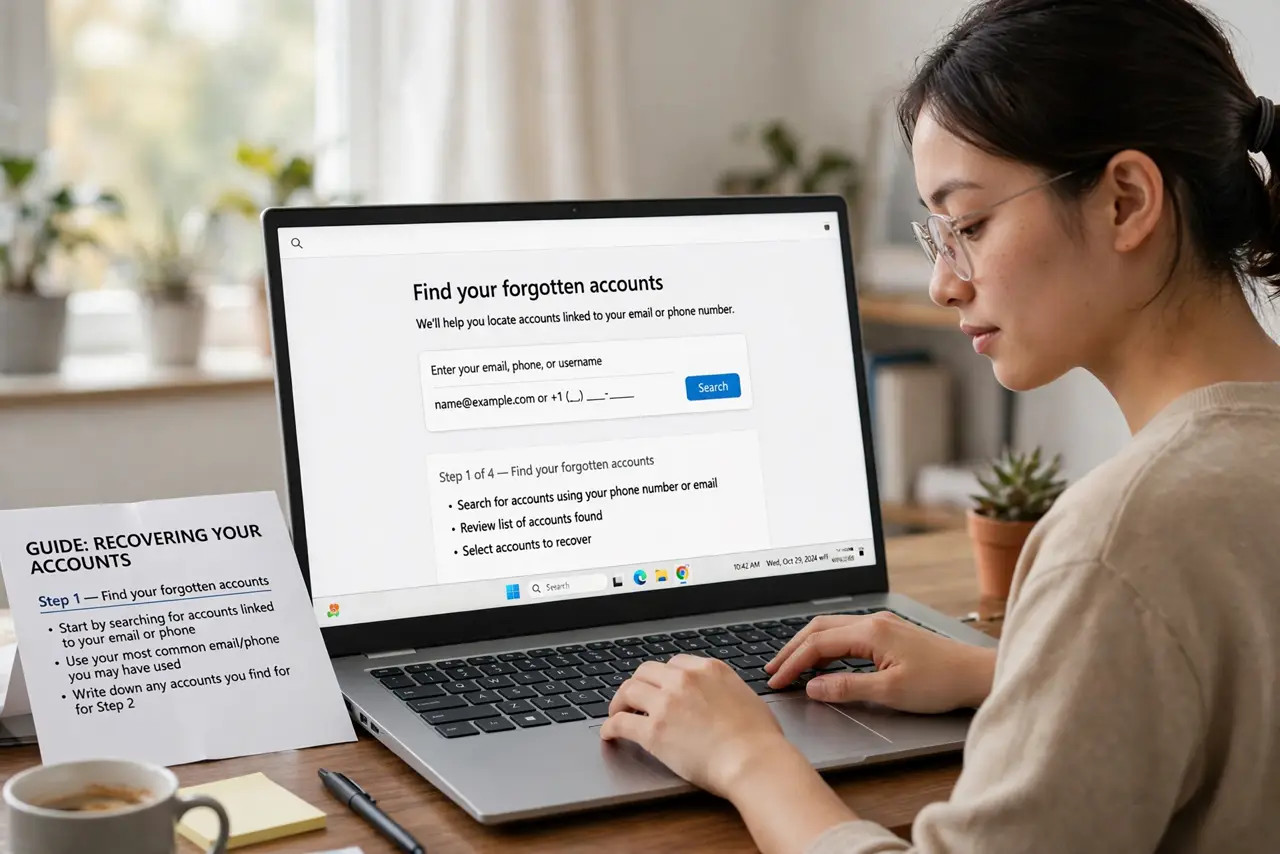
- Find your forgotten accounts. Search your email for 'welcome,' 'verify your account,' and 'confirm your email' — years of signups surface fast. Your password manager's list helps too.
- Prioritize by risk. Delete first: accounts sharing a reused password, ones with payment details, and ones holding ID documents. See the reuse risk for why the first category matters most.
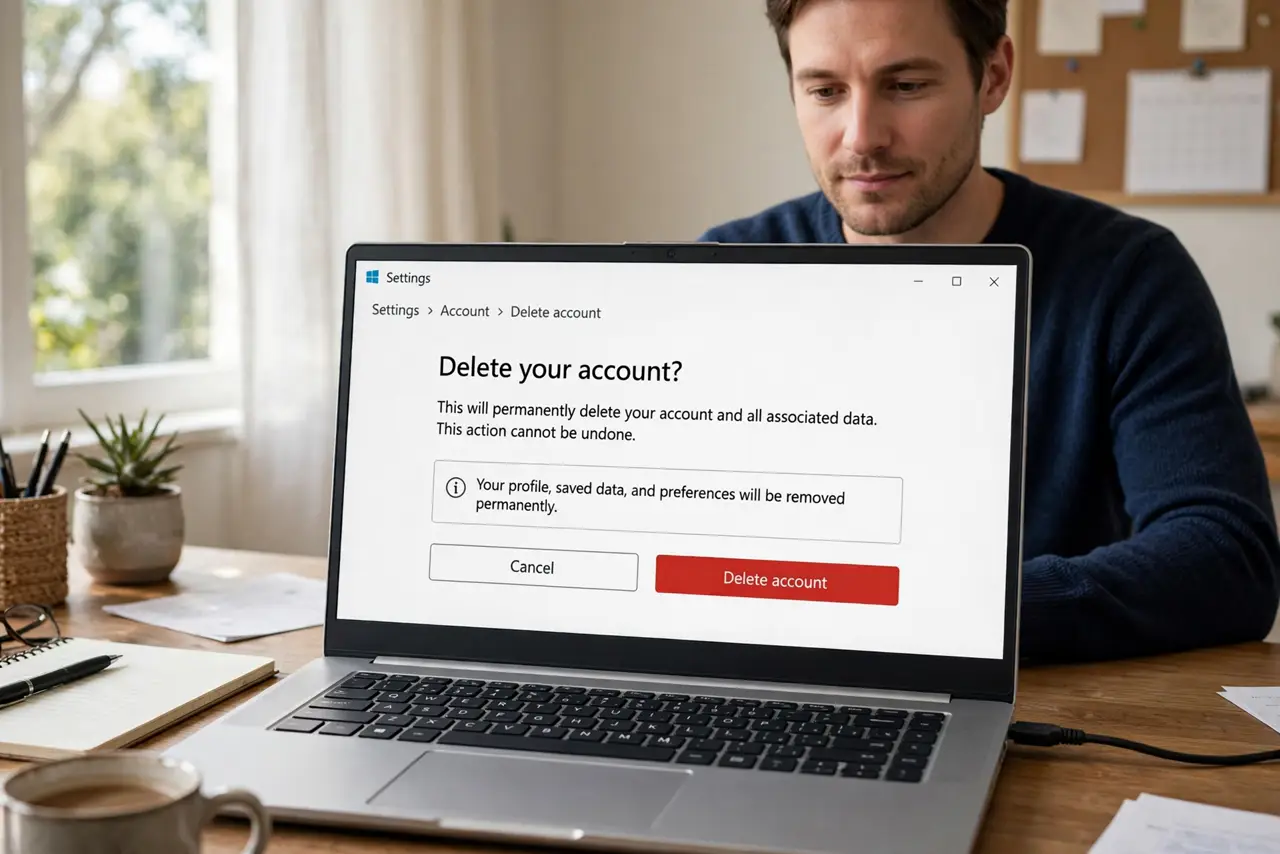
- Delete, don't just abandon. Log in and use the account-deletion or close-account option — usually under settings or privacy. Deletion removes your data from future breaches; abandonment does not.
- Request data deletion where offered. Privacy laws give you deletion rights on many services. Use the 'delete my data' option when account deletion alone leaves a profile behind.
- Change passwords on keepers you rarely use. For accounts worth keeping, set a unique manager-generated password and enable two-factor. A dormant account with a strong password is fine.
- Watch for the breach notices anyway. Deleted accounts can still appear in old breach dumps. Keep an eye on breach checks for your address — and know what to do after a breach.
What NOT to do
- Do not just delete the app. The account and its data live on the company's servers — app deletion changes nothing.
- Do not delete the email account first. You need email access to confirm deletions and receive 'account closed' receipts.
- Do not skip the ones 'with nothing important.' They hold your email-password pair, which is exactly what credential stuffing feeds on.
- Do not forget subscriptions. Cancel paid plans before deleting, or billing may continue on a ghost account.
Frequently asked questions
Why delete old accounts instead of ignoring them?
Ignored accounts still get breached, and their leaked email-password pairs fuel credential stuffing against your active accounts. Deletion removes the data at the source.
What if I can't log in to delete it?
Use the site's account recovery, then delete. If recovery fails, contact support and request deletion citing privacy law — most comply.
Does deleting really remove my data?
On reputable services, yes — account deletion purges or anonymizes your data. Shady ones may retain it, which is one more reason to prefer requesting formal data deletion.