Wipe an Old Laptop Before Donating It
Donating a laptop with your files still on it hands a stranger your documents, passwords, and photos. A donation wipe is a checklist: back up, deauthorize, wipe the drive properly, and reinstall clean.
TL;DR / Quick Fix
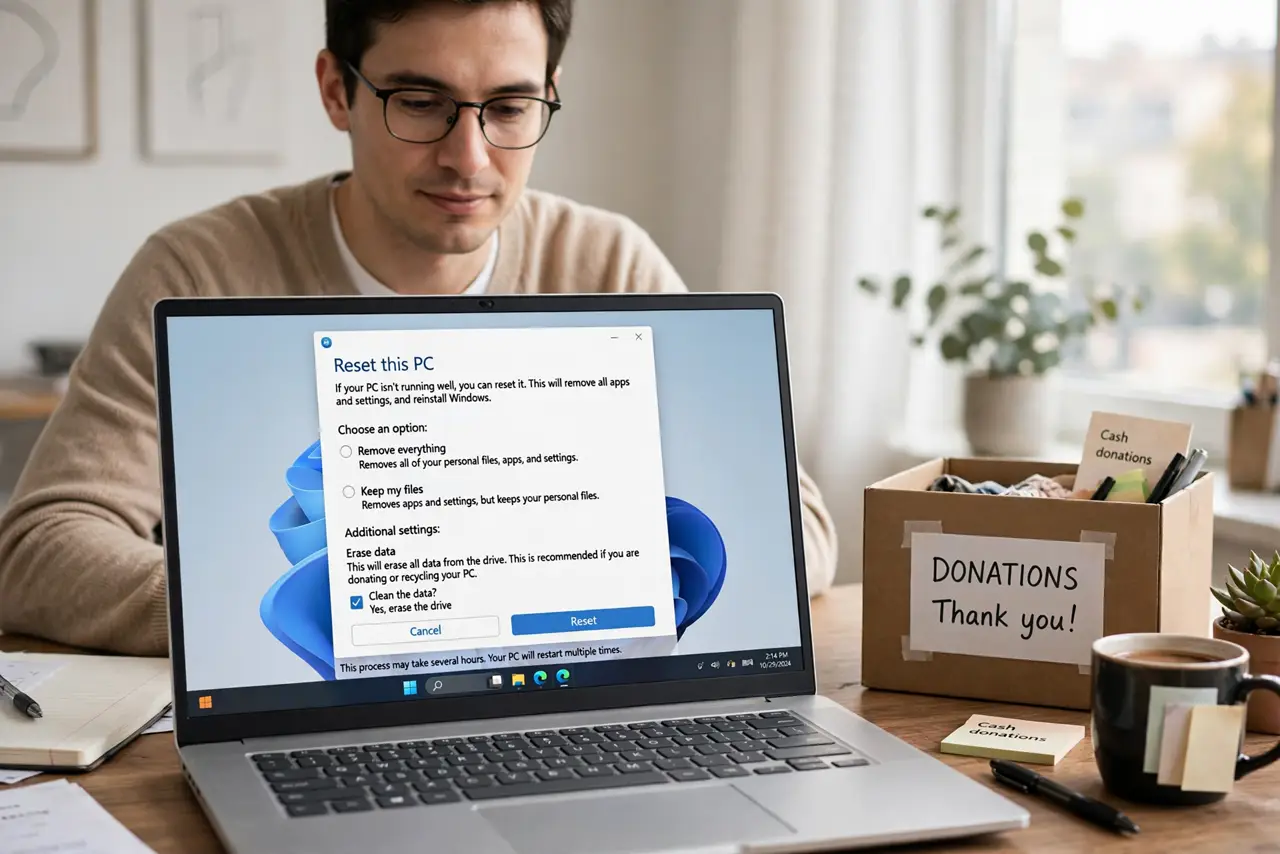
Quick fix: back up your files, sign out and deauthorize every account and app, then wipe the drive with the system's full erase and reinstall the OS. Then verify it boots to setup, remove it from your device list, and only then donate it.
Follow these steps
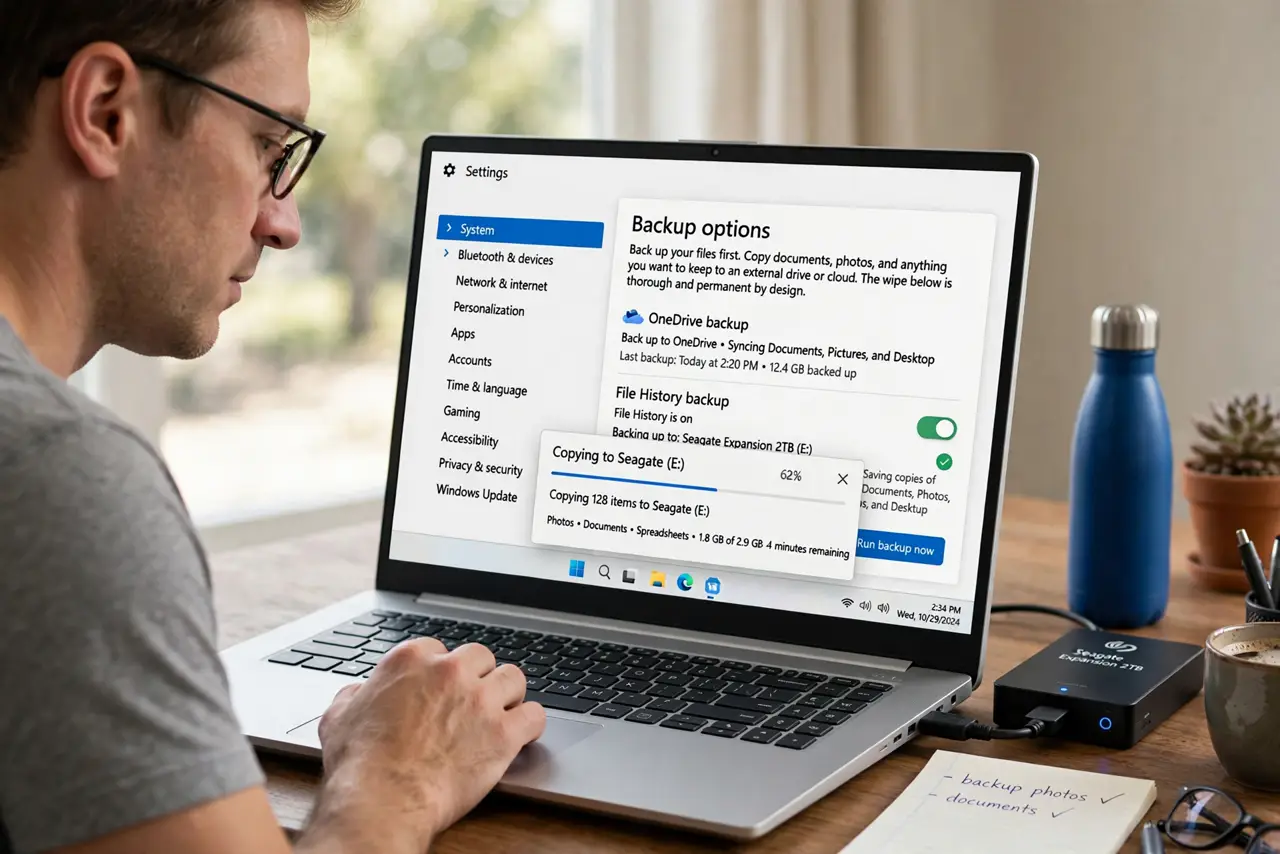
- Back up your files first. Copy documents, photos, and anything you want to keep to an external drive or cloud. The wipe below is thorough and permanent by design.
- Sign out and deauthorize everything. Sign out of the OS account, office suites, creative apps, and stores, and deauthorize the machine where apps count devices. Signed-in licenses can survive a wipe and cost you a seat.
- Wipe the drive with the full erase option. Use the system's recovery erase or a full disk wipe, not a quick format. A full erase overwrites the data area so recovery software finds nothing useful.
- Reinstall the operating system clean. Install a fresh OS after the wipe so the recipient gets a working machine. A wiped drive with no OS looks broken and invites tinkering.
- Verify it boots to the setup screen. Power on and confirm the fresh setup wizard appears. That screen proves your data and accounts are gone and the machine is ready for its next owner.
- Remove it from your device list online. Detach the laptop from your accounts' device lists. Like wiping an old phone before selling, this ends the machine's trusted status everywhere.
What NOT to do
- Do not just delete your user folder. Deleted files are recoverable, and app licenses and system caches still hold your identity.
- Do not donate it still signed into your accounts. The recipient inherits your email, store, and cloud access along with the hardware.
- Do not quick-format and call it secure. A quick format only removes the index; the files remain readable to recovery tools.
- Do not forget encrypted drives need their keys cleared too. Wipe the keys or the encrypted data stays theoretically recoverable.
Frequently asked questions
Is a full erase really necessary?
Yes for donation. Quick deletes leave recoverable data, and a stranger will own the drive next.
What about software licenses?
Deauthorize the machine in each app's account settings first, or you lose a license seat to the donation.
Can I donate it without an OS?
Better to reinstall. A working fresh system proves the wipe and gives the recipient a usable machine.