OneDrive Files Show Cloud Only? Get Them Offline
Your OneDrive files show a cloud icon and will not open without internet, even though you want them on the computer. OneDrive keeps some files online-only to save space, but you can choose which files stay on the device.
TL;DR / Quick Fix
Quick fix: right-click the file or folder in File Explorer and choose Always keep on this device. If space is tight, free space first, then make only the folders you need offline, and leave the rest cloud-only by choice for now.
Follow these steps
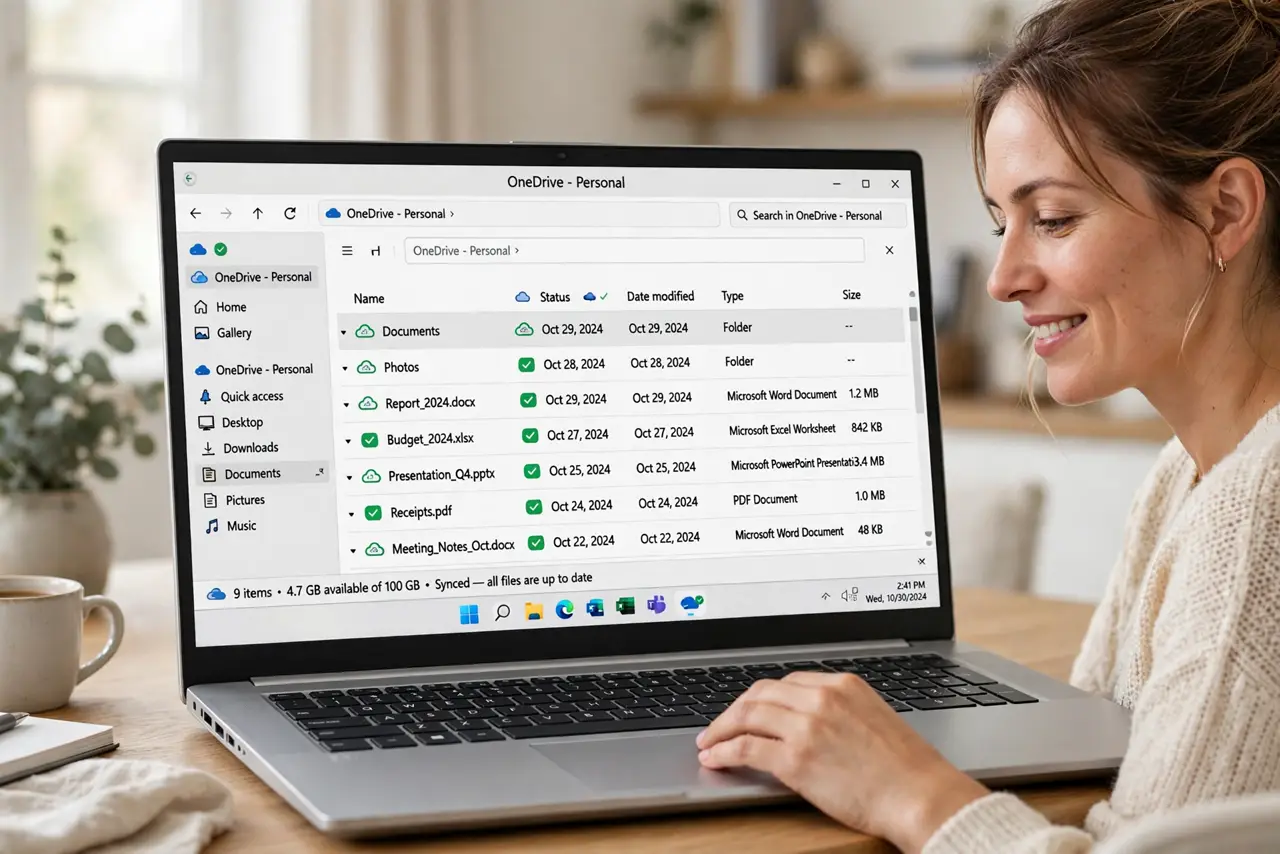
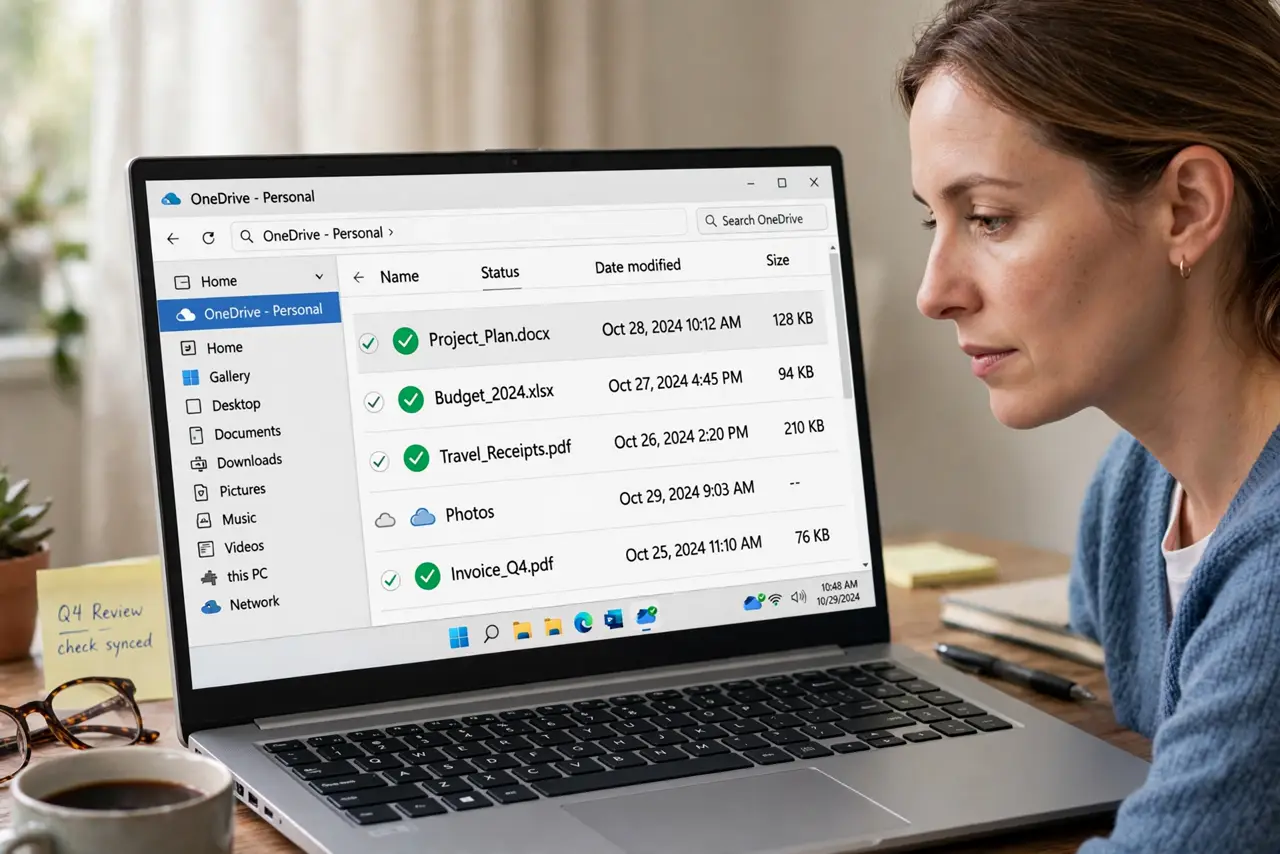
- Check the file status icons. In File Explorer, look at the OneDrive status column. A cloud icon means online-only, a green checkmark means on the device, and a solid green circle means always kept on the device.
- Make a folder always available. Right-click the folder you need offline and choose Always keep on this device. Windows downloads it, and the icon changes once the download finishes.
- Free space if the download stalls. If downloads stall, check free space on the drive and remove files you no longer need. OneDrive cannot keep files on a full drive, so it leaves them cloud-only.
- Check Storage Sense. Open Settings, then System, then Storage, and check Storage Sense. It can return unused files to cloud-only automatically, which explains files reverting after you made them available.
- Open files while connected. Connect to the internet and open the files you need once. Opening a cloud-only file downloads it, so a single open can fix a file you need right now.
- Restart OneDrive if icons look wrong. Right-click the OneDrive cloud icon in the taskbar, close OneDrive, reopen it, and wait for sync to settle before judging the icons again.
What NOT to do
- Do not make your whole OneDrive always available at once. A full download can fill the drive and stall, while choosing key folders works reliably.
- Do not delete cloud-only files to free space. Deleting removes them from OneDrive everywhere, not just from the local view, unless you understand the sync behavior.
- Do not judge offline access while offline. A cloud-only file cannot open without a connection until you mark it always available while connected.
- Do not ignore Storage Sense. It can undo your always-available choices for files you have not opened in a while, which feels like a random reversal.
Frequently asked questions
What does the cloud icon mean?
The file lives in OneDrive online and downloads when you open it. It saves local space, but it needs internet for the first open.
Why do files revert to cloud-only?
Storage Sense can free space by returning unused files to cloud-only. Check its settings if your choices keep reverting.
Can I keep some folders offline and others online?
Yes. Mark only the folders you need offline as always available, and leave the rest cloud-only to save space.