Notebooks in OneNote?
You have got notes scattered across three notebooks, sections named 'Stuff,' and pages you cannot find anymore. OneNote's notebooks, sections, and pages are simple — but a little structure turns the app from a junk drawer into a system you trust. Whether you are starting fresh or taming chaos, here is how to organize OneNote so you can actually find things.
TL;DR / Quick Fix
Quick fix: use one notebook per big area of life (Work, Personal), sections as tabs within it, and pages for individual notes. Name sections by function — 'Meeting Notes,' not 'Stuff.' Create section groups for big projects, and let search handle the rest instead of over-filing.
Follow these steps
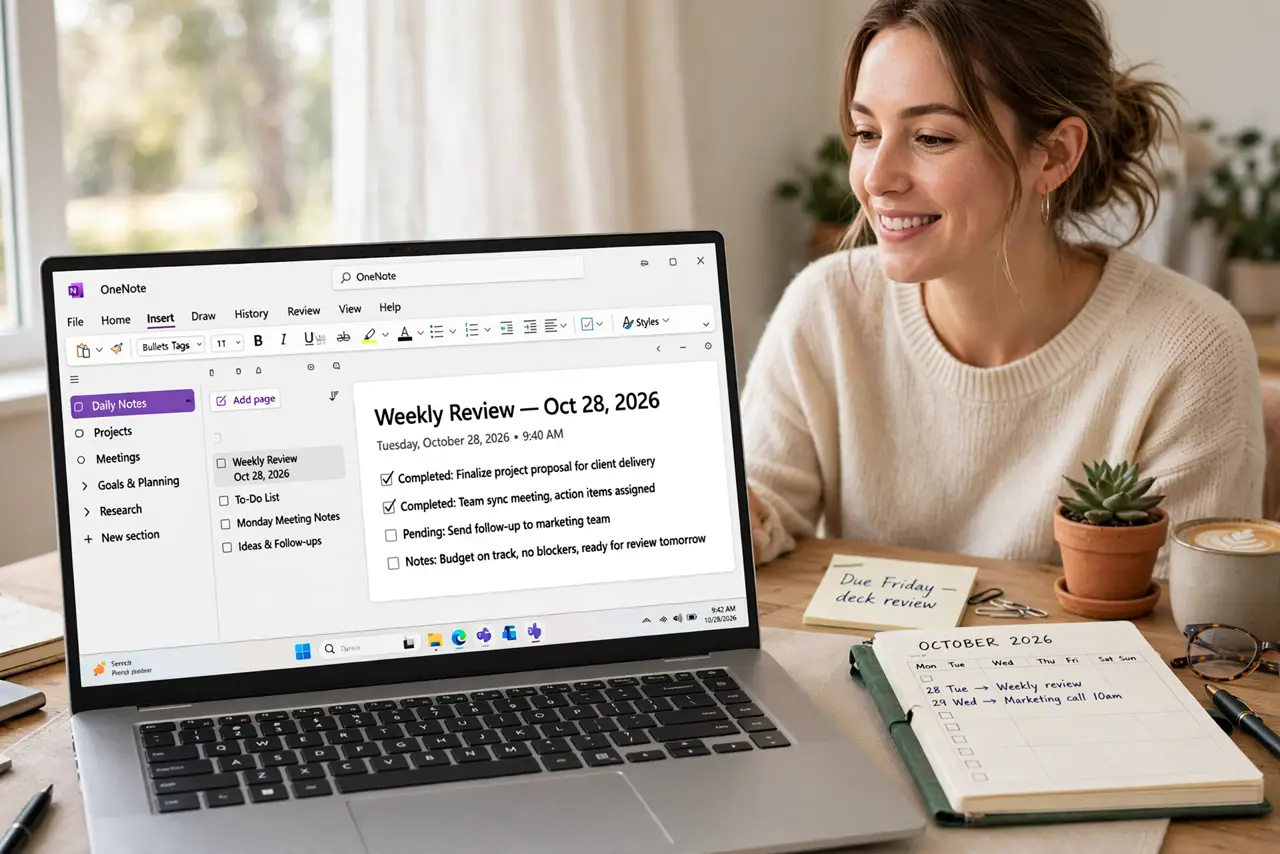
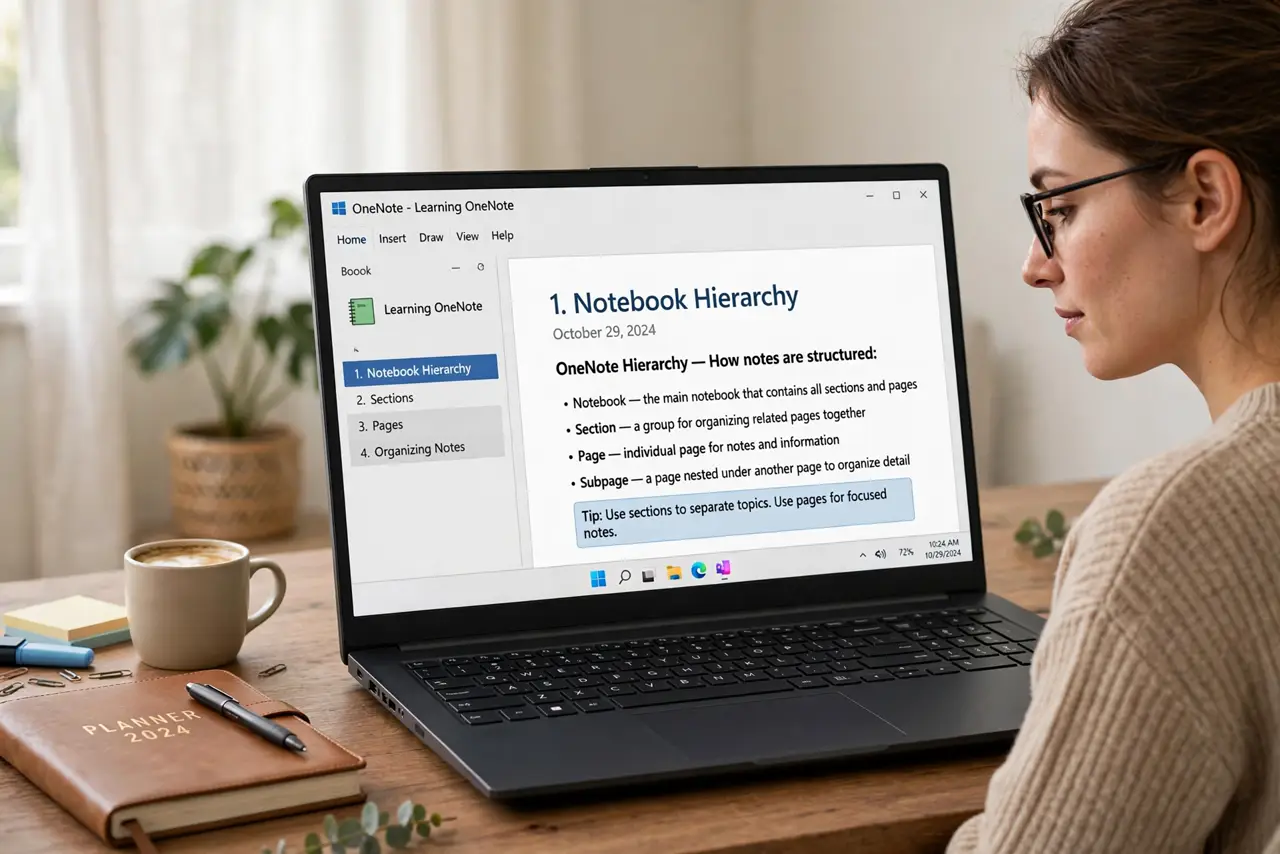
- Start with the three levels. Notebook > section > page is the whole hierarchy. A notebook is a binder, sections are tabs, pages are sheets — and pages can have subpages. Learn the OneNote basics first if this is all new.
- Use one notebook per life area. Work, Personal, School — three notebooks beat fifteen. Too many notebooks fragment your search and your attention; too few turn sections into soup.
- Name sections by function. 'Meeting Notes,' 'Project Ideas,' 'Receipts' — names that predict contents. Rename the vague ones today; future you will not remember what 'Stuff 2' meant.
- Create section groups for big projects. Right-click in the section bar to add a section group — a folder of sections for one project. A kitchen renovation gets a group with sections for quotes, inspiration, and measurements.
- Use pages and subpages for depth. Indent a page to make it a subpage — meeting notes collapse under the project page they belong to. Collapse what you are not using; the outline stays navigable.
- Archive, don't delete. Make an 'Archive' section group for finished projects instead of deleting them. Old notes are occasionally gold — archived, they cost nothing and stay searchable.
What NOT to do
- Do not create fifteen notebooks. Fragmentation kills search value — consolidate into a few notebooks with good sections.
- Do not nest deeper than two levels. Notebook > section group > section > subpage is already confusing — flatten before it becomes a maze.
- Do not file instead of searching. OneNote's search (including handwriting OCR) beats any manual system — organize lightly, search heavily.
- Do not share whole notebooks casually. Sharing a notebook shares everything in it — share a single section for collaboration instead.
Frequently asked questions
How many notebooks is too many?
If you cannot remember which notebook holds a note, you have too many. Most people thrive with two to four.
Can I move pages between notebooks?
Yes — right-click a page or section and choose Move/Copy. Reorganizing is painless, so do not fear committing to a structure.
What's the difference between a section and a page?
Sections are tabs that hold pages; pages hold the actual notes. Think dividers vs sheets of paper.