Organize Research Papers
Your research PDFs live in Downloads, on the desktop, in three email threads, and one is named final-final-v2.pdf. When citation time comes, half of them have vanished. A simple folder system plus consistent naming fixes this in an afternoon — no fancy software required, though reference managers help at scale.
TL;DR / Quick Fix
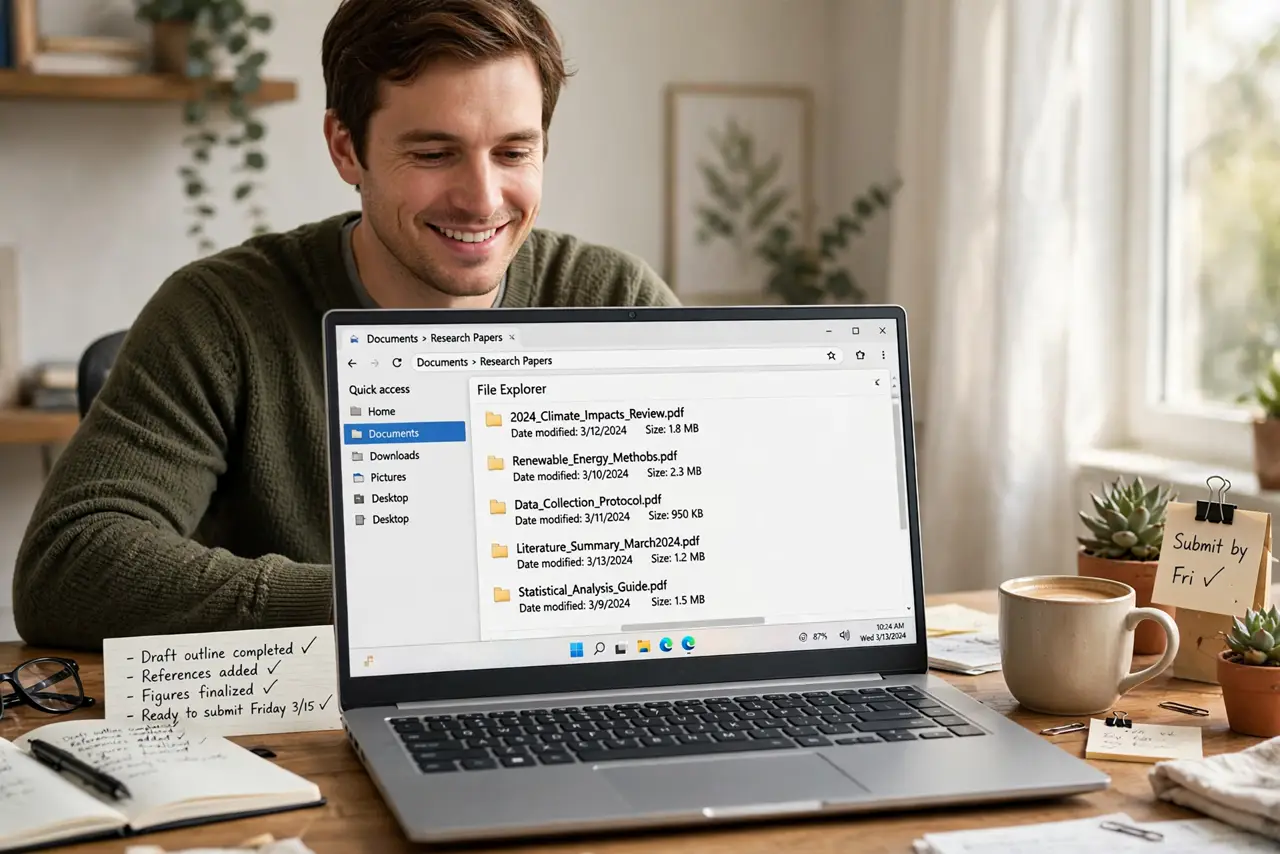
Research PDFs scatter across Downloads, desktops, and email threads because nothing forces a system on you. Fix it with one master folder, subfolders per project, and a consistent naming scheme like Author-Year-Title. Rename files as you download them, back the folder up, and cite from the organized set when writing.
Follow these steps
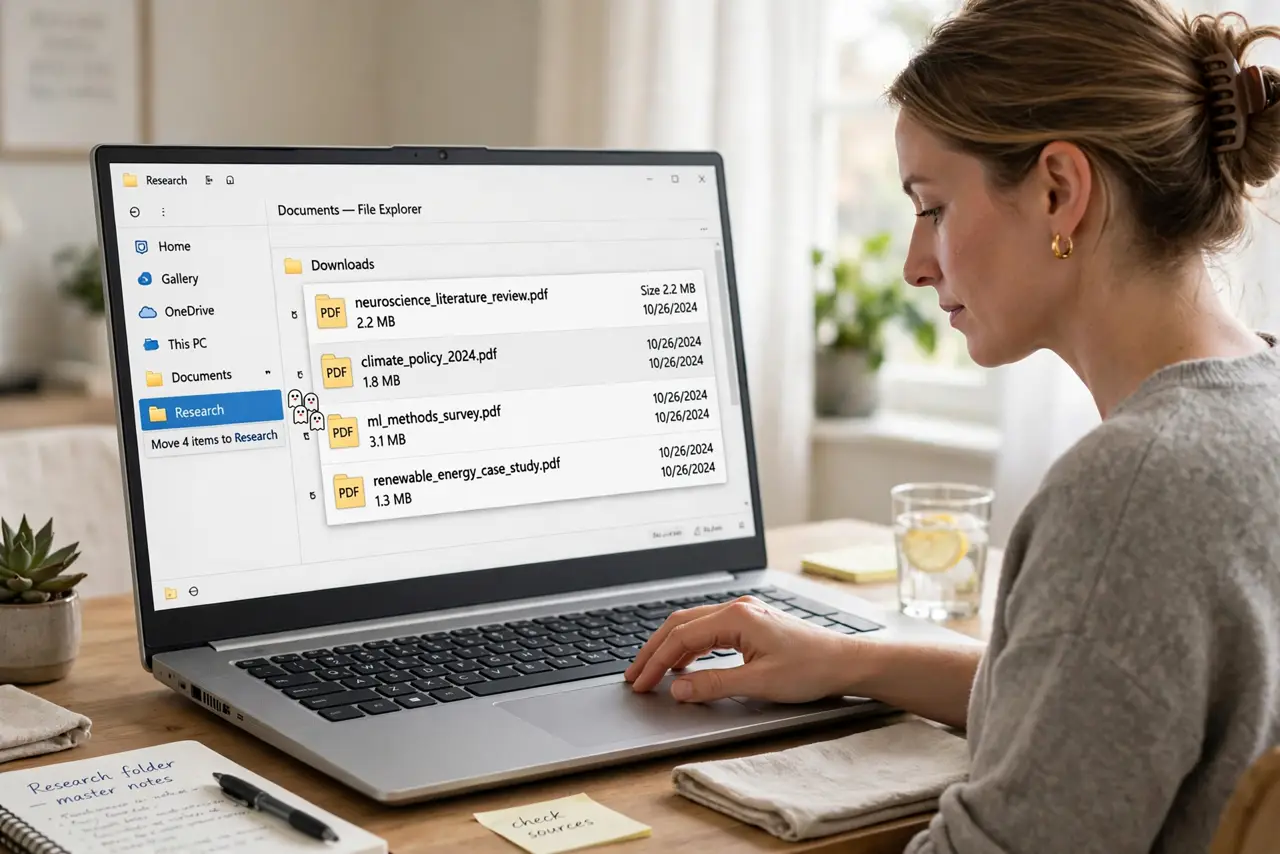
- Create one master research folder. Make a single folder (for example Research) in your documents or cloud drive. Every paper goes here — no exceptions. Scattering ends the moment there is exactly one home for PDFs.
- Add subfolders per project or course. Inside the master folder, create one folder per paper, thesis chapter, or class. A flat pile of 200 PDFs is barely better than Downloads; project folders make retrieval instant.
- Adopt a naming scheme and stick to it. Rename each file as you download it: Author-Year-ShortTitle.pdf. Descriptive names beat final-v2.pdf every time, and your future self will thank you during citation season.
- Rename at download time, not later. The system only works if every file gets its proper name the moment it arrives. A weekly five-minute cleanup catches anything that slipped through.
- Back up the whole folder. Sync the master folder to a cloud drive or external backup. Years of research in one unbacked folder is a single drive failure away from disaster.
- Consider a reference manager when it grows. Past a few dozen papers, tools like Zotero organize, tag, and generate citations automatically. Start simple with folders; graduate when the pile demands it.
What NOT to do
- Do not keep the only copy in Downloads. Operating systems and cleanup tools treat Downloads as disposable — your thesis sources are not disposable.
- Do not name files final-final-v2.pdf. Version chaos guarantees you will cite the wrong draft; descriptive names prevent it.
- Do not skip backups because 'it is in the cloud'. One synced folder with no version history or second copy is still one accident away from loss.
- Do not organize by file type. A folder of 'all PDFs' mixes unrelated projects; organize by project or topic so everything for one paper sits together.
Frequently asked questions
Should I use a reference manager or just folders?
Folders handle dozens of papers fine. Reference managers earn their keep past that, adding search, tags, and one-click citations — Zotero is free and excellent.
How do I handle papers I have only read online?
Save the PDF immediately with its proper name. Bookmarks and browser history rot; a filed PDF with a real filename lasts.
What about physical books and printouts?
Photograph or scan the key pages into the same folder system. The paper digitizing routine keeps physical sources findable too.