Organize Tasks by Context
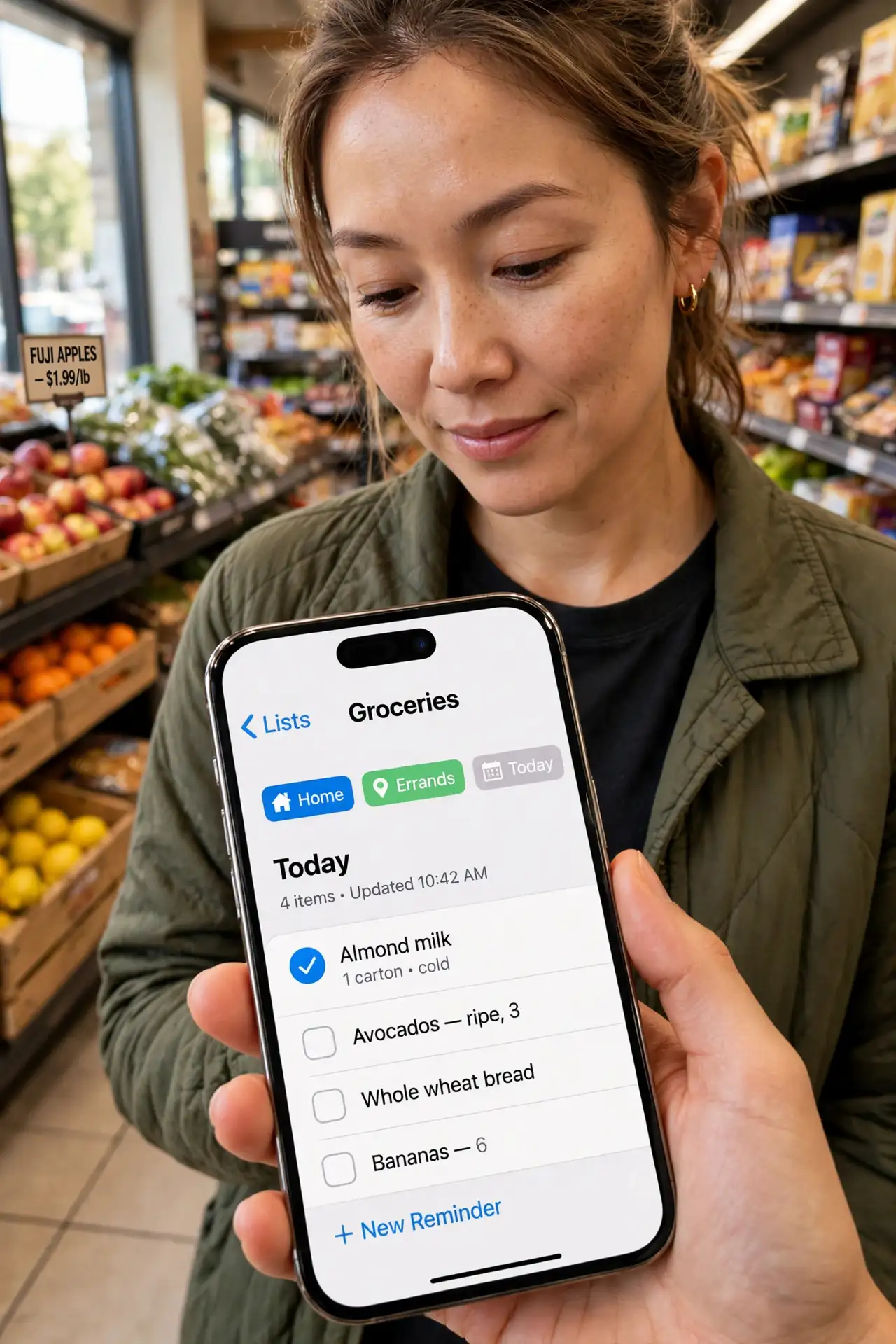
You open your task list at the office and see 'buy milk.' You are at the store and see 'call the accountant.' Your list is full of right tasks at the wrong place — so you do none of them. Organizing tasks by context (calls, errands, computer, home) fixes this: you only ever see what you can actually do where you are. This guide sets it up.
TL;DR / Quick Fix
Quick fix: organizing tasks by context — calls, errands, computer, home — shows you what you can do where you are. Tag each task with its context and filter by it. It ends the wrong-task-wrong-place problem because your list always matches your location and tools.
Follow these steps
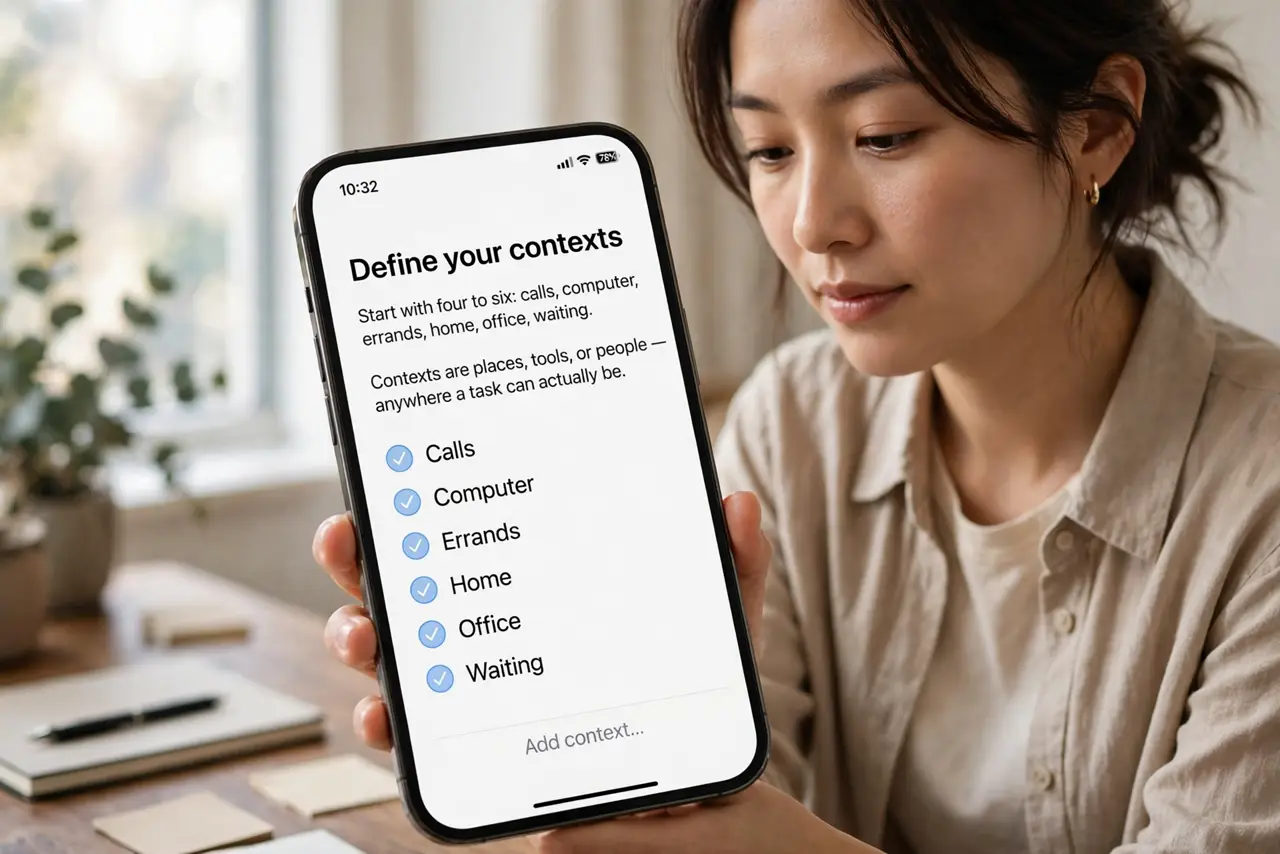
- Define your contexts. Start with four to six: Calls, Computer, Errands, Home, Office, Waiting. Contexts are places, tools, or people — anywhere a task can actually be done. Fewer is better; you can add more later.
- Tag every task with one context. Each task gets the context where it happens: 'buy milk' is Errands, 'call accountant' is Calls. One context per task keeps filtering clean — a task in two places lives in neither.
- Filter by where you are. At the store? Open the Errands view and burn through it. At your desk? Computer view. The list shrinks to exactly what is actionable now — which is why it beats scrolling a master list of everything.
- Batch by context. Do all your calls in one block, all errands in one trip. Context batching kills the context-switching tax between task types — your brain stays in one mode.
- Review contexts weekly. During your weekly review, check each context list for stale or mislabeled tasks. Contexts drift as life changes — a quarterly prune keeps the system honest.
- Keep a someday context too. Tasks with no current context ('learn Spanish someday') do not belong polluting active lists — park them in Someday until they earn a real context.
What NOT to do
- Do not create twenty contexts. Six well-chosen contexts beat twenty precise ones — over-segmentation means every list has one task and you never look at any of them.
- Do not skip tagging. An untagged task is invisible in every filtered view — the thirty seconds of tagging is what makes the system work.
- Do not mix contexts in one view by default. The power is in the filter — viewing 'everything' recreates the original problem.
- Do not confuse context with priority. Context answers 'where can I do this'; priority answers 'what matters most.' You need both, and they are different tags.
Frequently asked questions
What is the difference between context and project?
A project groups tasks toward one outcome ('plan trip'); a context groups tasks by where they happen ('calls'). One task belongs to one project and one context — the two dimensions cross-cut.
Can I use contexts without GTD?
Absolutely. Context filtering works in any task app with tags or lists — it is a practical organizing trick, not a methodology membership.
What about tasks I can do anywhere?
Give them the context where you will most likely do them, or a general 'Anywhere' context for phone-friendly tasks. The point is actionability, not taxonomy perfection.