Record Antenna TV
Antenna TV is free, but it is also live — miss the game and it is gone. A DVR for over-the-air TV fixes that: it records broadcasts to a hard drive so you can pause live TV, skip commercials, and watch on your schedule. The options range from simple tuner boxes to whole-home network tuners. Here is how to pick and set one up.
TL;DR / Quick Fix
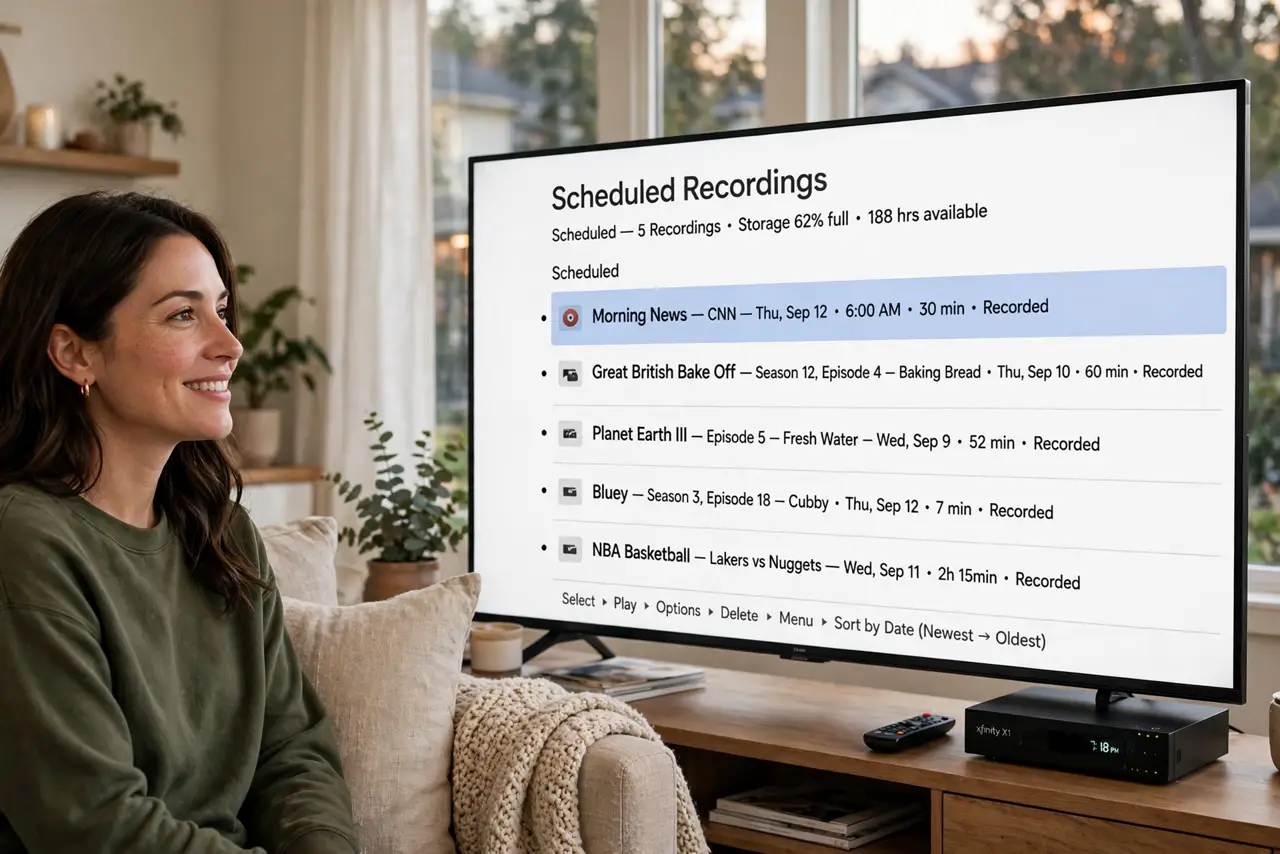
Quick fix: recording antenna TV takes a network tuner or DVR box plus a USB drive. Connect the antenna, add storage, run the channel scan, and schedule recordings from the program guide. A 1 TB drive holds hours of HD — plenty for a season of your favorite shows.
Follow these steps
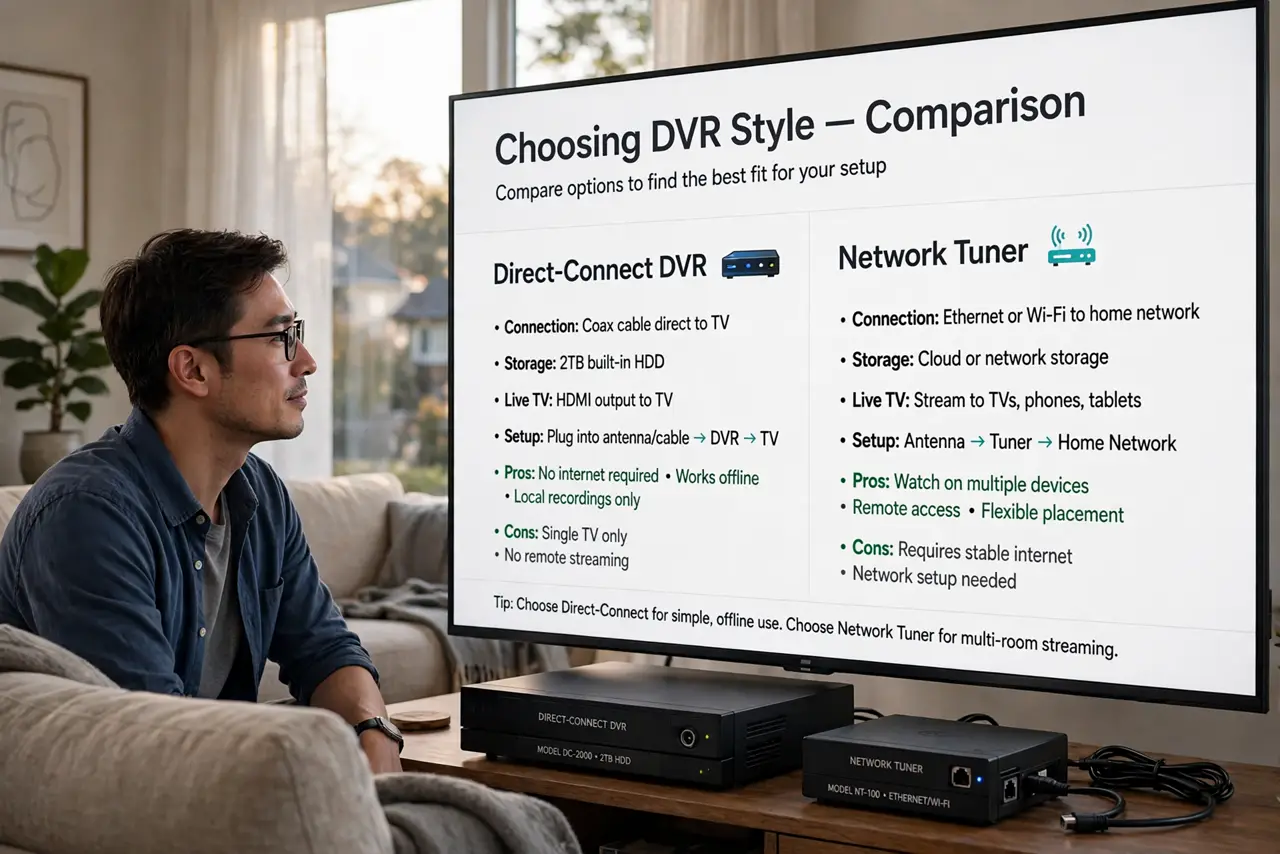
- Pick your DVR style. Two main flavors: a box that connects directly to one TV (simple, cheap), or a network tuner that streams recordings to every device in the house via an app (flexible, pricier). One TV and simple needs? The box. Whole household? The network tuner.
- Check tuner count. Each tuner records one channel at a time — a two-tuner box records two shows simultaneously while you watch a recording. Count your household's overlapping shows and buy tuners to match; running out mid-season is miserable.
- Connect the antenna to the DVR. The antenna cable goes into the DVR's tuner input now, not the TV — the DVR becomes the new channel receiver. If you already have a working antenna setup, just move the cable over.
- Add storage. Most DVRs need a USB hard drive you supply — a 1 TB drive covers a season of shows comfortably. Use a drive you can dedicate; constantly swapping it between the DVR and a computer corrupts recordings.
- Run the channel scan on the DVR. Like the TV, the DVR must scan to discover channels — it has its own tuner and its own channel list. Scan after connecting, and rescan if you move the antenna.
- Schedule from the program guide. Open the guide, find the show, and set it to record the series, not just one episode. Set recordings to start a minute early — live broadcasts, especially sports, notoriously overrun.
What NOT to do
- Do not buy a DVR before confirming your antenna reception. A DVR records what the antenna receives — garbage signal in, garbage recordings out.
- Do not use a flash drive as DVR storage. Constant writing wears flash drives fast; a real hard drive (or SSD) is built for it.
- Do not expect streaming apps on an antenna DVR. It records broadcast channels — Netflix and friends need their own apps on your TV or stick.
- Do not forget the tuner math. Two overlapping shows plus watching live needs three tuners — count before you buy, not after the conflict.
Frequently asked questions
Can I pause live antenna TV?
Yes — with a DVR connected, pausing live TV works just like cable. Without a DVR, the TV alone usually cannot pause a broadcast.
Do antenna DVRs have monthly fees?
Some do for the program guide data; others include a basic guide free. Check the fee situation before buying — 'no monthly fee' models exist.
Can I watch recordings on my phone?
With a network tuner, yes — its app streams recordings anywhere. Single-TV boxes generally keep recordings on that TV.