Watch Free TV with an Antenna
Cable bills keep climbing while the local channels — news, sports, big network shows — broadcast free over the air in crisp HD. A one-time antenna purchase, no subscription, no box rental. The catch is purely physical: which channels you get depends on distance, terrain, and where you put the antenna. Here is how to set one up without the trial-and-error misery.
TL;DR / Quick Fix
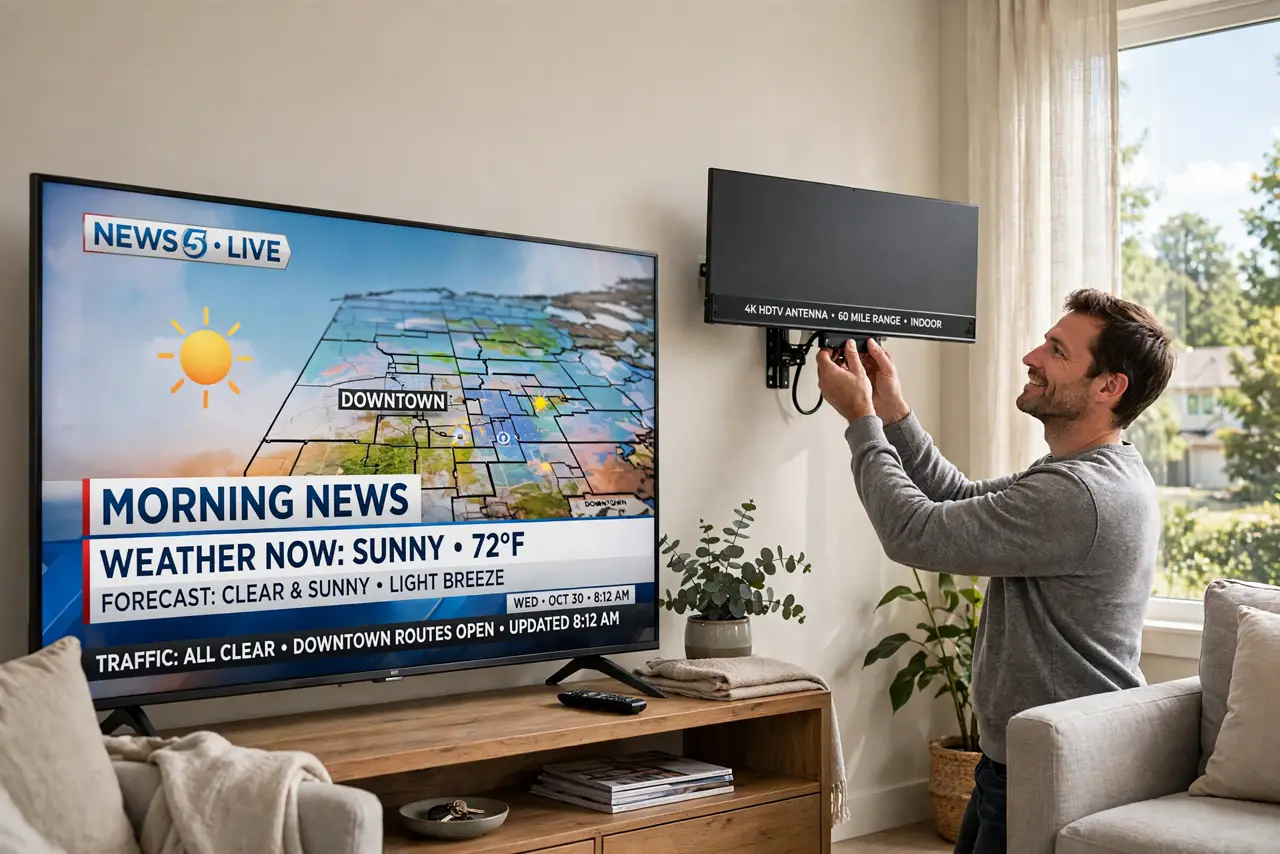
Quick fix: a TV antenna pulls in free local channels in HD — no cable bill. Check which stations reach your address with an online signal map, pick an indoor or outdoor antenna, mount it high near a window facing the broadcast towers, then run your TV's channel scan.
Follow these steps
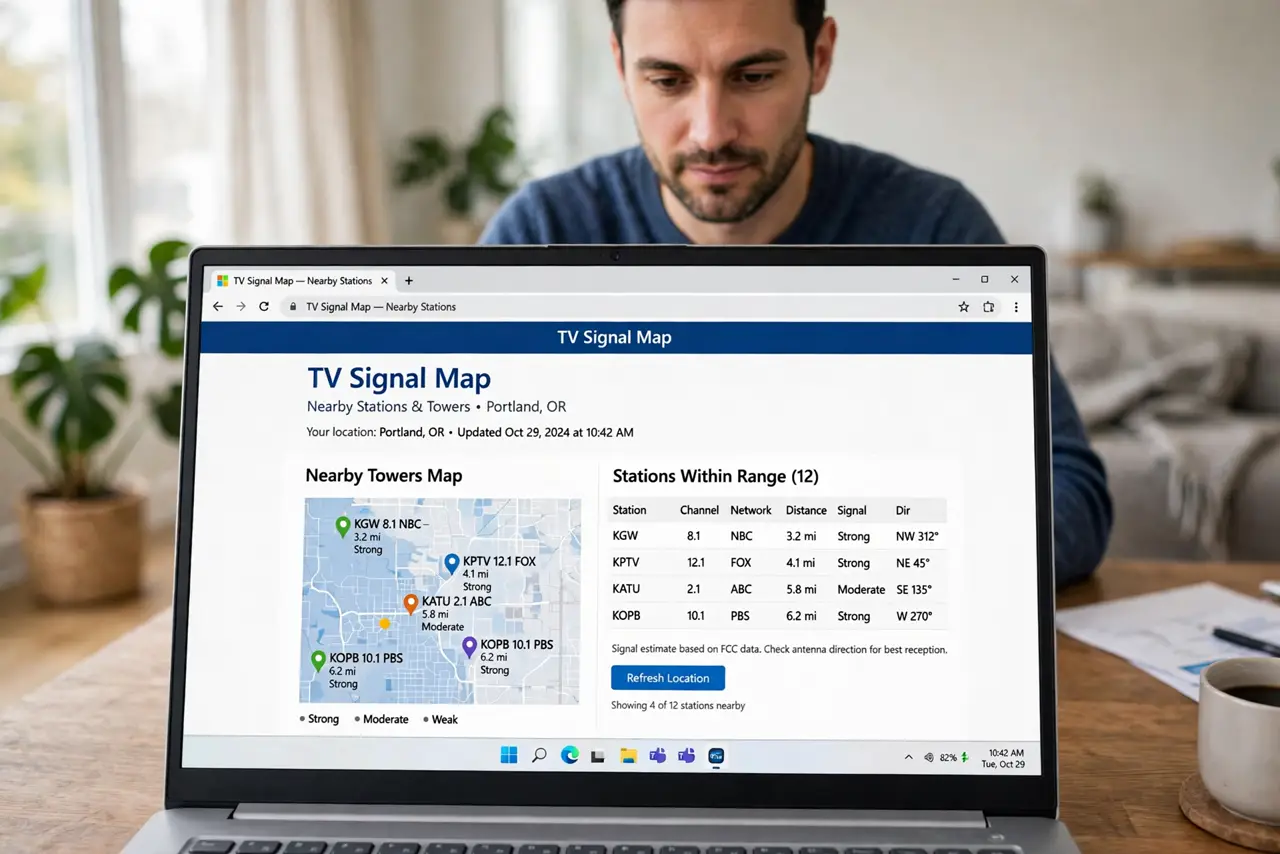
- Check what signals reach you first. Enter your address in a free TV signal map site to see which stations broadcast nearby, how far the towers are, and which direction they sit. Buying the antenna before this step is guessing — the map turns it into a plan.
- Pick indoor or outdoor based on distance. Within about 25 miles of towers with clear line of sight, a flat indoor antenna usually works. Farther out, or with hills and buildings in the way, you need an outdoor or attic antenna — physics, not marketing, decides.
- Mount it high and toward the towers. Height and direction are everything. Near a window facing the broadcast towers beats behind the TV every time. Even rotating an indoor antenna 90 degrees can double the channels found.
- Connect and run a channel scan. Plug the antenna into your TV's antenna/cable input, open the TV menu, and run a full channel scan (sometimes called auto-tune). The TV needs this scan to discover what the antenna can hear — skip it and you get nothing.
- Rescan after moving the antenna. Every time you reposition the antenna, run the scan again — the TV only knows what it found last time. A notebook with 'position vs channels found' turns fiddly tweaking into a quick experiment.
- Consider recording with a DVR. Live TV is only half the cord-cutting story. A tuner or DVR box lets you record antenna broadcasts and skip commercials — the feature that makes antenna TV feel like the cable you left.
What NOT to do
- Do not buy the biggest amplified antenna by default. Amplifiers help weak signals but overload strong ones — match the antenna to your signal map, not your anxiety.
- Do not hide the antenna behind the TV. The TV itself is a big metal shield; the antenna needs a clear-ish path toward the towers.
- Do not expect cable-channel lineups. Antenna TV is local broadcast channels — excellent and free, but no cable news networks or premium channels.
- Do not run the scan once and declare failure. Position first, scan second, reposition, scan again — the scan is cheap and the position is everything.
Frequently asked questions
How many channels will I actually get?
It depends entirely on your distance from towers — anywhere from a handful to 50+. The signal map for your address is the honest answer; anyone promising a number without it is guessing.
Do I need internet for antenna TV?
No — that is the beauty of it. Over-the-air TV works during internet outages. You only need internet if you add streaming or a network DVR.
Will an antenna work in an apartment?
Often yes — a flat indoor antenna near a window facing the towers works in many apartments. Upper floors help; a building between you and the towers hurts.