Automatic Replies? Setup
Vacation, parental leave, or just a focus week — automatic replies tell senders you are away and when you will be back, so nobody waits in the dark. Here is how to write one that actually helps and the settings people forget.
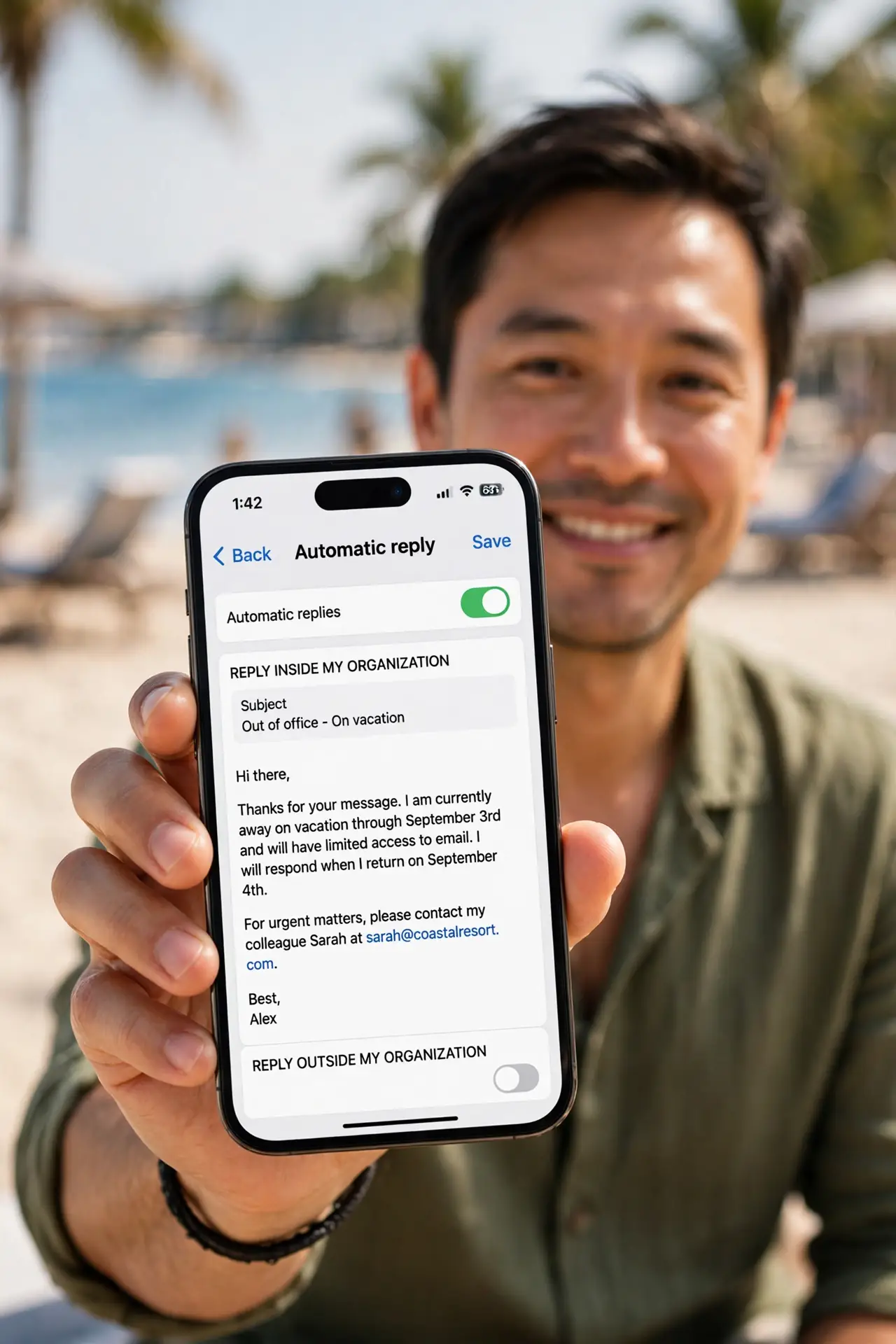
TL;DR / Quick Fix
Quick fix: in Outlook open Automatic Replies, set the time range, and write when you return plus who to contact instead. Set separate inside and outside messages, and an end date — a reply that outlives your return is worse than none.
Follow these steps
- Open Automatic Replies. Classic: File > Automatic Replies. New Outlook and web: Settings > Mail > Automatic replies. Same feature, two doors.
- Set the time range. Check Only send during this time range and pick start and end. The end date is the setting everyone forgets — set it now.
- Write the inside message. For colleagues: what you are doing, when you are back, who covers you. Short, warm, specific — three sentences max.
- Write the outside message separately. For external senders: less detail, same coverage contact. Never announce exact travel dates to the whole internet.
- Name your backup human. Every away message needs a who-instead-of-me with a working address. An away message without a backup just moves the waiting.
- Test it before you leave. Send yourself a test from a personal address. Read it as a stranger — dates clear? Backup reachable? Then go.
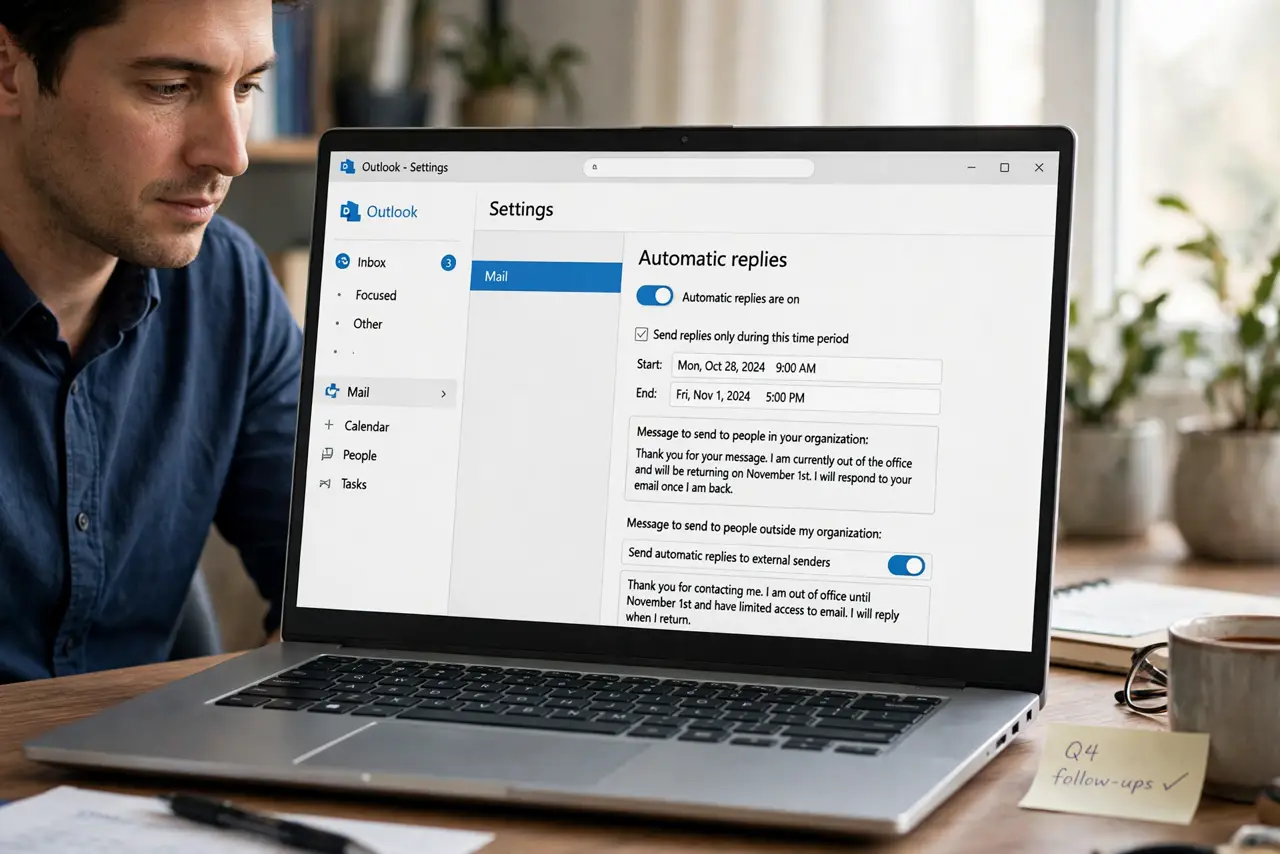
What NOT to do
- Do not skip the end date. I am away until further notice replies haunt inboxes for months.
- Do not overshare in the external message. Announcing exact travel dates to strangers is a burglary invitation.
- Do not reply-all to your own away message testing. One test mail is enough.
- Do not set it and forget the calendar too. Pair the reply with blocked calendar time or meetings still get booked.
Frequently asked questions
Do automatic replies answer every email?
Once per sender per a few days, depending on the server — not once per message. Spammers and lists are usually excluded.
Why is my automatic reply not working?
The time range may not have started, or you are checking with an internal address while only the external message is on. Test from outside.
Can I set different messages for inside and outside?
Yes — that is the whole point of the two tabs. Inside gets detail; outside gets the essentials.