Clean Up Redundant Replies
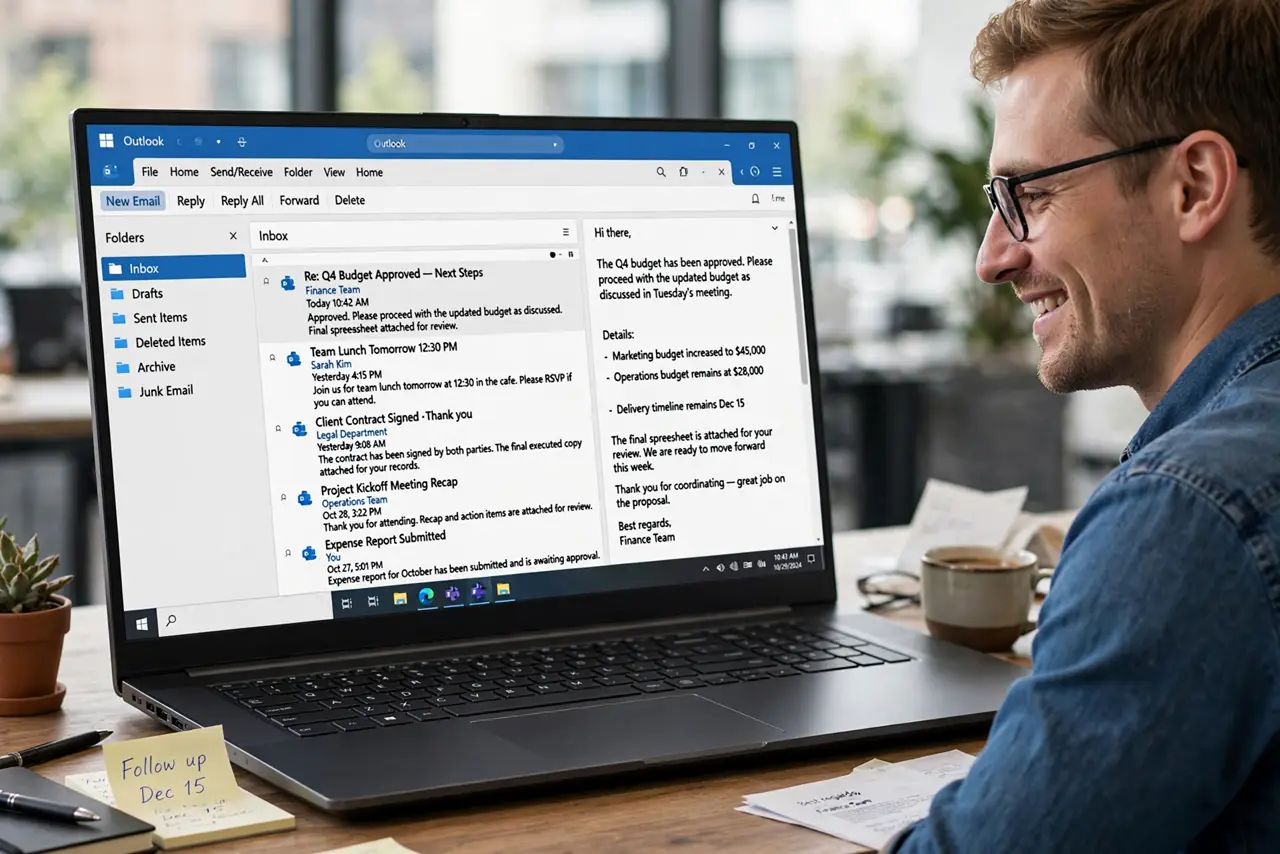
A ten-reply thread where each message quotes the entire history — reading it means scrolling through the same text ten times. Outlook's Clean Up deletes the redundant earlier messages, keeping only the newest complete version. The thread shrinks; nothing of value leaves.
TL;DR / Quick Fix
Quick fix: select the bloated thread and choose Clean Up Conversation — Outlook deletes redundant earlier replies but keeps the newest message with full history plus any with attachments or unique content. Run it on mailing-list threads, not on threads where people edit quotes creatively, which can confuse the tool.
Follow these steps
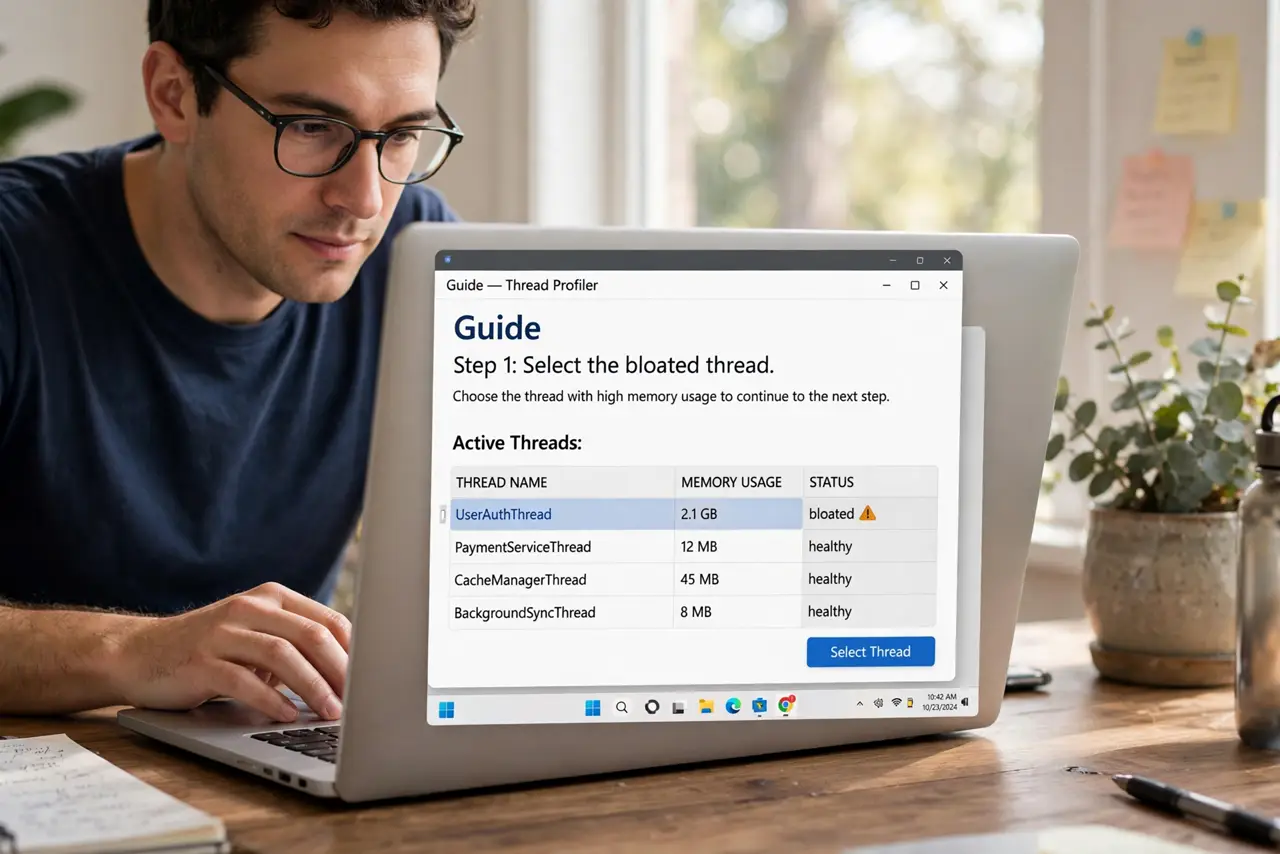
- Select the bloated thread. Click any message in the conversation. Clean Up analyzes the whole thread's quoted history.
- Run Clean Up Conversation. On the Home tab, choose Clean Up > Clean Up Conversation. Outlook previews what it will delete.
- Review what stays. Outlook keeps the newest message containing the full history, plus any message with unique content, attachments, or flags. Redundant quotes go to Deleted Items.
- Clean a whole folder instead. Clean Up > Clean Up Folder runs the same logic across every thread in the folder. Powerful — use it on mailing-list folders, not your boss's inbox.
- Adjust the safety settings. In options, you can exclude categorized, flagged, or unread messages from cleanup. Set exclusions before running it on important folders.
- Recover from Deleted Items if needed. Cleanup moves, never destroys. Anything removed sits in Deleted Items until retention clears it — and Ignore is the stronger tool when you want the thread gone entirely.
What NOT to do
- Do not run folder-wide cleanup on your main inbox blindly. Review the exclusions first.
- Do not expect it to fix threads where people trim quotes creatively. The tool detects redundancy, not meaning.
- Do not confuse Clean Up with archiving. Cleaned messages go to Deleted Items, not the archive.
- Do not run it on threads under legal hold. Deleted Items retention may not satisfy compliance needs.
Frequently asked questions
What exactly gets deleted?
Earlier messages whose full content is quoted in a later reply. Anything unique — attachments, flags, categories, edits — is preserved.
Can I undo a cleanup?
Yes — messages go to Deleted Items, so move them back. There is no one-click undo, but nothing is destroyed immediately.
Why is Clean Up grayed out?
It needs a conversation to work on. Enable conversation view or select a message that belongs to a thread.