Find a Time Everyone's Free
The email thread proposing times, the three replies, the fourth conflict — finding a meeting time by email is a special misery. Outlook can show everyone free and busy side by side and suggest slots. Here is the workflow that kills the thread.
TL;DR / Quick Fix
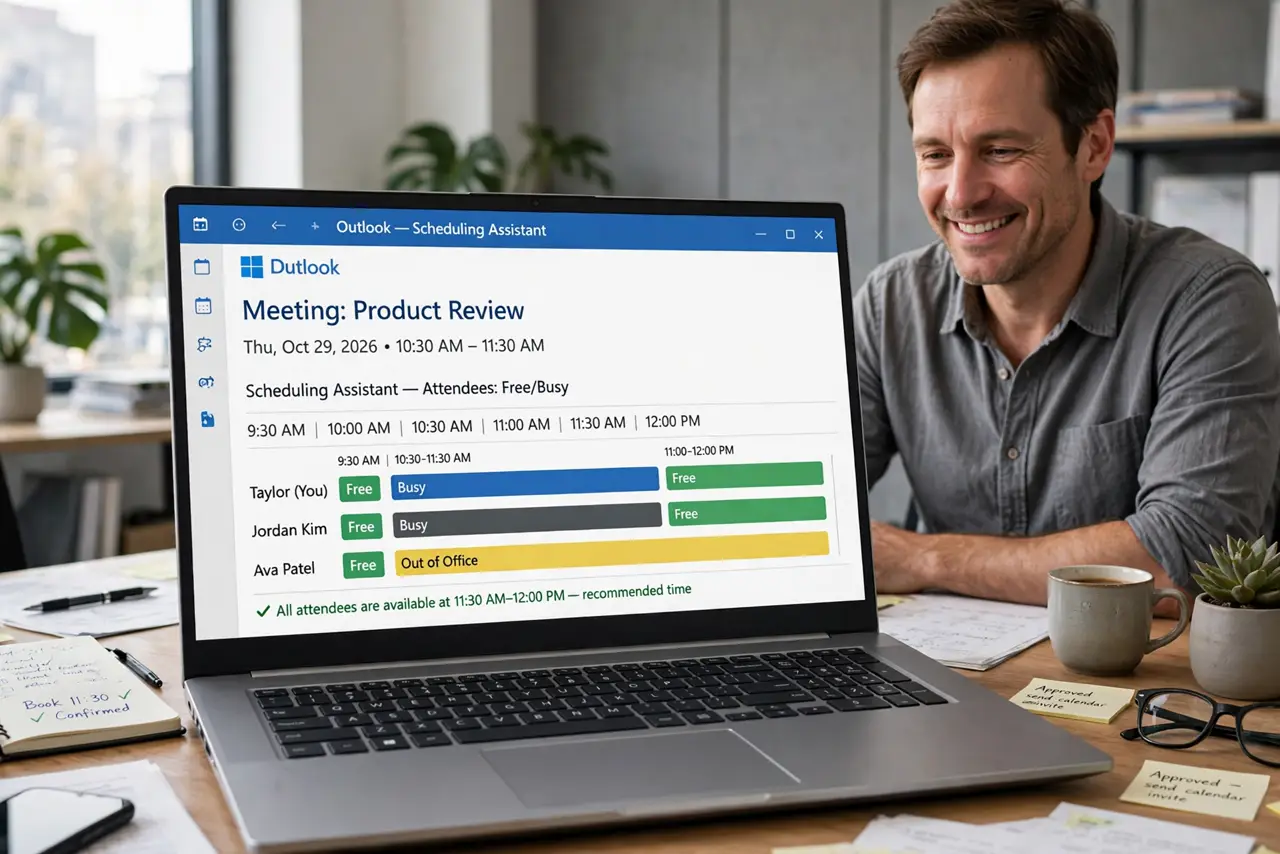
Quick fix: create a new meeting, add attendees, and open the Scheduling Assistant to see everyone's free and busy blocks side by side. Click a free slot for all, then send. For big groups, propose two or three options in the body as well.
Follow these steps
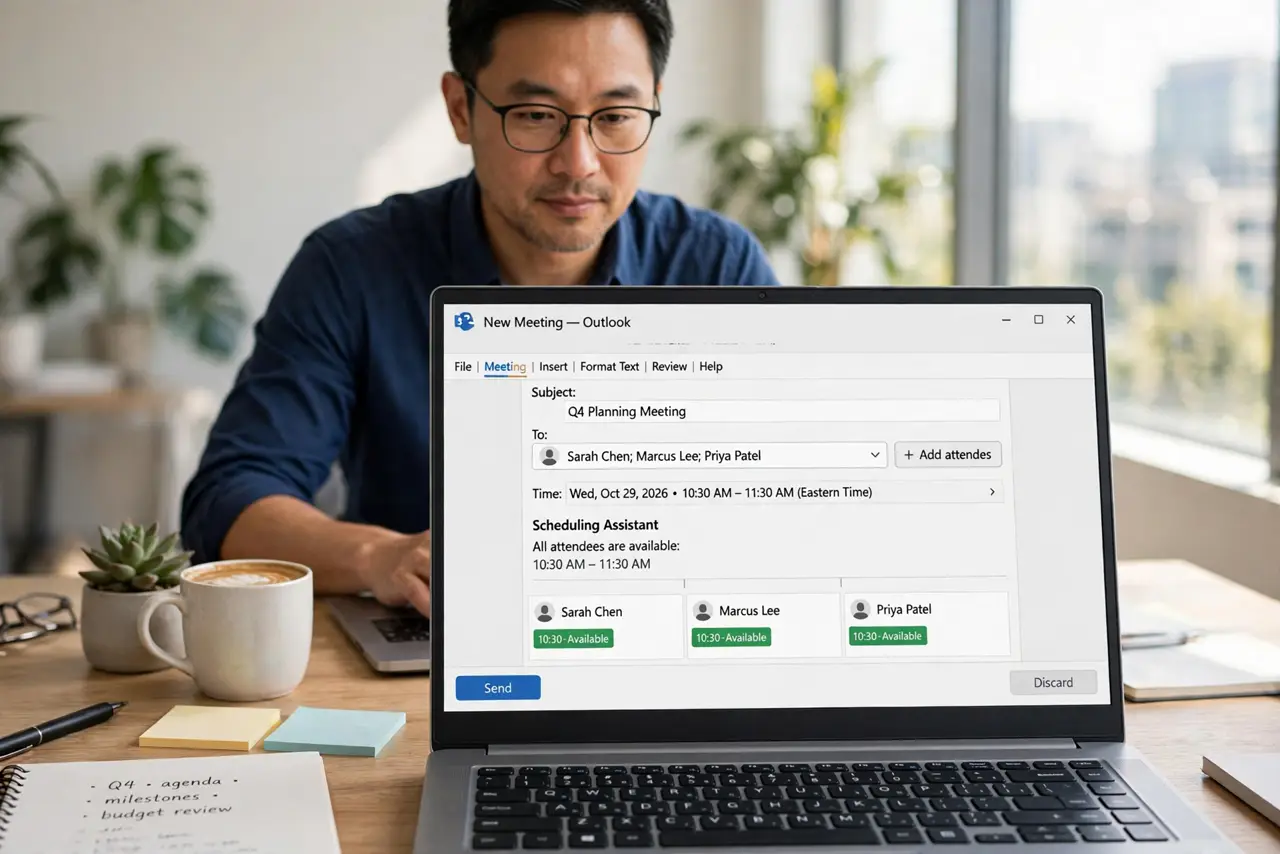
- Start a real meeting invite. New Meeting, not an email — the scheduling tools only live on invites. Add every attendee first.
- Open the Scheduling Assistant. On the invite, switch to the Scheduling Assistant tab. The grid shows each attendee day as free and busy bars.
- Read the colors. White or blank is free, solid bars are busy, striped is tentative or out-of-office. You need a white column across all rows.
- Click the free slot. Click a free block — the meeting time snaps to it. Drag to resize for the right length.
- Add options in the body for big groups. With many attendees, list two or three candidate times in the body. The grid shows truth; options show you are human.
- Send and watch responses. Send the invite and track responses on the Tracking tab. No response in a day means a nudge, not a new thread.
What NOT to do
- Do not propose times by email when the assistant exists. The grid is faster and always current.
- Do not book over someone tentative block without asking. Tentative means maybe — treat it as maybe.
- Do not invite twenty people to find a time. Small required list, large optional list — respect the grid.
- Do not ignore time zones. The assistant converts, but double-check when attendees span continents.
Frequently asked questions
Why can I not see someone free or busy?
They may share no free or busy info, or they are external. Ask them to share availability or propose times manually.
What do the striped bars mean?
Tentative appointments or out-of-office — softer than busy. Ask before booking over them.
Can I find a time without inviting everyone first?
The assistant needs attendees to show their bars. Add them, find the slot, then trim the list if needed.