Mailbox Full? Shrink It
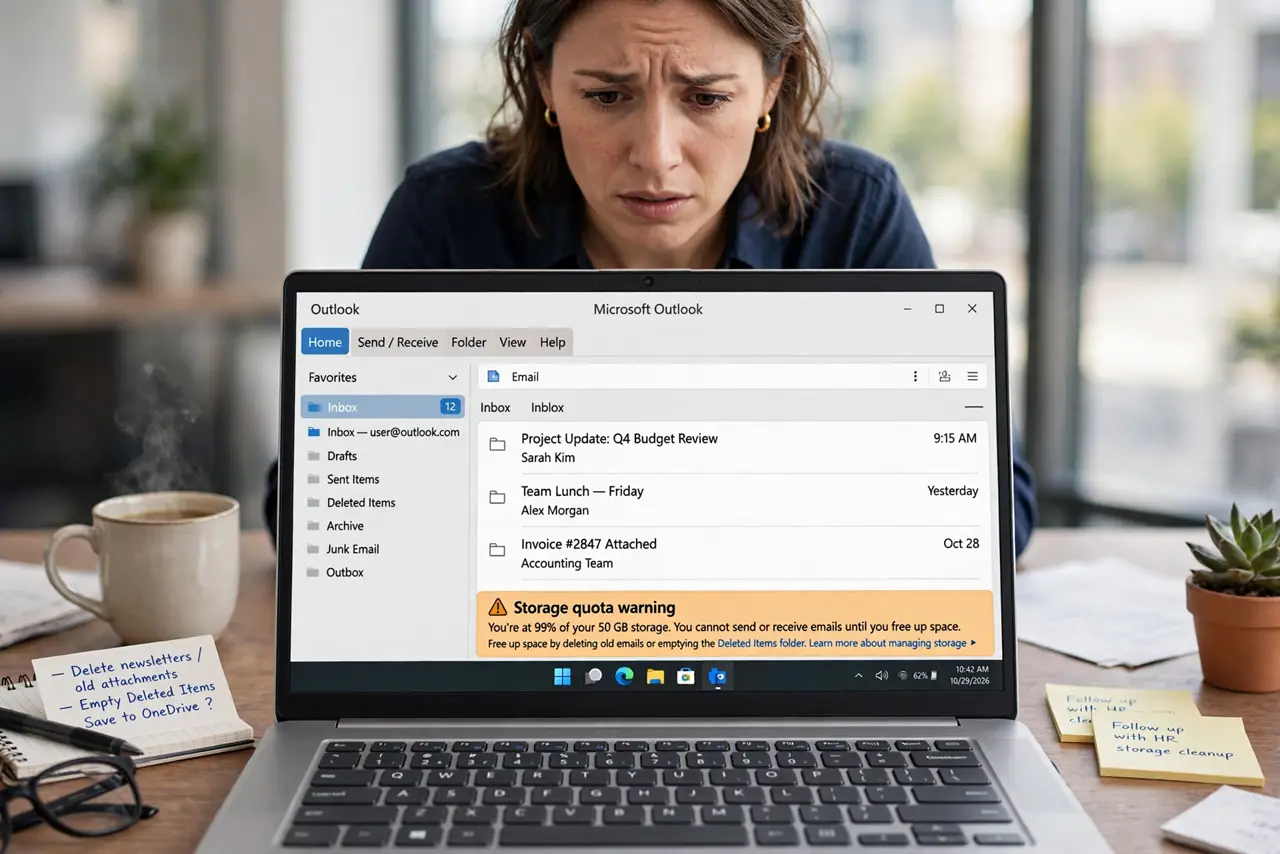
Outlook refuses new mail, or warns the mailbox is full — yet you barely remember sending anything big. Mailbox quotas count everything: inbox, sent items, deleted items, and hidden attachments. The good news: a full mailbox is a storage problem, not a broken account, and a systematic cleanout fixes it. This guide shows where the space goes and how to reclaim it safely.
TL;DR / Quick Fix
Quick fix: empty Deleted Items and Junk Email, then sort your inbox by size and delete or move the largest attachments. Archived mail still counts against quota, so consider exporting old mail to a PST file or deleting it. Check mailbox size to confirm you are back under the limit.
Follow these steps
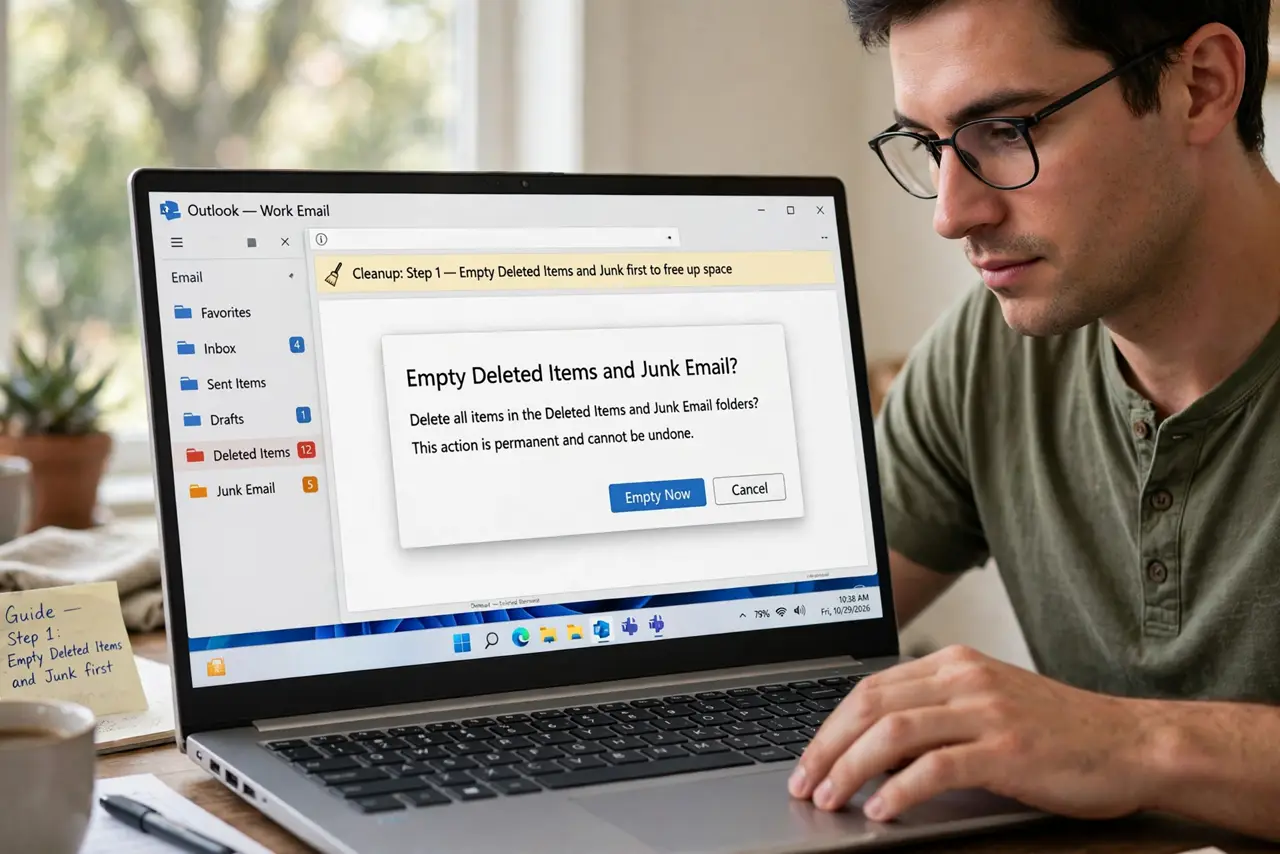
- Empty Deleted Items and Junk first. These folders count against your quota. Right-click each and empty them — this alone often frees a surprising amount.
- Sort by size to find the hogs. Change the inbox sort to Size. A handful of emails with huge attachments usually cause most of the bloat.
- Save attachments, then delete the mail. Save needed attachments to your files first, then delete the email — the attachment lives on in your files and the mailbox shrinks.
- Clean Sent Items ruthlessly. Sent Items quietly grows forever. Delete old sent mail with large attachments; the recipients still have their copies.
- Export old mail to a PST file. Move mail older than a year into a PST file stored on your computer. It leaves your mailbox but stays accessible.
- Check your size and build a habit. View the mailbox size in account settings to confirm the cleanup worked. For the ongoing routine, see Reduce Mailbox Size.
What NOT to do
- Do not delete blindly to hit the quota. Skim before deleting — mass-deleting everything old loses receipts and records.
- Do not forget Deleted Items still counts. Deleting mail without emptying Deleted Items changes nothing until it is emptied.
- Do not ignore the warning for weeks. A full mailbox bounces new mail — senders get failure notices and you never see the message.
- Do not keep your only copy in a PST on a failing drive. PST files are local — back up the computer too, or the 'saved' mail dies with the disk.
Frequently asked questions
How big can my mailbox be?
It depends on your provider — Microsoft 365, Exchange, and Outlook.com each set their own quotas. Check your account settings or ask your IT admin for your exact limit.
Why is my mailbox full if my inbox looks empty?
Quota counts all folders: Sent Items, Deleted Items, Junk, and Archive. A tidy inbox with a bloated Sent Items folder still hits the limit.
Will deleting emails speed up Outlook?
Often, yes. Huge mailboxes slow searching and syncing, so a cleanup can make Outlook noticeably snappier as a bonus.