PST Files? Plain Explanation
Outlook keeps mentioning a PST file when you export mail or add old data — but never explains what it actually is. A PST is simply Outlook's personal storage file: one file on your computer that holds emails, contacts, and calendar items outside your mailbox. Understand it once and exports, backups, and quota fixes all make sense. Here is the plain explanation.
TL;DR / Quick Fix
Quick fix: a PST file is Outlook's personal storage file — one file on your computer holding exported mail outside your mailbox. Create via File > Account Settings > Data Files, then move mail into it. It frees mailbox quota but lives only on that PC, so back it up.
Follow these steps
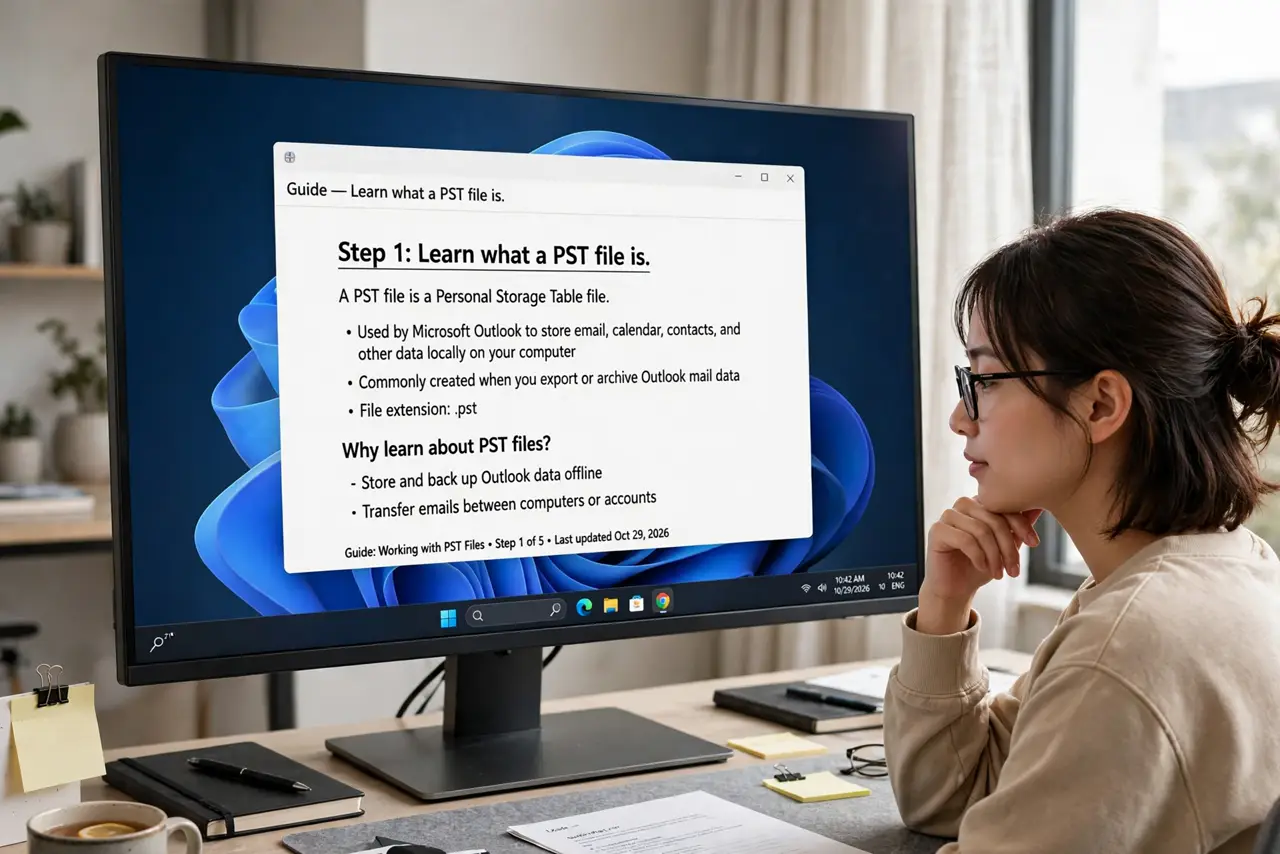
- Learn what a PST file is. It is a single database file — usually named something like archive.pst — that stores Outlook items locally on your computer instead of on the mail server.
- Know why people use them. The two big reasons: freeing mailbox quota by moving old mail out, and keeping a personal backup copy of important mail.
- Create one the official way. Go to File > Account Settings > Data Files > Add. Outlook creates the file and lists it in your folder pane like another mailbox.
- Move or export mail into it. Drag folders into the PST, or use File > Open & Export > Import/Export to copy mail over in bulk.
- Open a PST on any Outlook. File > Open & Export > Open Outlook Data File lets you browse a PST from another computer — handy for old backups.
- Back up the PST file itself. A PST lives only on that PC's disk. Include it in your regular computer backup, or a disk failure takes the 'saved' mail with it.
What NOT to do
- Do not treat a PST as a cloud backup. It sits on one hard drive — no sync, no redundancy, no protection from theft or fire.
- Do not let PST files grow enormous. Very large PSTs get slow and fragile; split old mail into yearly files instead.
- Do not store a working PST on a network drive or USB stick. Outlook expects a fast local disk — remote files corrupt more easily.
- Do not password-protect a PST and forget the password. Recovery is painful, and a forgotten password can lock you out of years of mail.
Frequently asked questions
Can I open a PST file without Outlook?
Not easily. The format is Outlook's own — you need Outlook (or a dedicated viewer) to read it properly.
What is the difference between PST and OST?
A PST is a manual local archive you control. An OST is the automatic offline copy of a server mailbox. Both live on your PC, but they serve different jobs.
Will a PST work on a Mac?
Outlook for Mac uses a different format (OLM). You cannot open a PST directly there — convert or import it through Outlook on Windows first.