Stop Renting Your Router
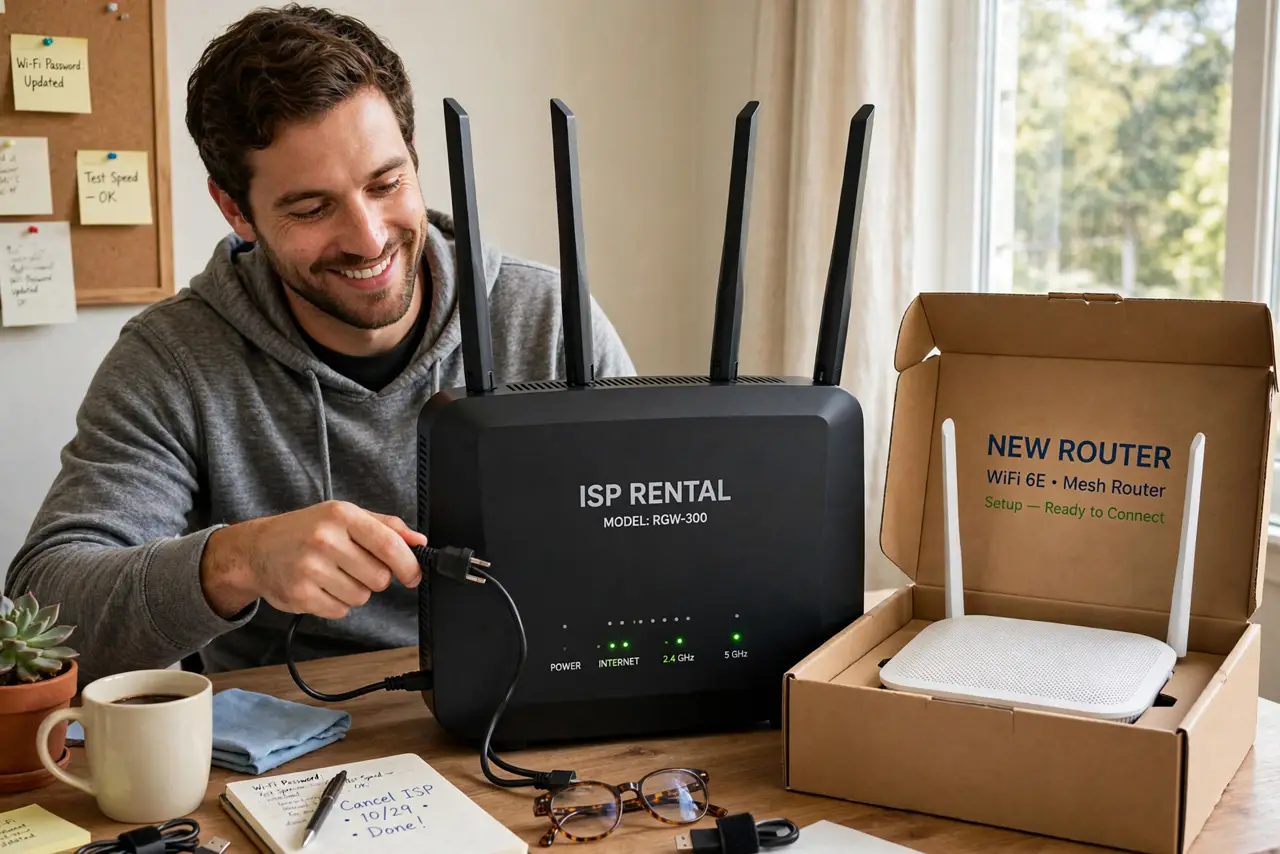
Twelve dollars a month for the ISP's router does not sound like much — until you multiply: $144 a year, $720 over five years, for a $80 box. Buying your own modem and router is one of the highest-return tech purchases you can make. This guide ends the rental.
TL;DR / Quick Fix
Quick fix: that $10-15 monthly router rental is $120-180 a year for hardware worth less — buy your own modem and router instead. Check your ISP's approved modem list first, then buy a compatible modem and a decent router. The gear pays for itself in under a year.
Follow these steps
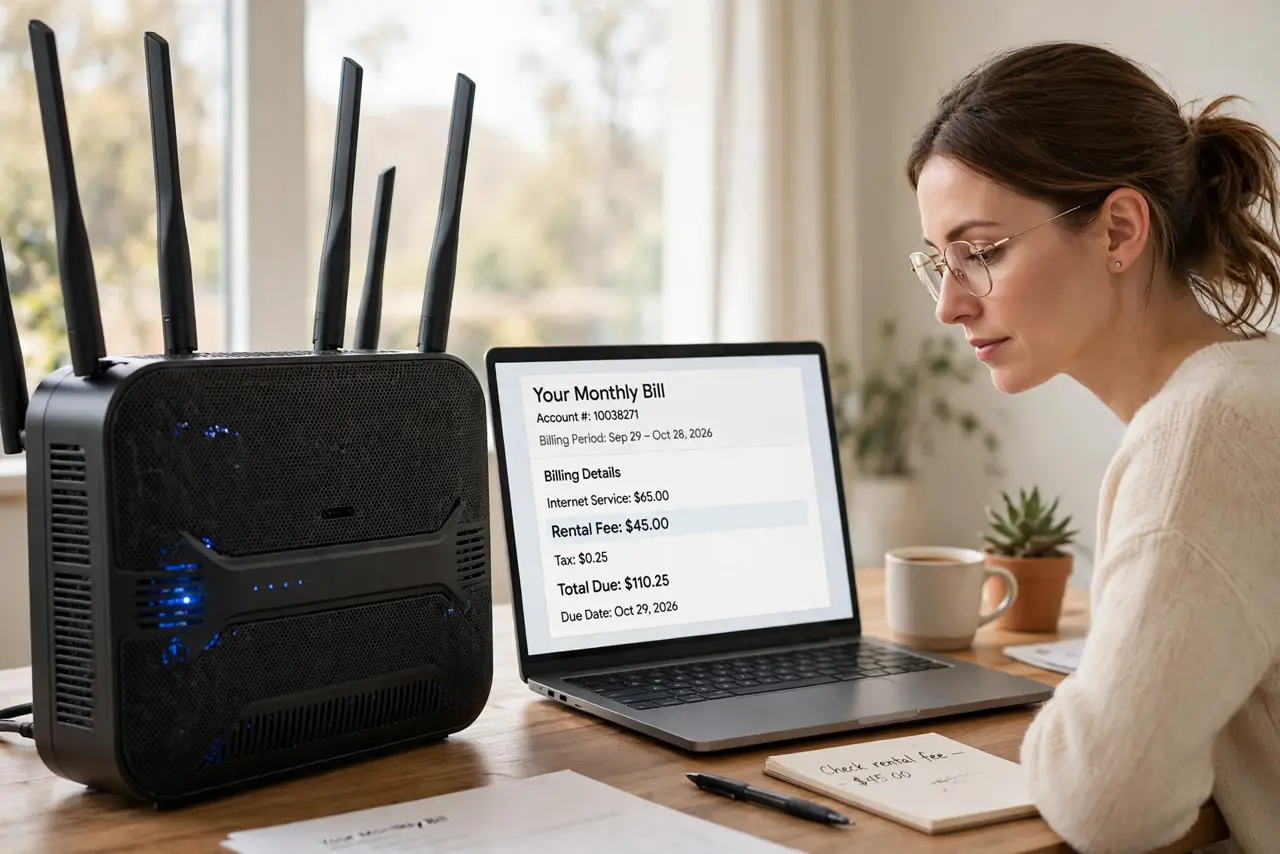
- Find the rental fee on your bill. Check the itemized bill — 'equipment rental', 'gateway fee'. Note the monthly amount; that is your savings target.
- Check the ISP's approved modem list. Cable ISPs publish compatible modems. Buy from that list or the modem will not activate — see picking a compatible modem for the selection guide.
- Buy a modem, then a router. Separate devices beat combos for flexibility: a compatible modem plus any good router. Or a gateway if you prefer one box — your choice now, not theirs.
- Return the rental properly. Get a receipt when you return the ISP's gear — in person if possible. 'Lost equipment' fees on returned gear are a classic billing horror story.
- Confirm the fee is gone. Check the next two bills. Rental fees have a zombie-like persistence — verify, then dispute if it lingers.
- Read your modem's lights. New gear, new blink patterns — learn to read modem lights so the first outage does not send you back to rental thinking.
What NOT to do
- Do not buy a modem before checking compatibility. An unapproved modem is a paperweight — the list is law.
- Do not return gear without a receipt. No receipt, no proof — and the fees continue.
- Do not assume fiber works the same. Fiber uses the ISP's ONT usually — the rental fight is mostly a cable-modem battle.
- Do not cheap out to the point of pain. A $30 router that drops daily costs more in frustration than it saves.
Frequently asked questions
How much will I really save?
Monthly fee times 12, minus the gear cost, from year one. Most break even in 6-10 months.
Will the ISP support my modem?
They will activate approved models; they will not troubleshoot your router's Wi-Fi settings. Fair trade.
What about phone service through the modem?
If you have ISP voice service, you need a modem with voice ports (eMTA). Check the approved list's voice section.