You Lost the Phone With Your Passkeys
Your passkeys lived on the lost phone, and now the front door to your accounts feels locked from the inside. Most accounts keep a spare key — backup codes, a second device, or email recovery — and the recovery order matters.
TL;DR / Quick Fix
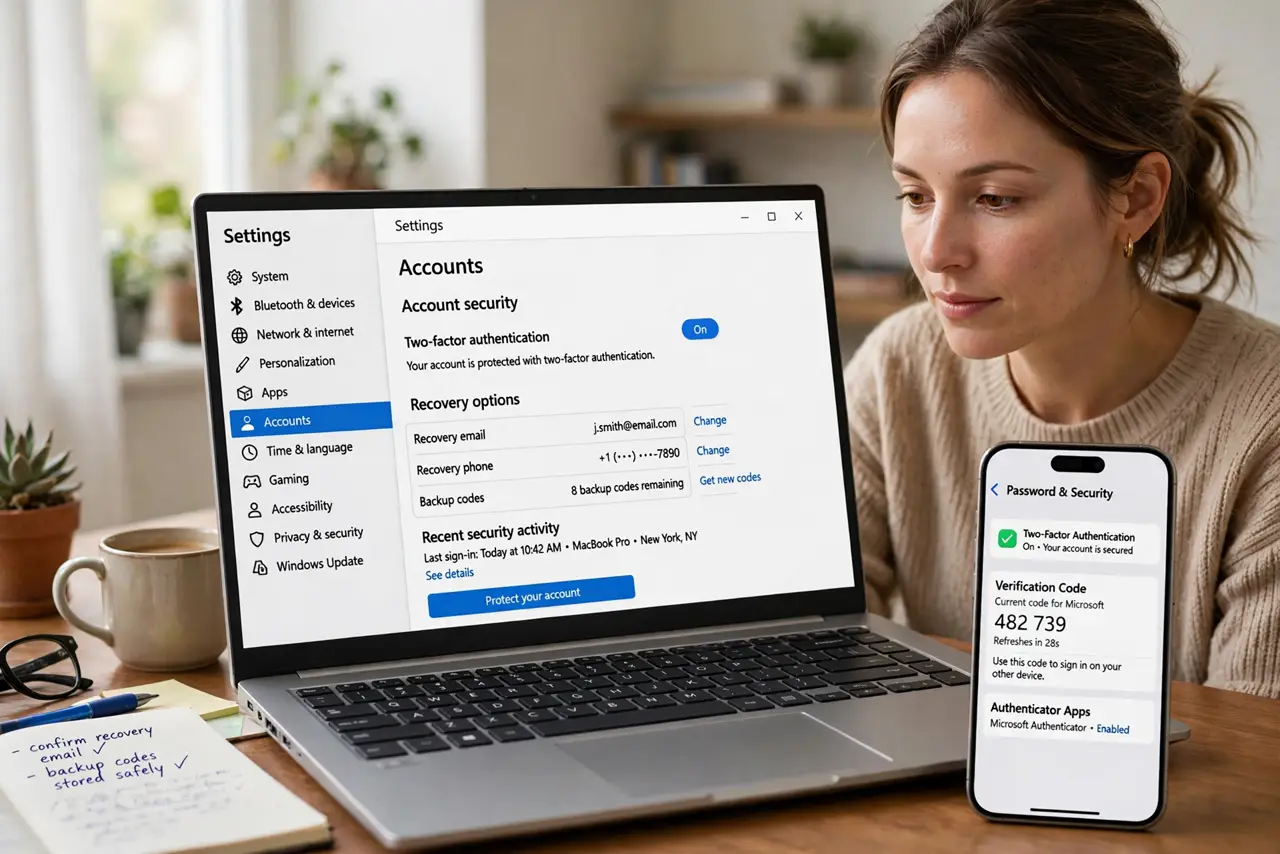
Quick fix: on a computer, sign in to each important account with its recovery option — backup codes, a second device, or email verification — and revoke the lost phone's passkeys. Then create new passkeys on your replacement phone and store backup codes somewhere safe.
Follow these steps
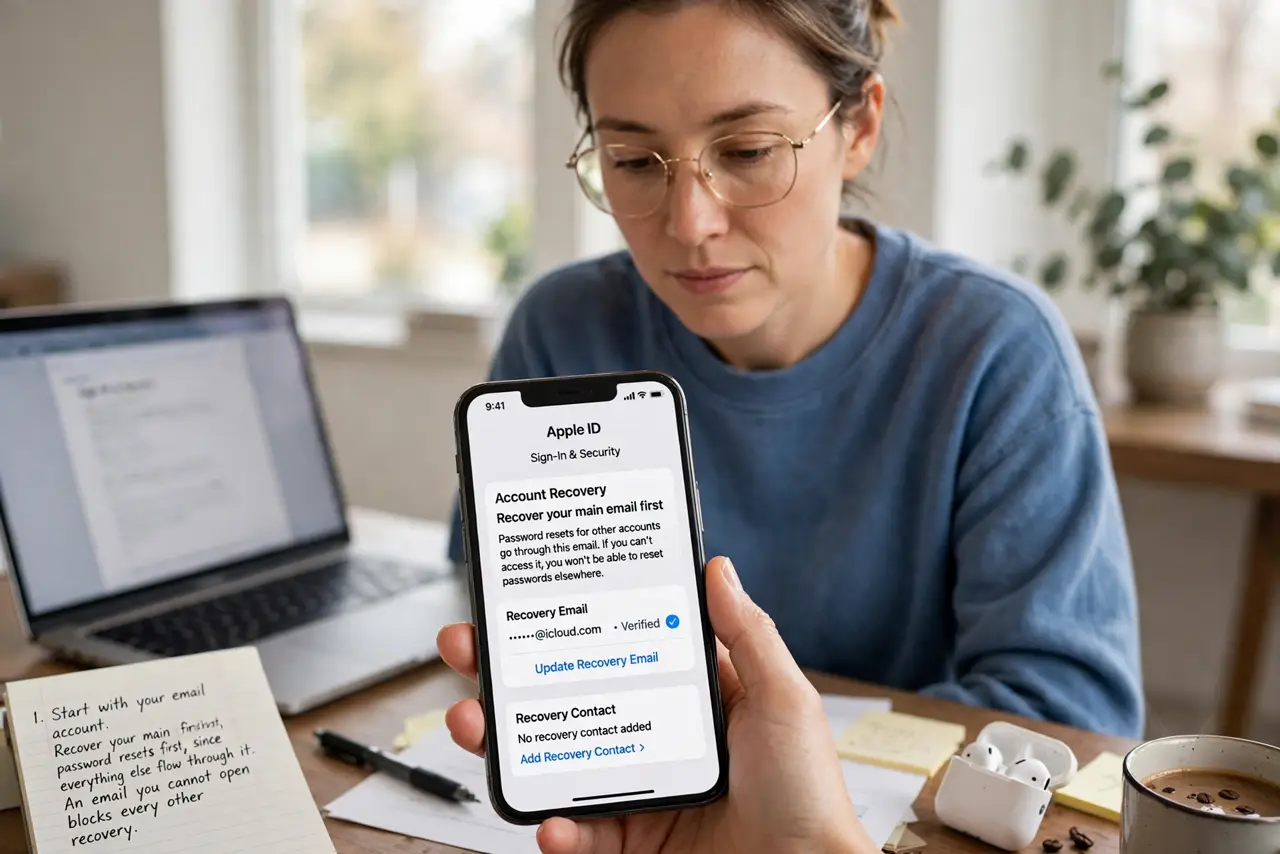
- Start with your email account. Recover your main email first, since password resets for everything else flow through it. An email you cannot open blocks every other recovery.
- Use backup codes where you saved them. Enter the backup codes you stored when you set up each account. This is the moment those codes earn their keep, so find the safe place you put them.
- Try a second signed-in device. A tablet or computer still signed in can approve the new phone or generate codes. Check every device you own before declaring an account unreachable.
- Revoke the lost phone's passkeys. In each account's security settings, remove the lost device and its passkeys. A found phone should not still open your accounts.
- Create new passkeys on the replacement phone. Once inside each account, register a fresh passkey on the new device. New keys replace the revoked ones cleanly.
- Store backup codes properly this time. Save the new backup codes in a password manager or on paper in a safe spot. Losing them again restarts this whole ordeal, and lost codes are a common second crisis.
What NOT to do
- Do not wipe the lost phone remotely before recovering accounts. A remote wipe can kill the very sessions and codes you need for recovery.
- Do not create new accounts instead of recovering. Duplicate accounts fragment your history and leave the old ones exposed.
- Do not skip revoking the old passkeys. Recovery without revocation leaves the lost phone as a valid key to accounts you just secured.
- Do not store the new backup codes only on the new phone. One device holding all spares is the single point of failure you just escaped.
Frequently asked questions
Can I get into accounts without the lost phone?
Usually yes, through backup codes, a second device, or email recovery. The exact path varies by account, so start with email.
Should I worry the finder will use my passkeys?
Passkeys need your biometrics or PIN too, but revoke them anyway. Revocation is quick and removes the risk entirely.
How do I avoid this next time?
Keep a second device enrolled, store backup codes outside the phone, and sync passkeys through your platform's cloud keychain.