Where Do Passkeys Sync?
Passkeys feel like magic — created on your phone, available on your laptop — until you wonder where they actually live. They sync through your platform's password manager: iCloud Keychain for Apple, Google Password Manager for Android and Chrome, and similar stores elsewhere. Same account, signed in, and they follow you.
TL;DR / Quick Fix
Passkeys sync through your platform's password manager — iCloud Keychain on Apple devices, Google Password Manager on Android and Chrome. Sign in with the same account on a new device and your passkeys arrive automatically, protected by your device unlock. Passkeys saved only on one security key never sync anywhere.
Follow these steps
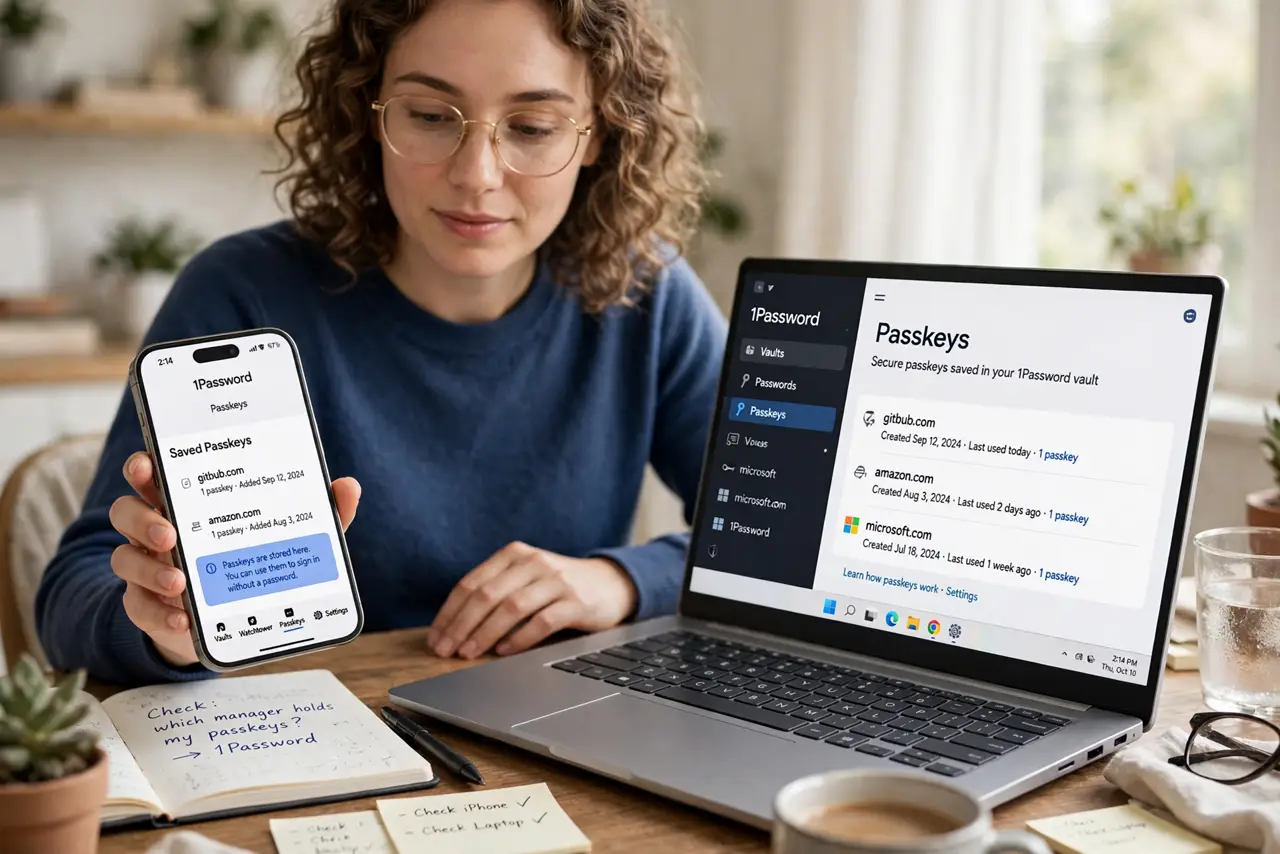
- Learn which manager holds yours. iPhone and Mac: iCloud Keychain. Android and Chrome: Google Password Manager. Windows: Windows Hello's store. The passkey lives there, not 'in the app'.
- Confirm sync is turned on. iCloud: Settings > your name > iCloud > Passwords. Google: Chrome or Android settings > Password Manager > Settings > sync. One toggle decides everything.
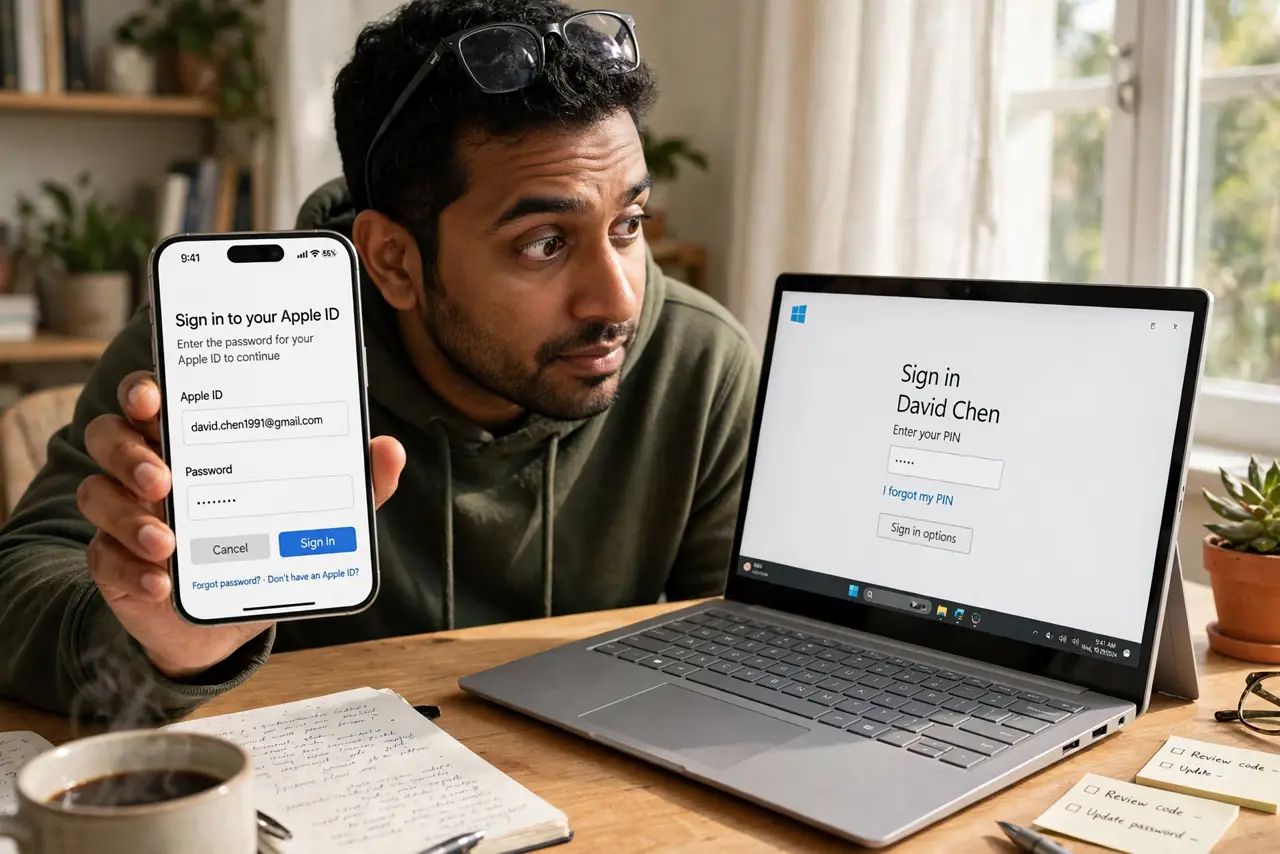
- Sign in with the same account everywhere. The sync key is the platform account — same Apple ID, same Google account. A different account means a different, empty vault.
- Expect a verification step on new devices. New hardware must prove itself — usually with the old device's approval or the account password plus a code. This blocks thieves from just signing in.
- Know what never syncs. Passkeys stored on a physical security key stay on that key by design. That is a feature — the key is the second factor — not a bug.
- Check before you wipe an old device. Open the password manager on the new device and confirm the passkeys arrived. Only then wipe the old one — see lost-device recovery if it is already gone.
What NOT to do
- Do not mix personal and work accounts. Passkeys sync to the signed-in account — work passkeys in a personal vault (or vice versa) create a mess at job changes.
- Do not turn off sync to 'be safer' without a plan. Unsynced passkeys die with the device; sync with a strong account password is the safer default for most people.
- Do not assume every site's passkey syncs. A few sites create device-bound passkeys deliberately — check the site's security settings to see which kind you got.
- Do not share the platform account to share passkeys. Sharing an Apple ID or Google account shares everything — use the site's own sharing or delegation instead.
Frequently asked questions
Are synced passkeys less secure than device-bound ones?
Slightly, in theory — they exist in more than one place. In practice, sync through a strong platform account beats a single device that can be lost.
Can I move passkeys from iPhone to Android?
Direct cross-platform moves are still clumsy. The practical path: create a fresh passkey on the new platform for each important site, then remove the old ones.
What protects synced passkeys from hackers?
Your platform account's own security — strong password plus its two-factor. Guard that account like the master key it is.