'Password in a Data Leak' Alert? What to Do
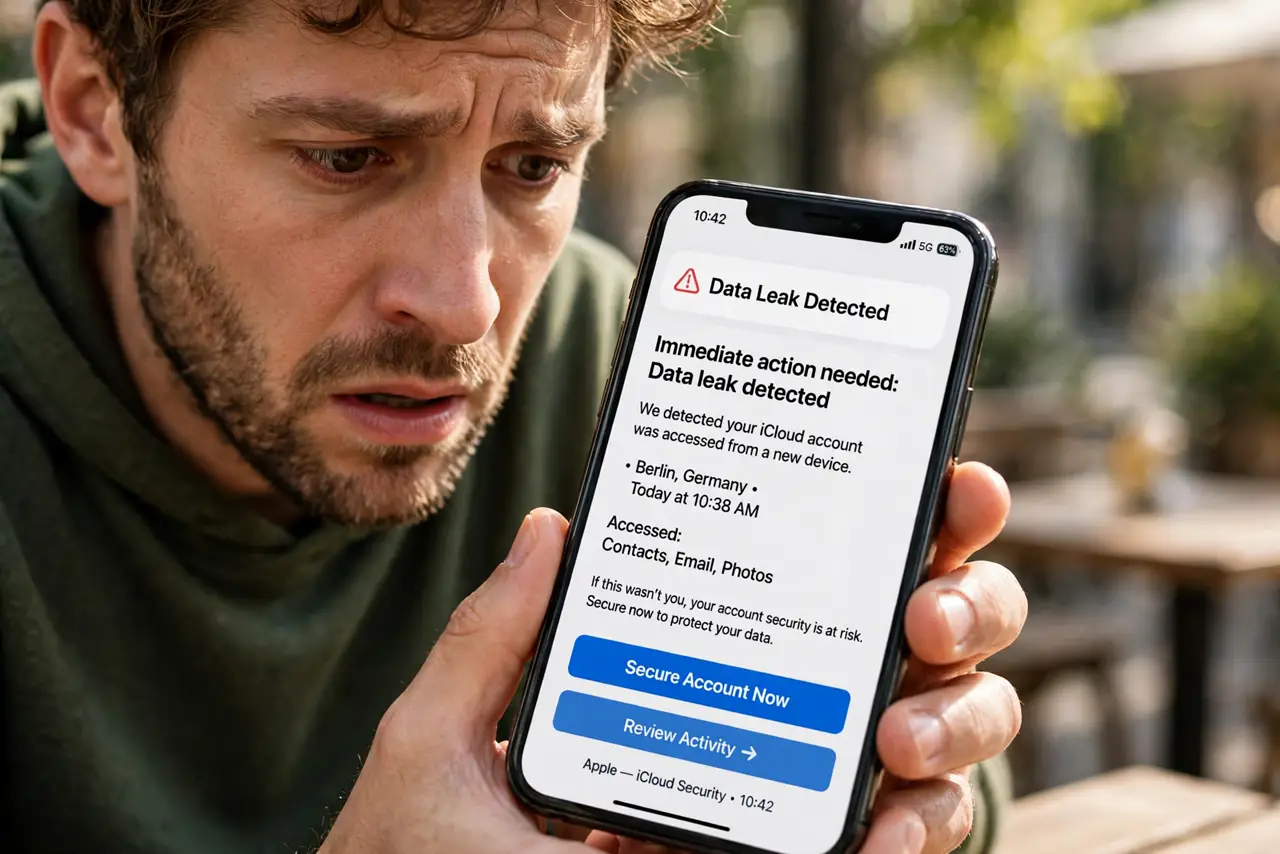
Your phone or browser tells you one of your passwords appeared in a data leak. That means criminals may already have the password, not just your email. This guide shows exactly what to do in the first ten minutes.
TL;DR / Quick Fix
Quick fix: change the leaked password immediately, and change it on every other site where you reused it. Turn on two-factor for those accounts, then check your email for a breach report to see what else leaked. Do this today — leaked passwords get tried by attackers within hours.
Follow these steps
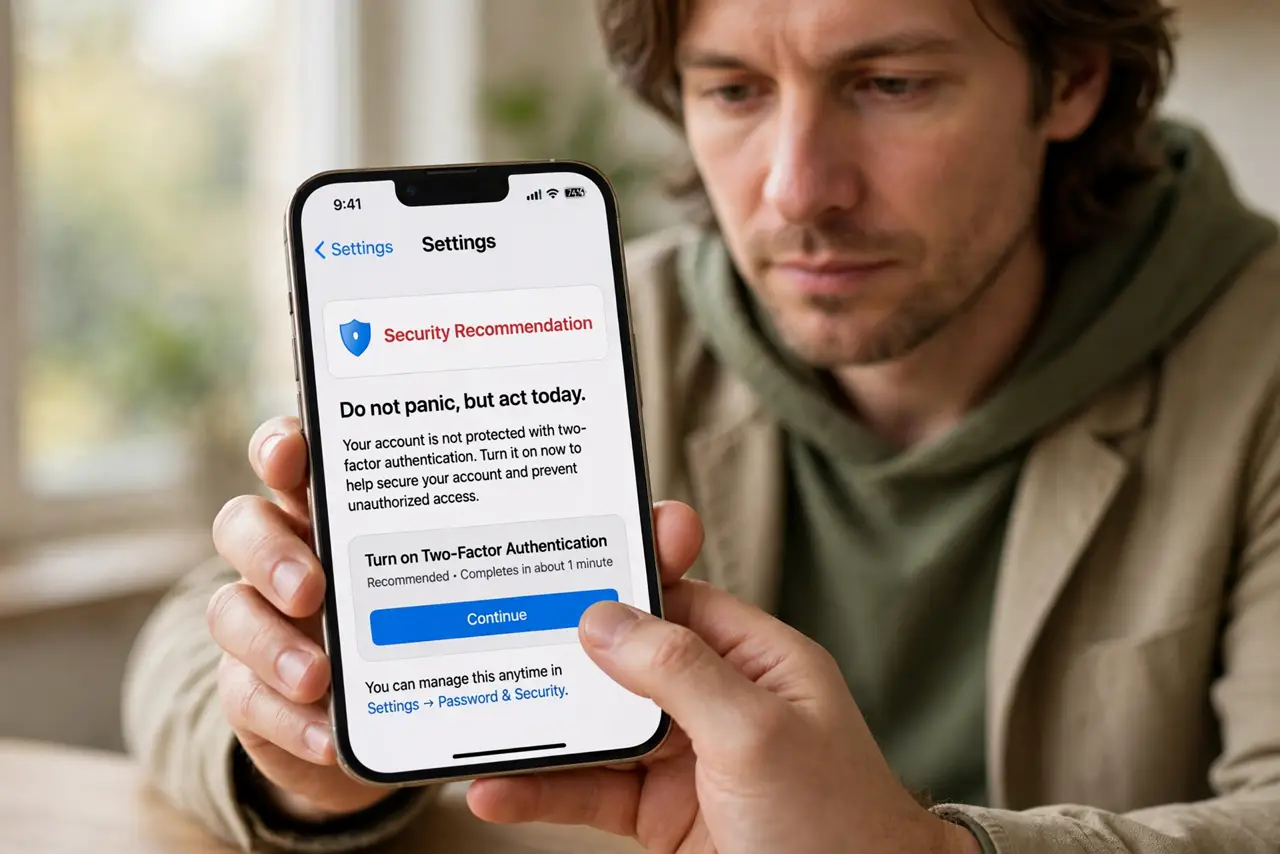
- Do not panic, but act today. A leak alert means the password is in criminals' hands, possibly along with your email. Speed matters more than perfection here.
- Change the leaked password first. Go to the affected site and set a brand-new password you use nowhere else. If you reused it on other sites, those are compromised too.
- Change it everywhere you reused it. Work through every account sharing that password, starting with email and banking. This is the step people skip, and it is the one that gets them.
- Turn on two-factor. Add two-factor to every account you just fixed. Even if the attacker already has the password, the second factor stops them.
- Check what else leaked. Read the breach details or run your email through a breach checker. If your phone number or address leaked too, watch for targeted scam calls and texts.
- Watch the account for a week. Check the account's recent activity or login history for sessions you do not recognize, and sign out unknown devices. Report anything odd to the service right away.
What NOT to do
- Do not just change one letter of the leaked password. Attackers try simple variations automatically, so the replacement must be completely new.
- Do not ignore the alert because 'nothing happened yet.' Leaked credentials are often used weeks later, when you have stopped watching.
- Do not click links in emails about the breach. Go to the site directly by typing the address — breach news attracts phishing emails.
- Do not reuse the new password anywhere else. A fresh unique password is the whole point of the exercise.
Frequently asked questions
How did my password end up in a leak?
A site you used was breached and its user database was stolen or published. Your password was in that database, often alongside your email address.
Should I change passwords on sites I barely use?
If they share the leaked password, yes. Attackers do not care how often you visit — they try the password everywhere automatically.
Will the site force me to change it?
Sometimes, but not always. Do not wait for them — change it yourself as soon as you see the alert.